
Use case
Fix Photos That Yellowed in the Album
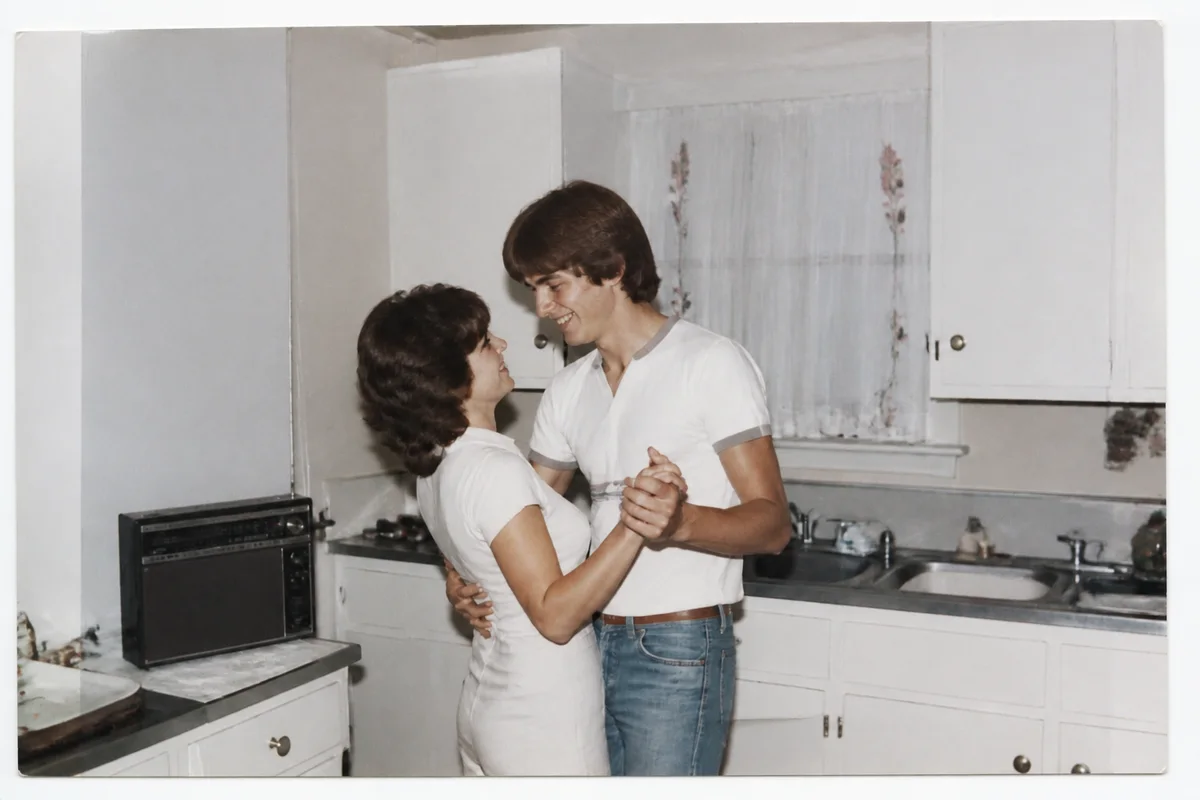
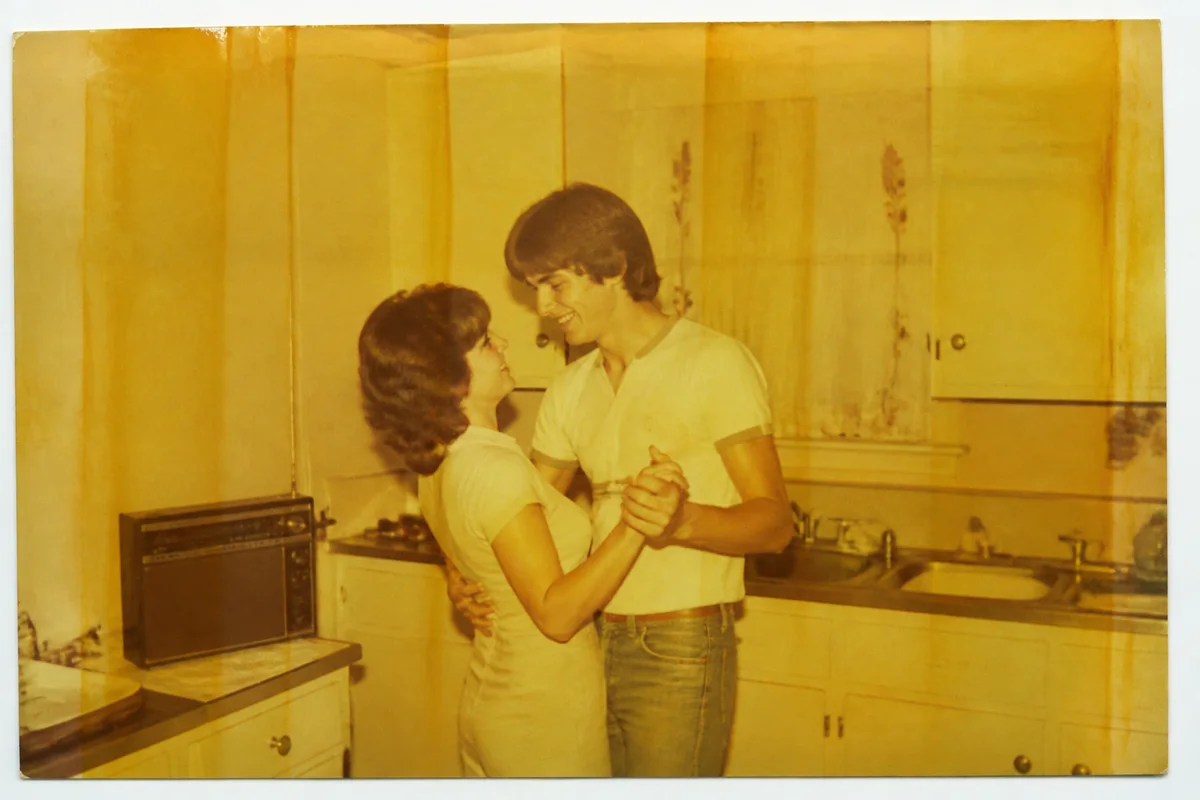
Watch the rescue unfold — pull the slider across.
Open an album from the seventies or eighties and everything has turned the same shade of amber. It isn't your memory — it's chemistry. Acidic paper, adhesive strips, and plastic overlays have been quietly working on those prints for forty years, and the yellow cast is the result.
The fix doesn't require removing anything from the album. Photograph each page or individual print, upload, and let AI strip away the age cast to find the color underneath. Whites come back white, skies come back blue, and the family in the picture stops looking like they lived inside a sepia filter.
Because each photo takes seconds, digitizing and reviving a whole album is a weekend project — and the digital copies are then safe from the album chemistry that caused the problem in the first place.
The problems this solves
- A uniform yellow-amber cast has swallowed the original colors.
- Sticky 'magnetic' album pages have left adhesive lines and texture on the prints.
- Prints are trapped under yellowed plastic film that dulls every shot.
- Removing photos from the album risks tearing them, so they stay locked in.
A workflow that works
Neutralize the age cast
The yellow shift is fundamentally a color-balance problem — correcting it does most of the visual work in one step.
AI White BalanceRestore faded areas
Where the print has faded unevenly or picked up adhesive damage, restoration rebuilds the affected regions.
AI Photo RestorationBring the color back to life
After decades of fade, colors sit flat even once the cast is gone — a measured boost brings back the vibrancy the print had when new.
AI Color PopSharpen and enlarge for sharing
Album prints are often small; upscaling gives the family a version worth printing or displaying on a modern screen.
AI Image UpscalerFrequently asked questions
Can I just photograph the album page through the plastic?
If the print can't be removed safely, yes — angle the page to avoid glare from the plastic, or shoot near a window with indirect light. The AI can work through some dullness, though a direct capture of the print is better when possible.
The photos are stuck to the sticky album pages. Should I peel them off?
Be careful — old adhesive can take the print's back layer with it. Dental floss slid behind a print sometimes releases it gently, but when in doubt, photograph it in place rather than risk a tear.
Will the revived colors be the same as the day the photo was taken?
They'll be a faithful-feeling reconstruction built from what remains in the print. Judge each result by eye — you knew these scenes — and tweak the treatment until it matches your memory.
How many photos can I do at once?
Work through them one at a time, seconds each, any hour you like. Start with your 4 free signup credits on the pages that matter most.
Related use cases