
People & moments
AI Face Swap
Move a face between photos, lighting matched
Starter credits come with your account — and there's no card to enter.
- 1Add the main photo along with a sharp shot of the face being carried over
- 2The AI aligns, relights, and blends the face into the target
- 3Review the blend at the jaw and hairline, then download
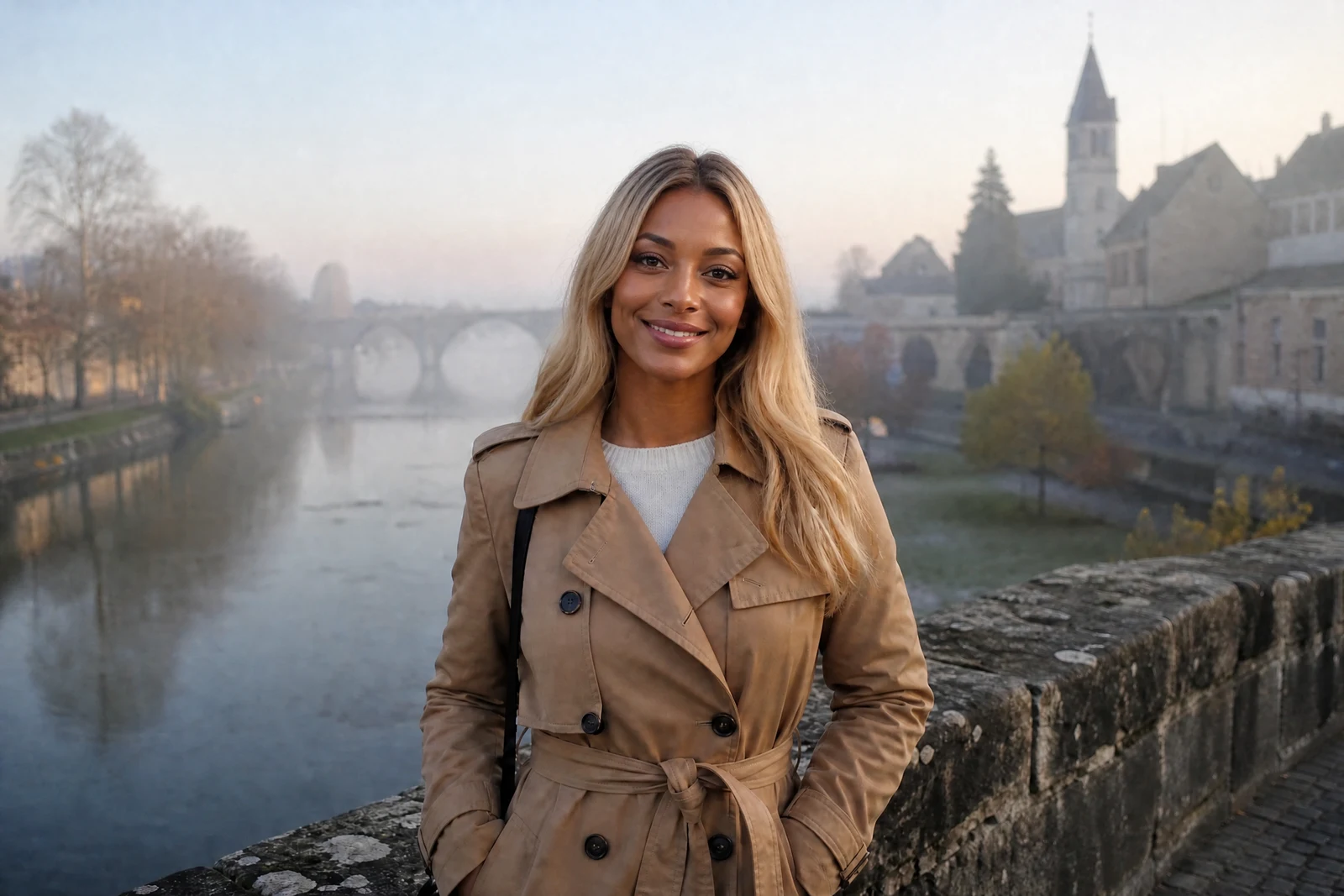
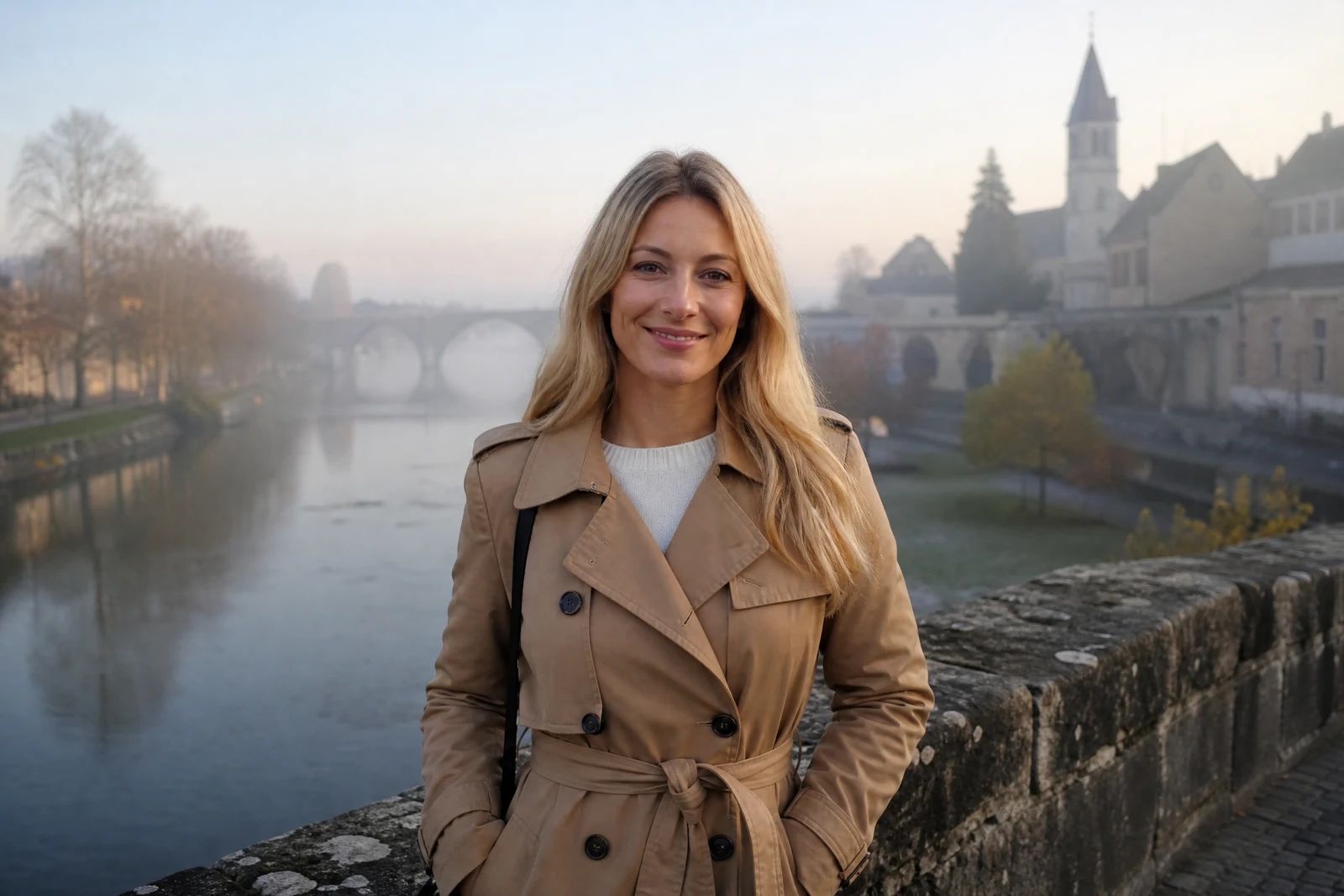
Straight out of the editor, unretouched — slide the handle to see the change.
The oldest problem in group photography: the frame where the scene is perfect contains one face that is not, and the frame where that face is perfect has everything else wrong. Darkroom compositors solved it with scissors and skill; the digital version demands matching angle, light, and skin across two different photos, which is where amateur attempts collapse.
Upload the target photo and a photo of the face to use. The AI detects the source face, re-poses it to the target's head position, carries the target photo's lighting onto it, and blends the skin so the transition at jaw and hairline holds up. The rest of the target photo — hair, clothing, scene — continues as it was, with the new face rendered as part of it.
The family-archive uses are the sweet ones: completing the reunion photo where Dad blinked by borrowing his face from the frame before, or putting your good expression onto the shot where the toddler finally looked at the camera. For replacing an entire person rather than a face, the Replace Person tool does the whole-figure version.
Why this tool
- Send what you finish here straight into every other tool
- Standard, Pro and Max quality tiers
- Results land in your creations library
- Enlarge for printing, or set the still photo in motion as video
Frequently asked questions
What makes a good face source photo?
Sharp, well-lit, and facing roughly the same direction as the target head. The closer the two angles, the less the AI must re-pose and the cleaner the result.
Does the lighting really carry over?
Matching light is most of what makes a swap believable, so the target photo's lighting is rendered onto the new face — warm party light, window light, or outdoor shade included.
Can I use it on group photos?
Yes — the swap targets the most prominent matching face. For a specific person deep in a large group, cropping the target down to them first gives the most predictable aim.
Is there a free swap?
Yes: signup includes 4 free credits, enough for one Standard-quality swap.
Can I try AI Face Swap for free?
Yes — every new account starts with 4 free credits, enough to run this tool once at Standard quality. No credit card required.
Related tools