
Enhance quality
AI Photo Enhancer
Styled enhancement looks, from crisp detail to cinematic
Starter credits come with your account — and there's no card to enter.
- 1Upload the photo and choose an enhancement style
- 2The AI applies the styled enhancement in a single pass
- 3Compare styles if you like, then download your favorite

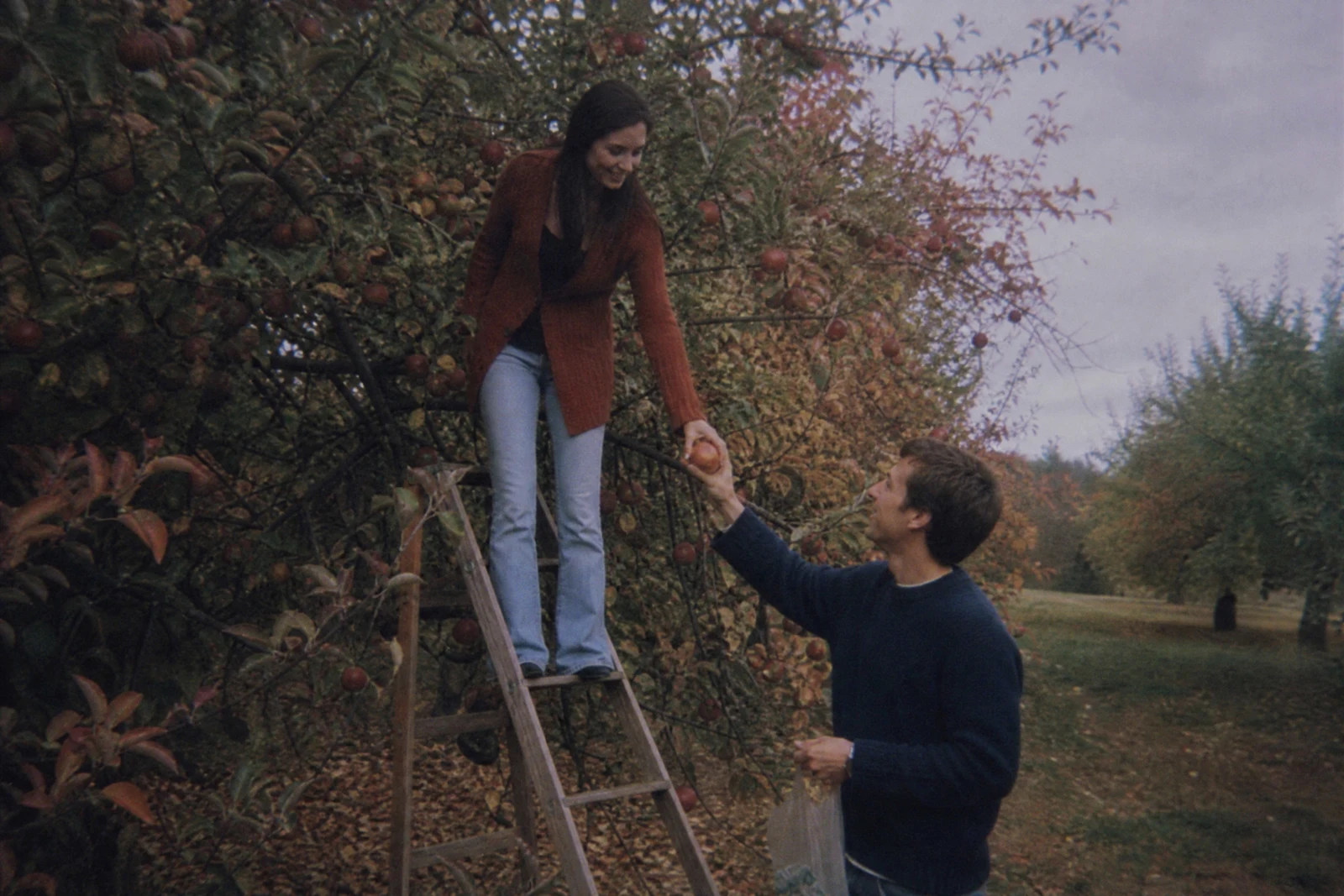
Straight out of the editor, unretouched — slide the handle to see the change.
Not every photo wants the same rescue. A dim restaurant shot needs light; a gray vacation beach needs color; a portrait may want softness where a landscape wants bite. This tool wraps those different intentions into one enhancer with selectable styles, so the fix matches the photo instead of forcing every image through the same recipe.
Auto reads the photo and applies a balanced overall lift. Brighten low light is built for dim interiors and evening shots; Color pop revives muted, overcast color; Crisp detail sharpens texture for architecture, products, and landscapes; Soft & airy gives portraits and lifestyle shots a light, gentle finish; Cinematic grade adds the moodier contrast and tone of a film still.
Styles are cheap to explore — each run takes seconds, so trying two or three looks on the same photo is a normal workflow rather than an indulgence. When you find yourself wanting finer control, the dedicated tools go deeper: Low Light Brightener with strength levels, Color Pop with its own intensity scale, and Film Look for a full set of film-stock grades.
Why this tool
- Send what you finish here straight into every other tool
- Standard, Pro and Max quality tiers
- Results land in your creations library
- Enlarge for printing, or set the still photo in motion as video
Frequently asked questions
What does Auto do?
Auto assesses the photo and applies a balanced enhancement — exposure, color, and detail together. It is the right default when you are not chasing a particular look.
Can I run more than one style on the same photo?
Yes, and it is encouraged — each render takes seconds, so generating Color pop and Cinematic side by side and keeping the winner is a perfectly good way to decide.
When should I use Auto Enhance instead?
Auto Enhance offers the same balanced recipe at three strengths, which is ideal when the only question is how hard to push. This tool is for when you want a specific character — airy, punchy, cinematic — rather than just more or less.
Is there a free run?
Yes — 4 free credits come with signup, enough for one Standard-quality enhancement to see the difference on your own shot.
Can I try AI Photo Enhancer for free?
Yes — every new account starts with 4 free credits, enough to run this tool once at Standard quality. No credit card required.
Related tools