
People & moments
AI Add People to Photos
Put the missing person into the picture
Starter credits come with your account — and there's no card to enter.
- 1Upload the scene photo and a clear photo of the person to add
- 2The AI places, scales, relights, and grounds them in the scene
- 3Check scale and shadows, then download the completed photo
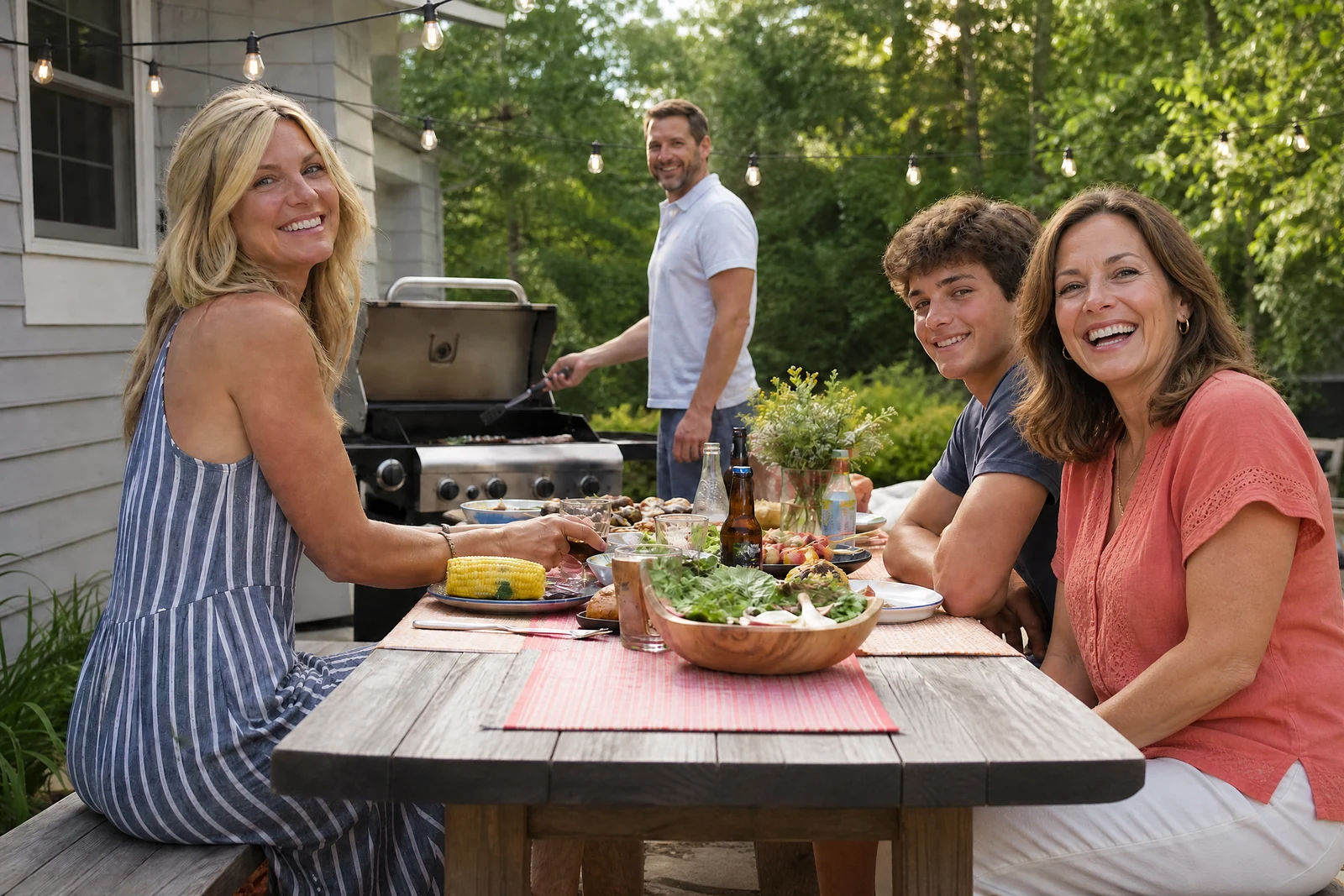
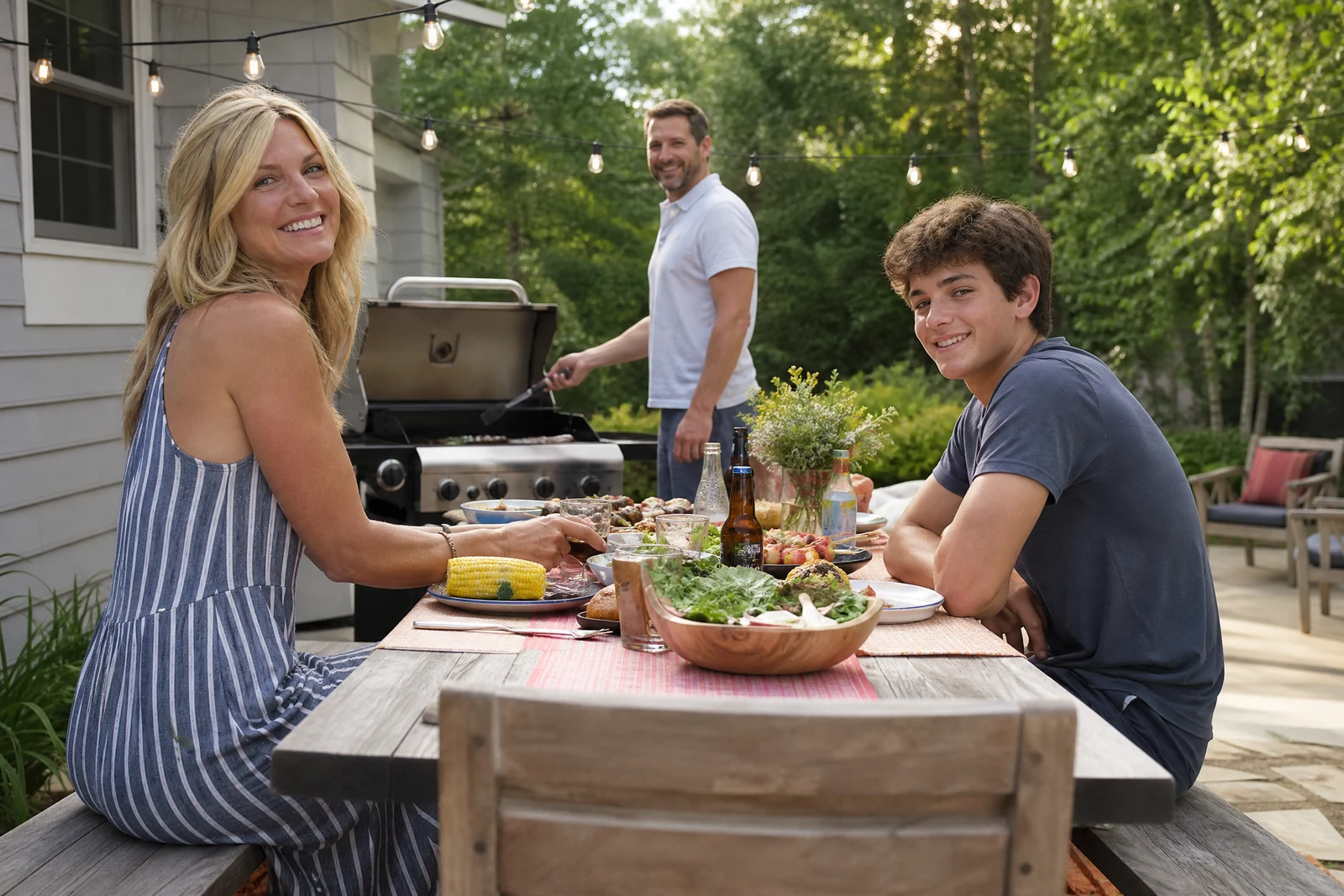
Straight out of the editor, unretouched — slide the handle to see the change.
Someone is always missing. The sibling who could not fly in for the reunion, the parent who was behind the camera in every photo of the kids, the grandparent who passed before the wedding. The family gathered anyway, the photo got taken anyway — with a gap where a person should be.
This tool composites them in. Upload the scene and a photo of the person; the AI scales them correctly for their placement, re-renders the scene's lighting on them, and grounds them with matching shadows so the addition reads as present rather than pasted. The scene photo's setting continues around them the way it would have if they had been standing there.
It is a tender tool when used for memorial composites — adding a late relative to a milestone they would have attended — and a practical one for the perpetual photographer-parent who appears in none of the family's photos. Compose the placement thoughtfully, review it closely, and pair it with Couple Photos when the goal is a portrait of exactly two people together.
Why this tool
- Send what you finish here straight into every other tool
- Standard, Pro and Max quality tiers
- Results land in your creations library
- Enlarge for printing, or set the still photo in motion as video
Frequently asked questions
What photo of the person works best?
A clear, full- or half-body shot in lighting roughly similar to the scene, ideally at a matching angle. The more the AI can see of the person, the more naturally it can pose them into place.
Will they look pasted on?
Scale, lighting, and shadowing are exactly what the compositing pass works on, and they are what separate a composite from a collage. Judge the result at the contact points — feet, shadows, edges — as a retoucher would.
Can I add someone who has passed away?
Yes — memorial composites are one of the most common and meaningful uses. Choose a well-lit photo of them, place them naturally in the scene, and take the result for what it is: a keepsake, made with care.
Can I try AI Add People to Photos for free?
Yes — every new account starts with 4 free credits, enough to run this tool once at Standard quality. No credit card required.
Related tools