
Portraits
AI Face Retouch
Skin retouching that still looks like skin
Starter credits come with your account — and there's no card to enter.
- 1Upload a portrait with the face clearly visible
- 2The AI clears temporary flaws while keeping natural texture
- 3Review the skin up close and download the retouched portrait
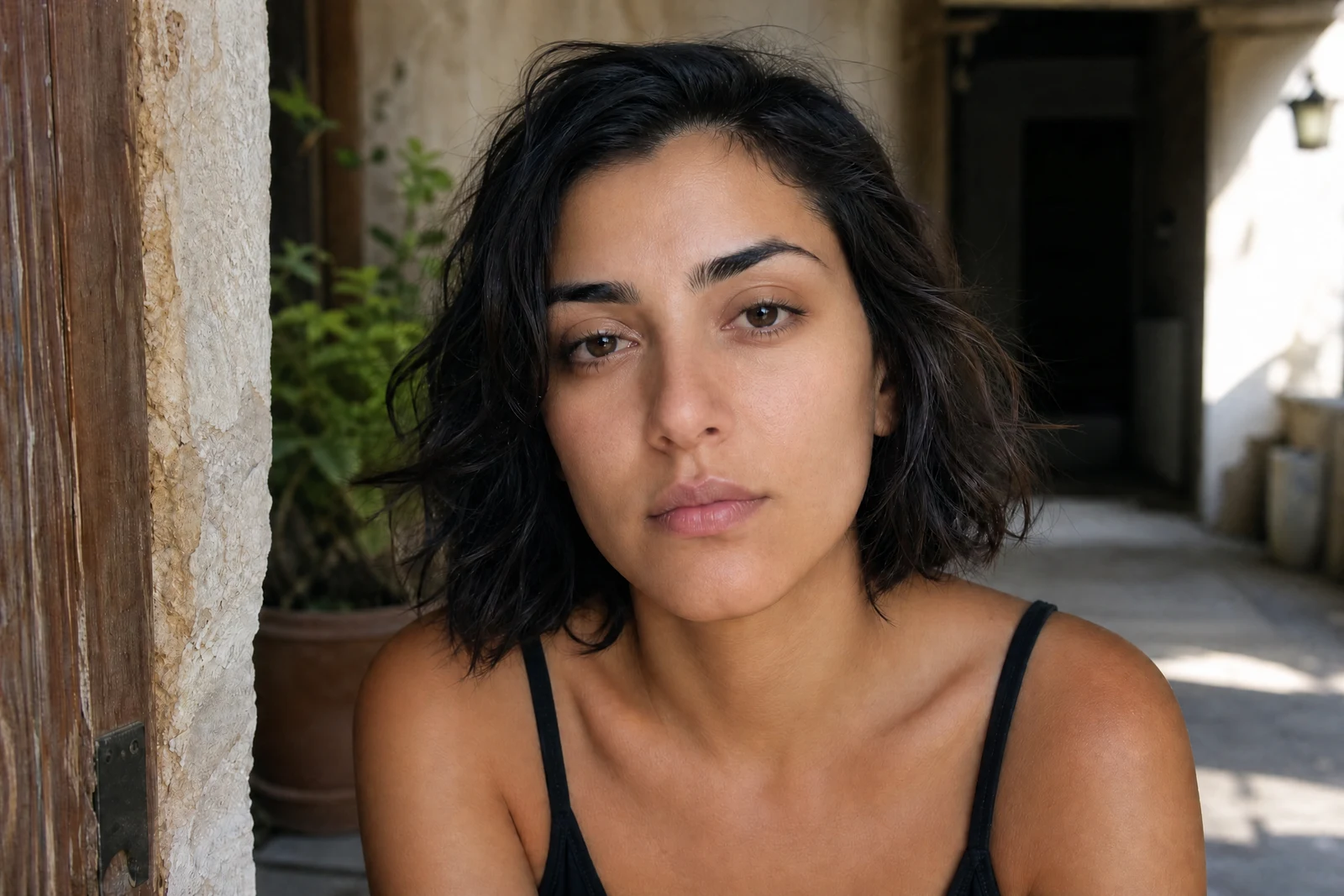
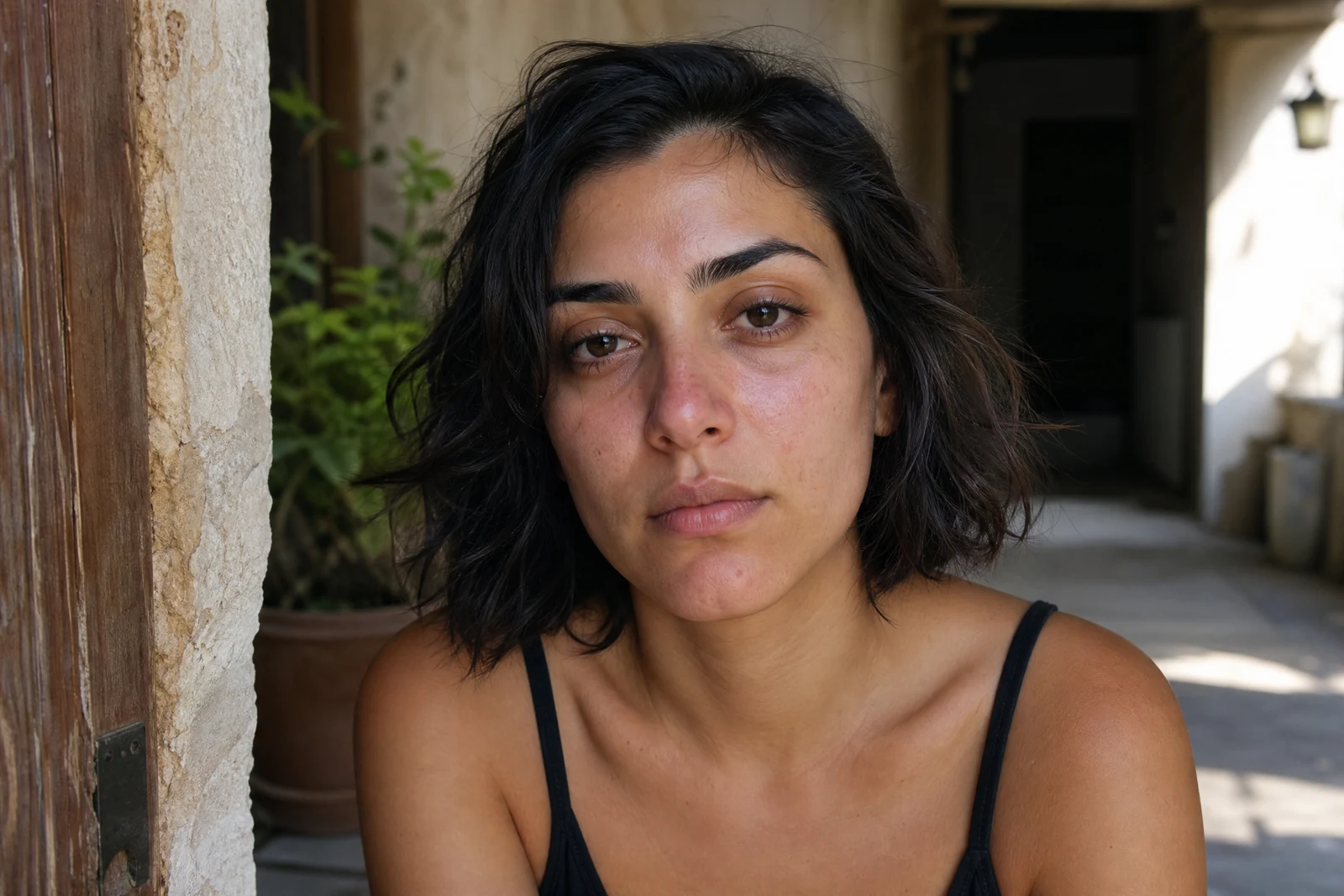
Straight out of the editor, unretouched — slide the handle to see the change.
The best retouching is the kind nobody can point to. A face that has been over-smoothed reads instantly as filtered — waxy, poreless, anonymous — while a well-retouched portrait just looks like the person on a good day. The difference is discrimination: temporary things go, permanent things stay.
That is the rule this tool applies. Upload a portrait and the AI clears the temporary — spots, redness, oily shine, harsh under-eye shadow — and evens the complexion, while treating freckles, moles, laugh lines, and pore-level texture as part of who the person is. Eyes and teeth get a light, believable refresh rather than a bleaching.
It suits profile photos, family portraits, and the frame from the wedding where everything was right except a breakout. Group shots work too — every clear face in frame receives the same measured treatment. For the finishing tier beyond skin, Face Enhancement lifts eyes and facial lighting, and the targeted Blemish Remover offers mode-level control when only one issue needs attention.
Why this tool
- Send what you finish here straight into every other tool
- Standard, Pro and Max quality tiers
- Results land in your creations library
- Enlarge for printing, or set the still photo in motion as video
Frequently asked questions
What counts as temporary versus permanent?
Temporary: blemishes, redness, shine, the shadows of a short night. Permanent: freckles, moles, scars, the lines a face has earned. The pass is aimed at the first list and treats the second as identity.
Why not just use a smoothing filter?
Smoothing erases texture indiscriminately, which is exactly what makes filtered skin look artificial. This retouch removes specific flaws and leaves the texture between them — the same principle professional retouchers work by.
Does it handle group photos?
Yes, each clearly visible face gets the same treatment in one pass — useful for the family portrait where three people need three different small fixes.
Can I try it free?
Yes. Signing up gives you 4 free credits, enough for one Standard-quality retouch of your favorite portrait.
Can I try AI Face Retouch for free?
Yes — every new account starts with 4 free credits, enough to run this tool once at Standard quality. No credit card required.
Related tools