
Enhance quality
AI Exposure Fixer
Rescue photos the light got wrong
Starter credits come with your account — and there's no card to enter.
- 1Upload the photo and pick Auto, Recover highlights, or Lift shadows
- 2The AI rebalances the tones toward a clean, natural exposure
- 3Compare with the original and download the corrected photo
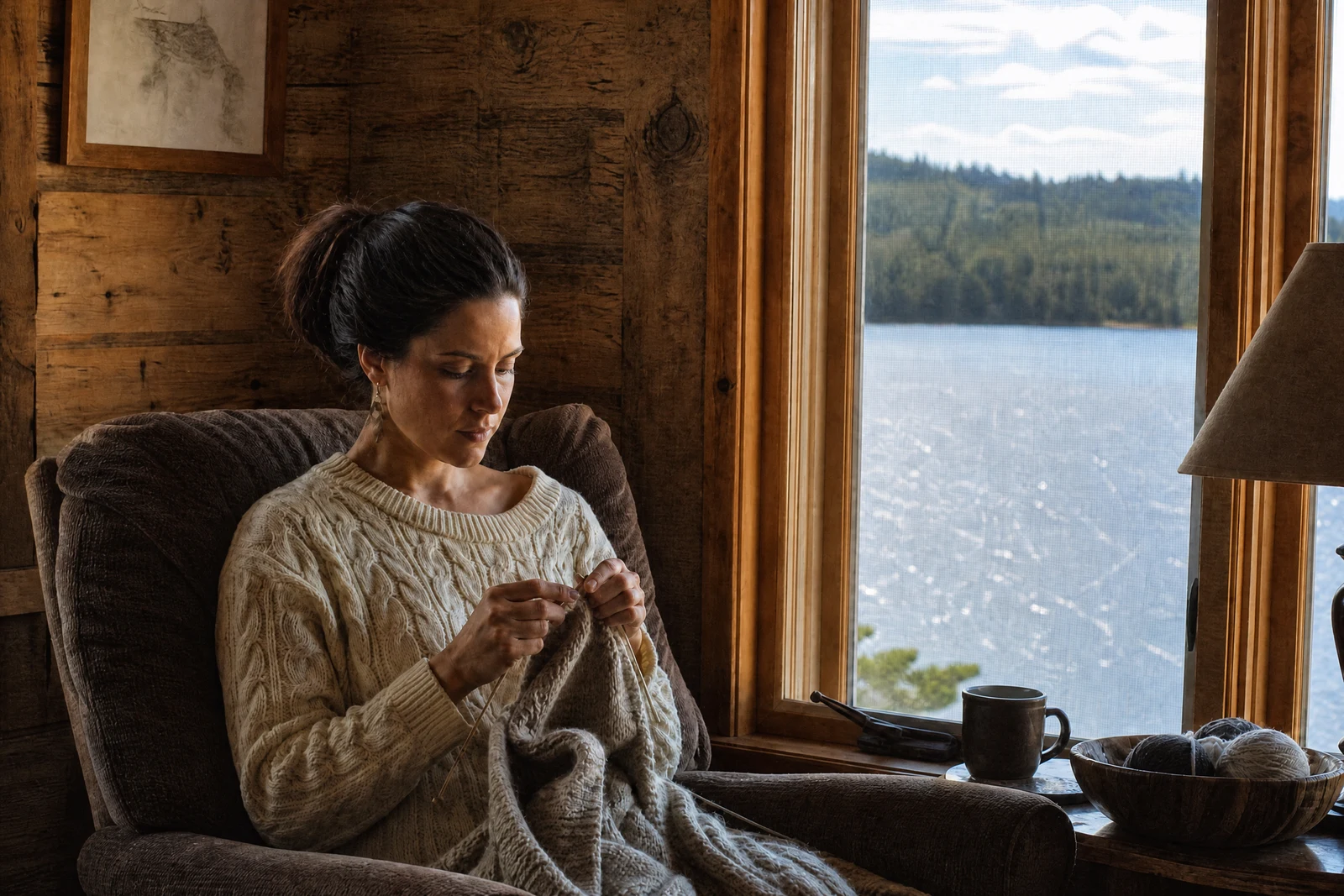
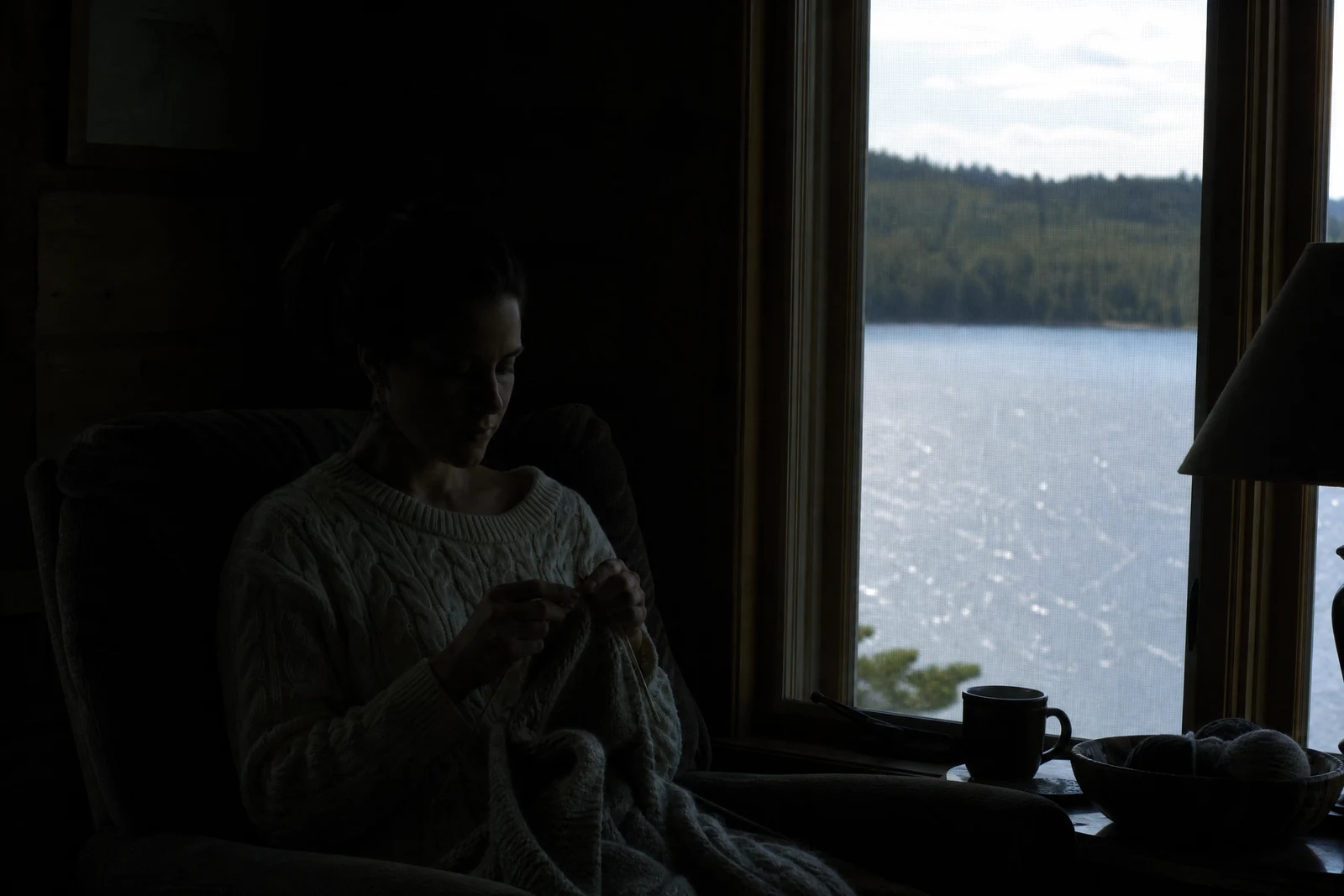
Straight out of the editor, unretouched — slide the handle to see the change.
Exposure mistakes are how good moments become bad files. The beach shot where the sky is a white void; the birthday photo where the cake's candles turned everyone else into silhouettes; the snowy day the camera dutifully rendered gray. The moment was right — the meter guessed wrong — and the difference between the two is recoverable more often than people assume.
Auto reads the whole frame and rebalances it: bright zones settled, dark zones opened, contrast restored to something natural. Recover highlights is the specialist for blown skies, white dresses, and shiny skin, working to bring tone and color back into areas that read as pure white. Lift shadows does the mirror job, drawing detail up out of dark corners, backlit faces, and underexposed rooms while leaving the well-lit parts of the frame in place.
Exposure is the first domino in most photo fixes — correct it before judging color or sharpness, because both look different once the tones are right. For photos that are dark overall rather than unbalanced, the Low Light Brightener goes further; for tone plus color together in one pass, start with Auto Enhance.
Why this tool
- Send what you finish here straight into every other tool
- Standard, Pro and Max quality tiers
- Results land in your creations library
- Enlarge for printing, or set the still photo in motion as video
Frequently asked questions
Can truly blown-out white areas be recovered?
Where any tone survives, the AI pulls it back; where an area is pure white, it reconstructs plausible detail from the surrounding context. Big rebuilt regions — a whole sky, a wedding dress — deserve a side-by-side look before you print.
Which mode for backlit photos of people?
Lift shadows. Backlighting is exactly its case: the subject sits in shadow against a bright background, and lifting the dark zones brings the faces back without wrecking the sky behind them.
How is this different from the Low Light Brightener?
This tool balances an exposure that went wrong in one direction or both. The Low Light Brightener is tuned for the specific rescue of photos that are dark everywhere — night interiors, dusk shots, dim rooms.
Can I try AI Exposure Fixer for free?
Yes — every new account starts with 4 free credits, enough to run this tool once at Standard quality. No credit card required.
Related tools