
Restore & revive
AI Unblur Image
Recover the moment hiding inside a blurry photo
Starter credits come with your account — and there's no card to enter.
- 1Upload the blurry photo, optionally naming the area that matters most
- 2The AI estimates the original detail and rebuilds it
- 3Compare with the blurry original and download the recovered shot
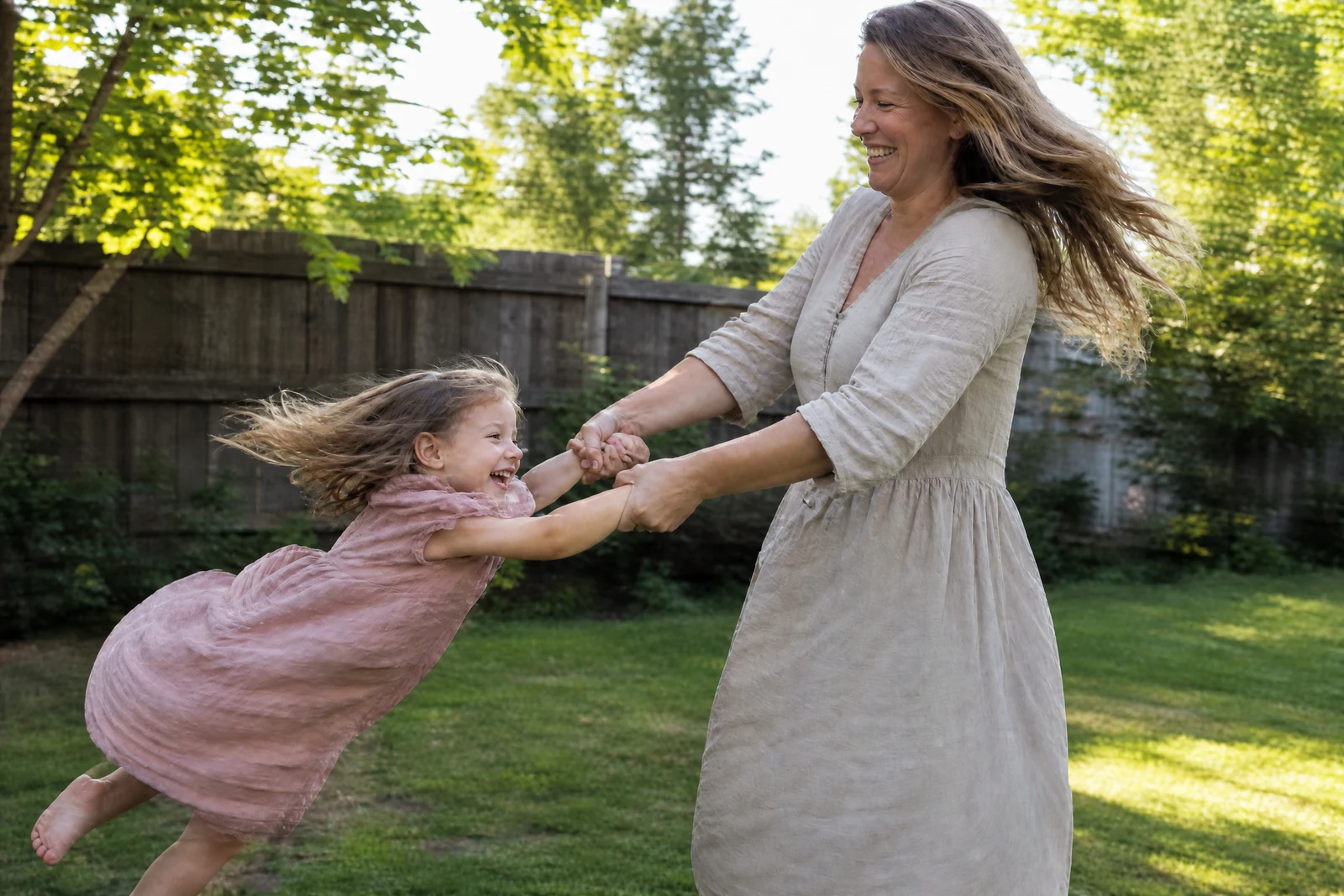
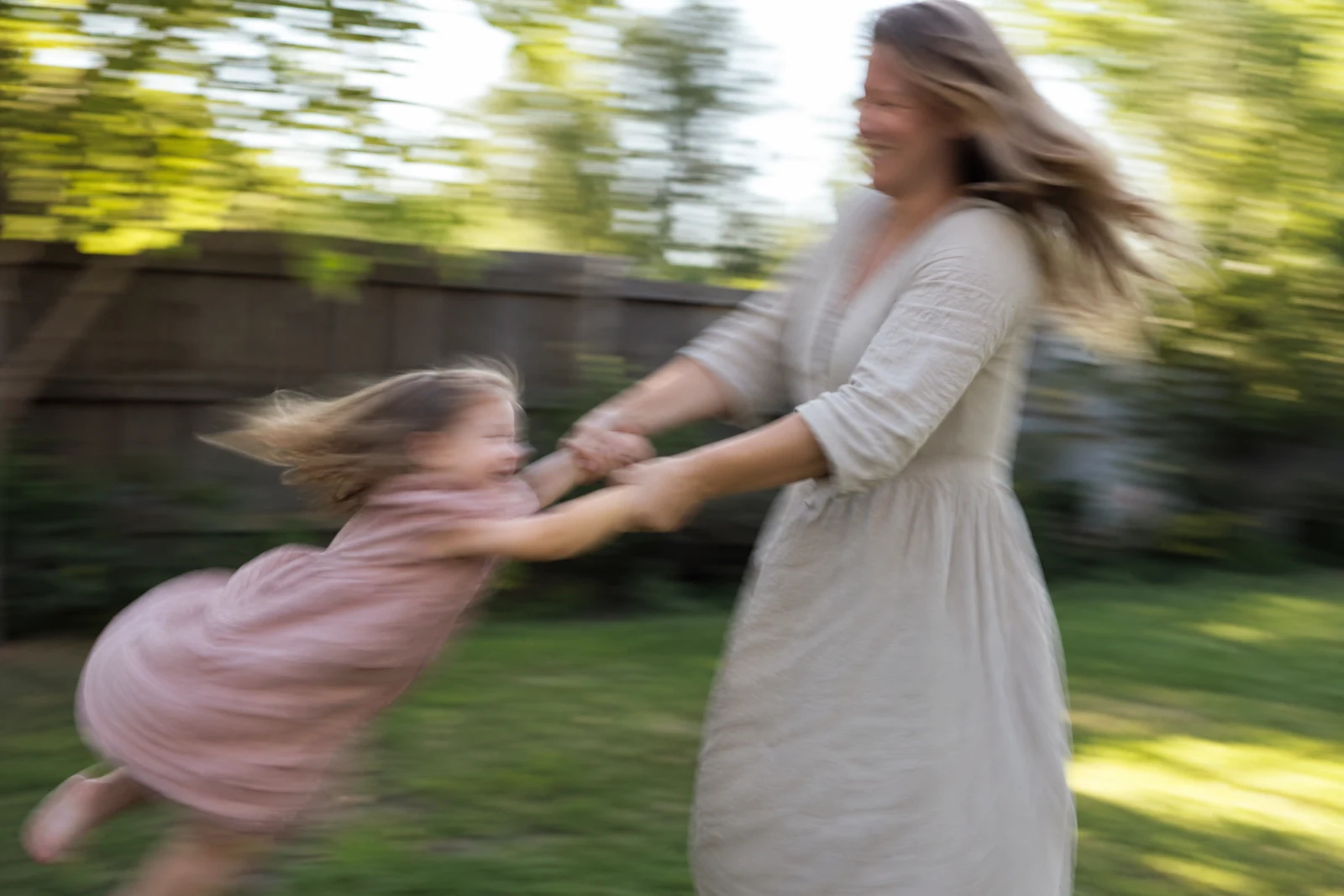
Straight out of the editor, unretouched — slide the handle to see the change.
Some of the most precious photos are the ones taken in a hurry: a toddler's first steps chased across the living room, a grandmother laughing before the tripod was ready, the one frame of the surprise moment anyone managed to catch. Those are exactly the shots where hands shake and autofocus loses — and until recently a blurry only-copy was simply a loss.
Deblurring is reconstruction, not sharpening. A sharpen filter raises the contrast of edges that already exist; when the blur has smeared the edges away there is nothing for it to grip. This tool instead estimates what the scene looked like before the shake or focus miss and rebuilds plausible detail — the line of a jaw, the weave of a sweater, the letters on a sign — from what the blur left behind.
Upload the photo, optionally point the AI at the part that matters most (a face, a name tag, a page of handwriting), and the recovered version comes back in seconds. For photos that are noisy as well as soft, run Denoise first; for photos that are merely a little hazy rather than truly blurred, the Image Sharpener is the lighter, faster instrument.
Why this tool
- Send what you finish here straight into every other tool
- Standard, Pro and Max quality tiers
- Results land in your creations library
- Enlarge for printing, or set the still photo in motion as video
Frequently asked questions
What kinds of blur can it fix?
Camera shake, missed focus, and motion blur are all treatable, and mild-to-moderate blur recovers best. The heavier the smear, the more the AI must infer, so severe blur is worth a try but deserves a careful side-by-side check.
Is this the same as sharpening?
No. Sharpening emphasizes edges that survived; deblurring rebuilds edges that did not. If your photo just lacks bite, use the Image Sharpener — if detail is visibly smeared or doubled, this is the right tool.
Should I trust recovered text or faces?
Recovered detail is a reconstruction of what was most likely there, which is usually convincing for faces and scenery. For anything where the exact characters matter — plates, documents — verify against another source rather than relying on the recovery.
Can I try it free?
Yes — 4 free credits arrive with signup, enough for one Standard-quality unblur to see what your photo gives back.
Can I try AI Unblur Image for free?
Yes — every new account starts with 4 free credits, enough to run this tool once at Standard quality. No credit card required.
Related tools