
Portraits
AI Perfect Smile
Turn a stiff camera smile into a warm one
Starter credits come with your account — and there's no card to enter.
- 1Bring in the portrait where the smile went stiff or started to fade
- 2The AI eases the expression into a natural, warm smile
- 3Compare with the original and download the happier frame
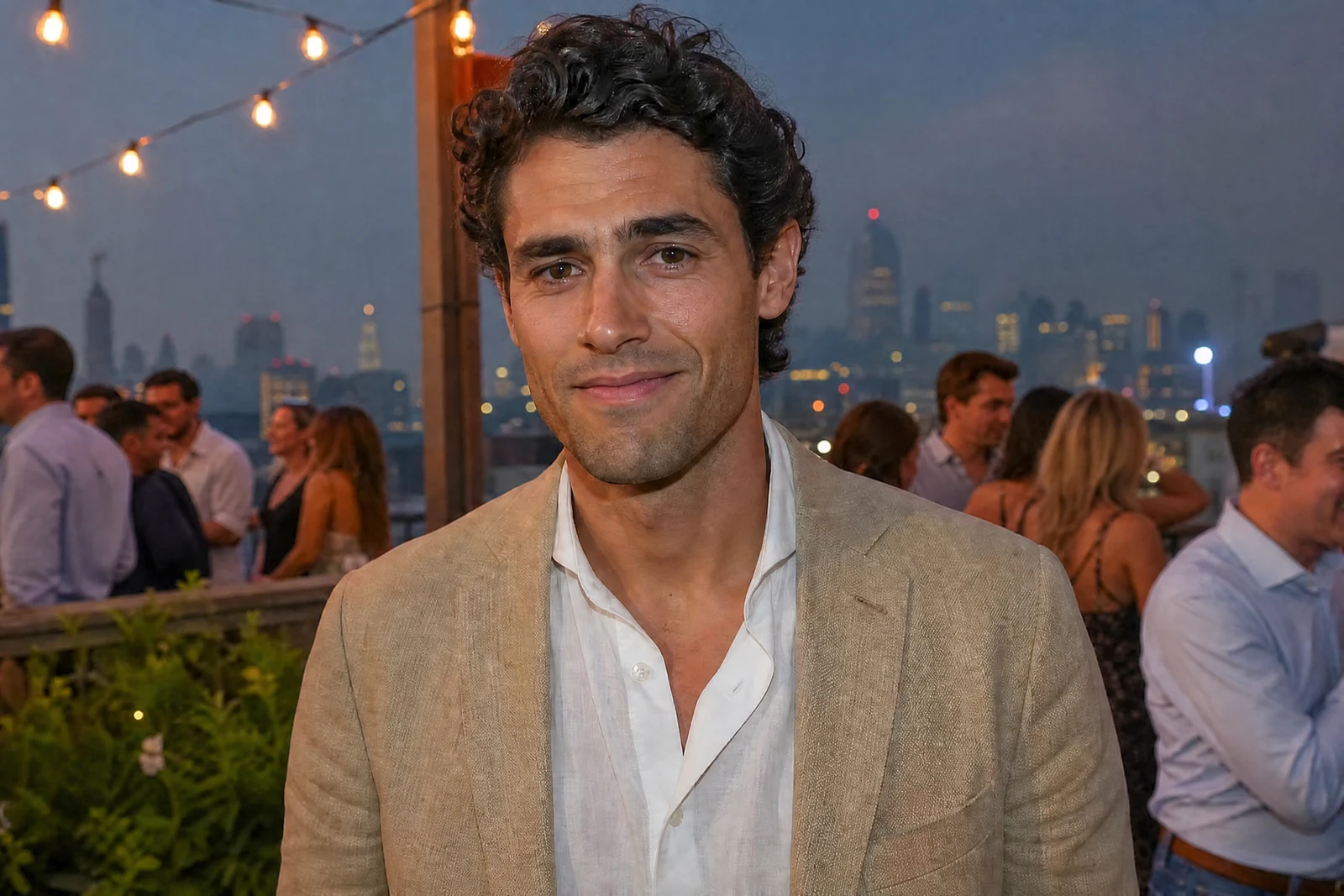
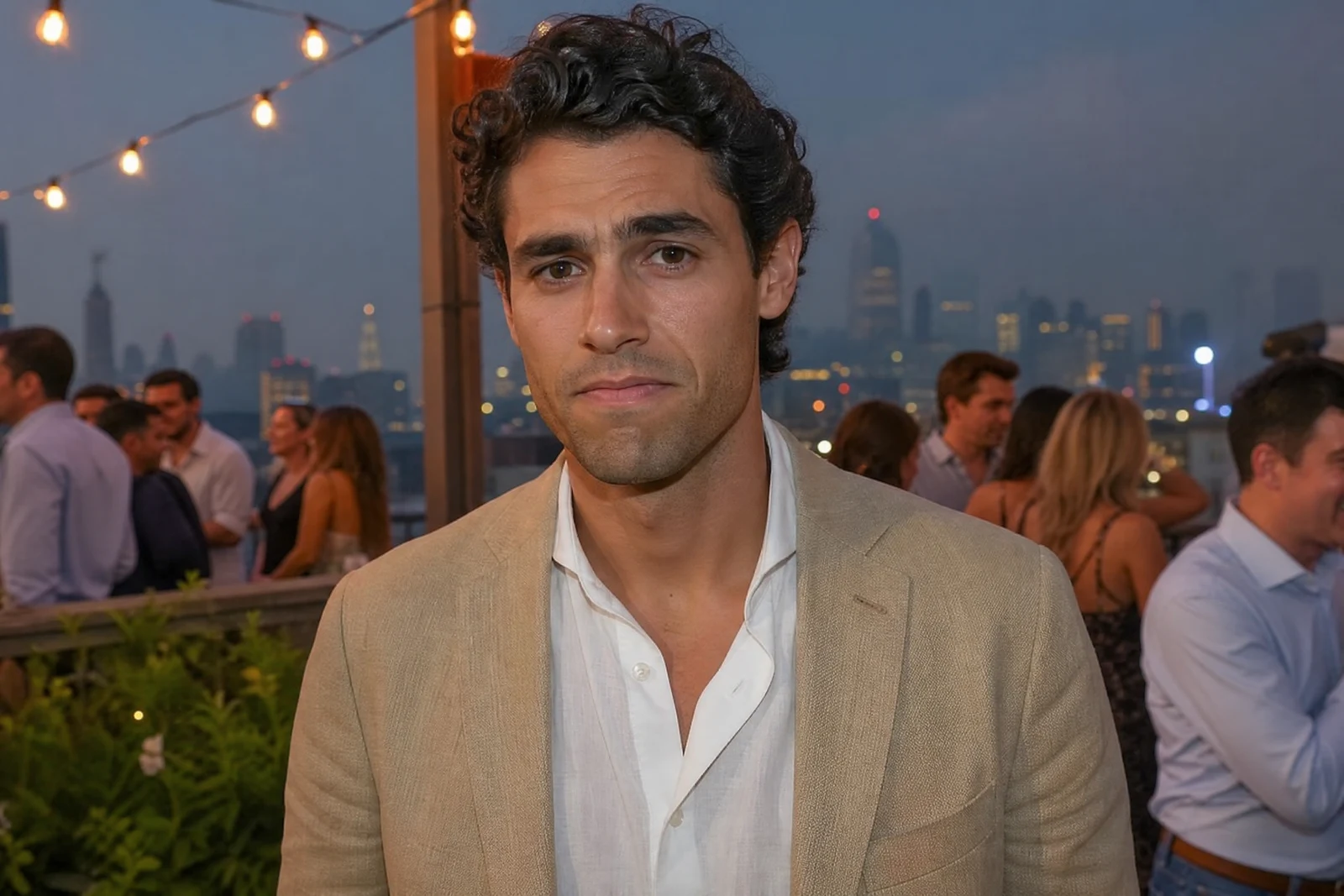
Straight out of the editor, unretouched — slide the handle to see the change.
Cameras have terrible timing. The smile that was real at 'two' has stiffened by 'three', and whole albums are populated by the tight, dutiful expression people make on command — while the genuine laugh happened just before or after the shutter. The photo is otherwise perfect; only the smile gives away the countdown.
This tool eases the expression toward the real thing. The AI adjusts the mouth, cheeks, and — crucially — the eyes, because a believable smile lives as much in the eyes as the lips. The change is calibrated to the person's own face, so the result is their warmer expression rather than a template grin pasted on.
It rescues formal portraits, school photos, and the group frame where one person's smile collapsed a half-second early. Chain it with Open Closed Eyes for the classic blink-plus-grimace double rescue, or with Perfect Teeth when the smile it reveals deserves a touch-up of its own. Like everything here, a pass takes seconds — cheap enough to try on every stiff smile in the album.
Why this tool
- Send what you finish here straight into every other tool
- Standard, Pro and Max quality tiers
- Results land in your creations library
- Enlarge for printing, or set the still photo in motion as video
Frequently asked questions
Will it still look like the person?
The adjustment is built from the person's own features — their smile, warmed, rather than a generic one applied. Judge the result the way you would any portrait edit: side by side with the original.
Can it help a completely neutral expression?
Yes, it can bring a modest smile to a flat expression, though the most natural results come from photos where a smile exists and simply stiffened. For bigger expression changes — laughing, serious, playful — use the Expression Changer.
Does it change anything besides the smile?
The edit concentrates on the mouth, cheeks, and eyes that a real smile involves. The rest of the photo is outside the target area, and a quick before/after flip will confirm the scope on your image.
Can I try AI Perfect Smile for free?
Yes — every new account starts with 4 free credits, enough to run this tool once at Standard quality. No credit card required.
Related tools