
Portraits
AI Perfect Teeth
A cleaner, brighter smile that stays believable
Starter credits come with your account — and there's no card to enter.
- 1Upload a photo where the smile and teeth are visible
- 2The AI whitens and tidies while keeping natural tooth character
- 3Zoom in on the smile, then download the brightened photo
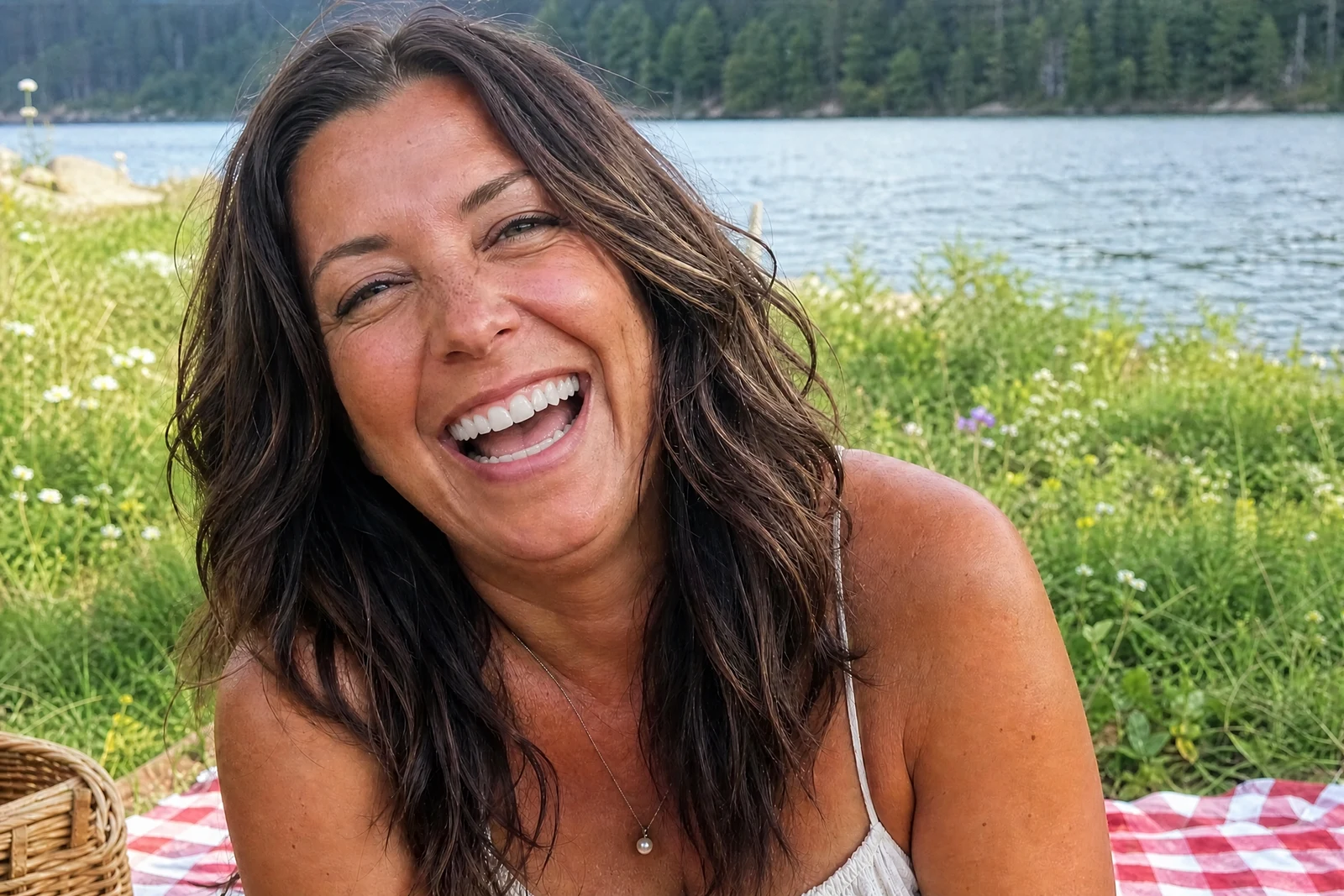
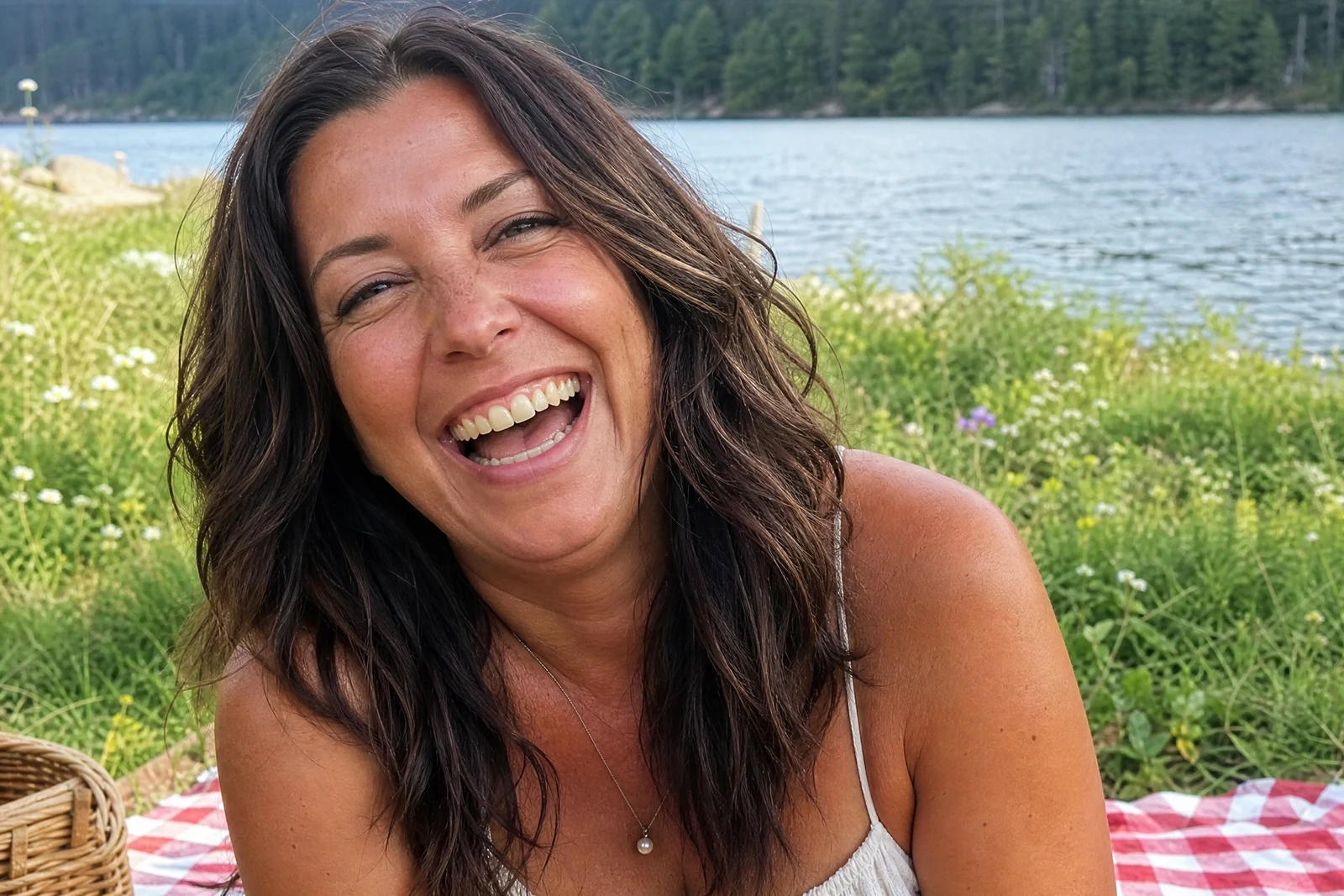
Straight out of the editor, unretouched — slide the handle to see the change.
People who dislike their teeth in photos learn not to smile in them — and years later the album shows a person who looks more guarded than they ever were. Coffee stains, a crooked incisor, a chip from a childhood bike crash: small things, but they change how freely someone grins at a lens.
This tool works on the smile that is already in the photo. The AI brightens the enamel toward a clean, natural white — the white of healthy teeth, not bathroom-tile — reduces staining, and can gently even out alignment and minor chips. Believability is the governing constraint: real teeth have subtle translucency and tone variation, and keeping those is what separates a nice result from a dental-ad one.
It is a quick lift for wedding photos, graduation portraits, and profile shots, and it pairs naturally with Perfect Smile — one warms the expression, the other polishes what it shows. On older scans, run it after Photo Restoration so the improvement lands on a clean image.
Why this tool
- Send what you finish here straight into every other tool
- Standard, Pro and Max quality tiers
- Results land in your creations library
- Enlarge for printing, or set the still photo in motion as video
Frequently asked questions
Will the teeth look unnaturally white?
The whitening targets the range of healthy natural teeth and deliberately avoids the flat, uniform white that reads as fake. If you compare before and after, the smile should look cared-for rather than edited.
Can it fix crooked or chipped teeth?
It can gently improve alignment and smooth minor chips as part of the tidy-up. It is a photo edit, not a dental plan — treat the result as how the smile photographs, nothing more.
What if the smile is barely showing teeth?
There needs to be a visible smile to work on. For closed or minimal smiles, run Perfect Smile first to open the expression, then this tool on the result.
Can I try AI Perfect Teeth for free?
Yes — every new account starts with 4 free credits, enough to run this tool once at Standard quality. No credit card required.
Related tools