
Use case
Revive Baby Photos from the 90s
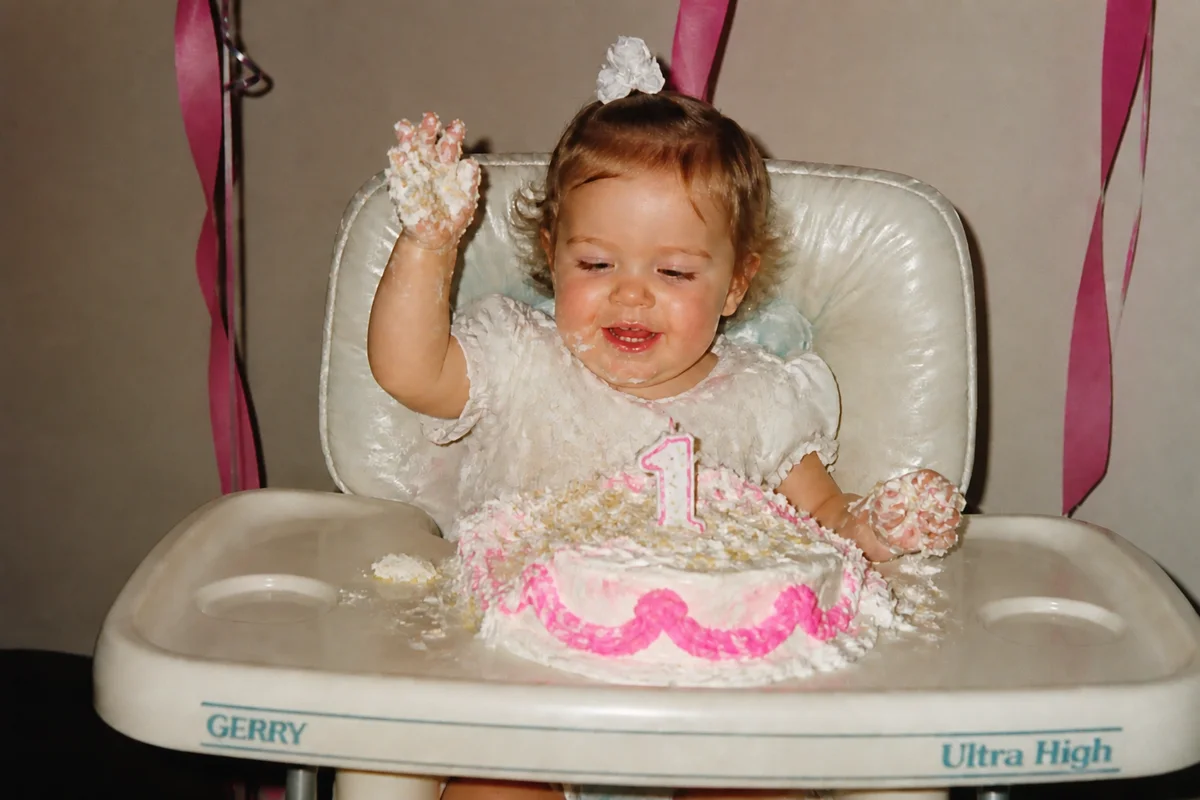
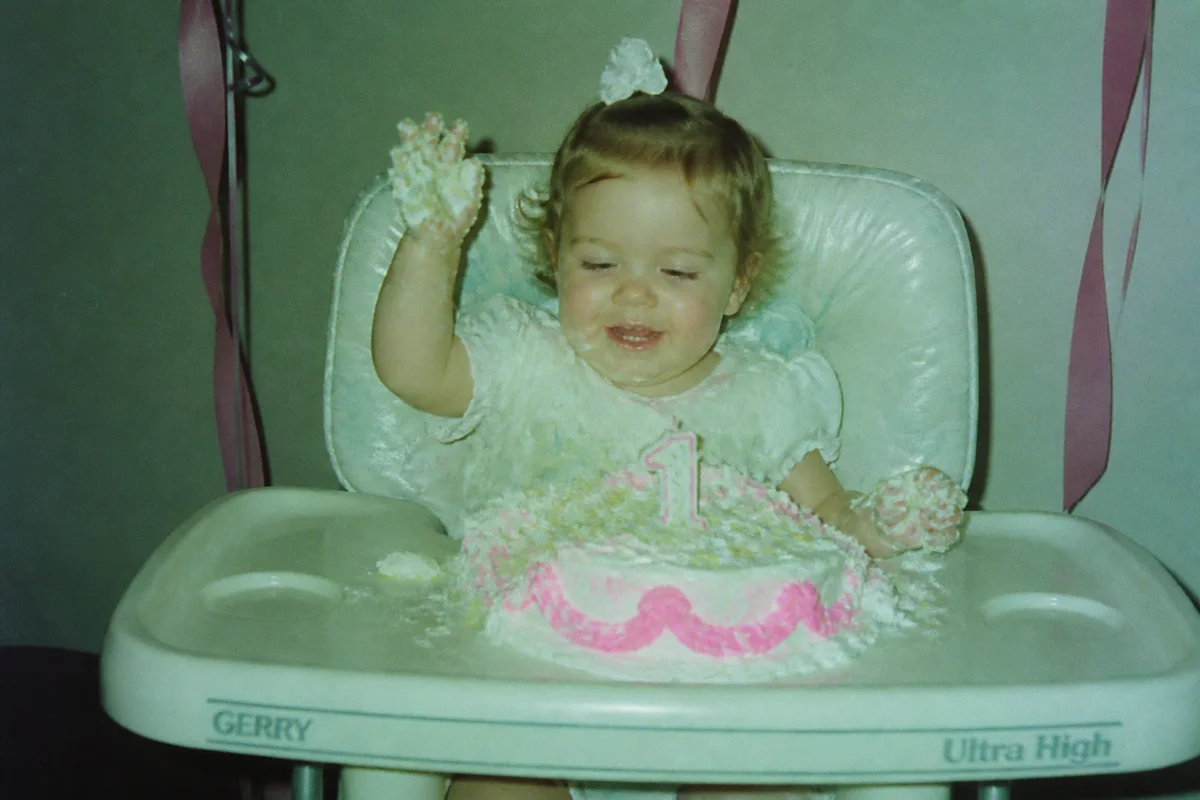
Watch the rescue unfold — pull the slider across.
If you were born in the late eighties or nineties, your baby photos share a look: harsh on-camera flash, red-eye, slightly muddy drugstore developing, and twenty-five years of fading in a paper envelope. They're the raw material for twenty-first birthday posts, graduation slideshows, and wedding montages — and they need help before they're ready for a screen.
AI treatment handles the whole 90s package at once: red-eye gone, flash glare tamed, the color cast of aging print stock corrected, grain smoothed, and the small 4x6 sharpened and enlarged for modern displays. Each photo takes seconds, which matters when a graduation slideshow needs forty of them by Friday.
Parents: this is also how the baby album becomes a digitized family archive instead of a fading envelope in the closet.
The problems this solves
- Direct flash left red-eye and a harsh hotspot on every indoor shot.
- One-hour-photo developing gave everything a slightly off color balance that has drifted further with age.
- 35mm grain turns to mush when a small print is blown up on a modern screen.
- The prints live in envelopes and mini-albums that are slowly yellowing them.
A workflow that works
Fix the red-eye
The signature flaw of 90s flash photography comes off first — it's the difference between a sweet baby photo and a slightly demonic one.
AI Red Eye RemoverCorrect color and exposure
One pass rebalances the drugstore color cast, lifts the shadows the flash crushed, and settles the overall look.
AI Auto EnhanceSmooth the film grain
Consumer 35mm film was grainy, and scans amplify it — denoising cleans it up while keeping the soft baby-photo character.
AI DenoiseUpscale for slideshows and posts
A 4x6 print scanned at home is small by modern standards; upscaling makes it crisp on a projector or a phone screen.
AI Image UpscalerFrequently asked questions
I'm making a 21st birthday slideshow. How fast can I process a stack of prints?
Photograph or scan each print, then each edit takes seconds — a stack of forty is comfortably a single evening, whenever you get to it. Signup gives you 4 free credits to start.
Do I need a scanner for 4x6 prints?
A phone camera works well: lay prints flat in indirect daylight, fill the frame, avoid glare. A flatbed scanner captures slightly more detail if the photos are headed for print again.
Can you fix photos where the flash made everyone look washed out?
Yes — exposure correction rebalances flash-blasted faces against the dark room behind them, which is the classic 90s indoor-photo failure.
What about the timestamps burned into the corner?
The orange date stamp from film cameras can be removed with the text-removal tool if you'd rather not have it — or kept, since for some photos the date is half the charm.
Related use cases