
Enhance quality
AI Image Upscaler
Turn small, old files into large, print-ready images
Starter credits come with your account — and there's no card to enter.
- 1Upload the small or low-resolution image
- 2The AI enlarges it, generating matching fine detail as it goes
- 3Download the high-resolution version, ready for print or display
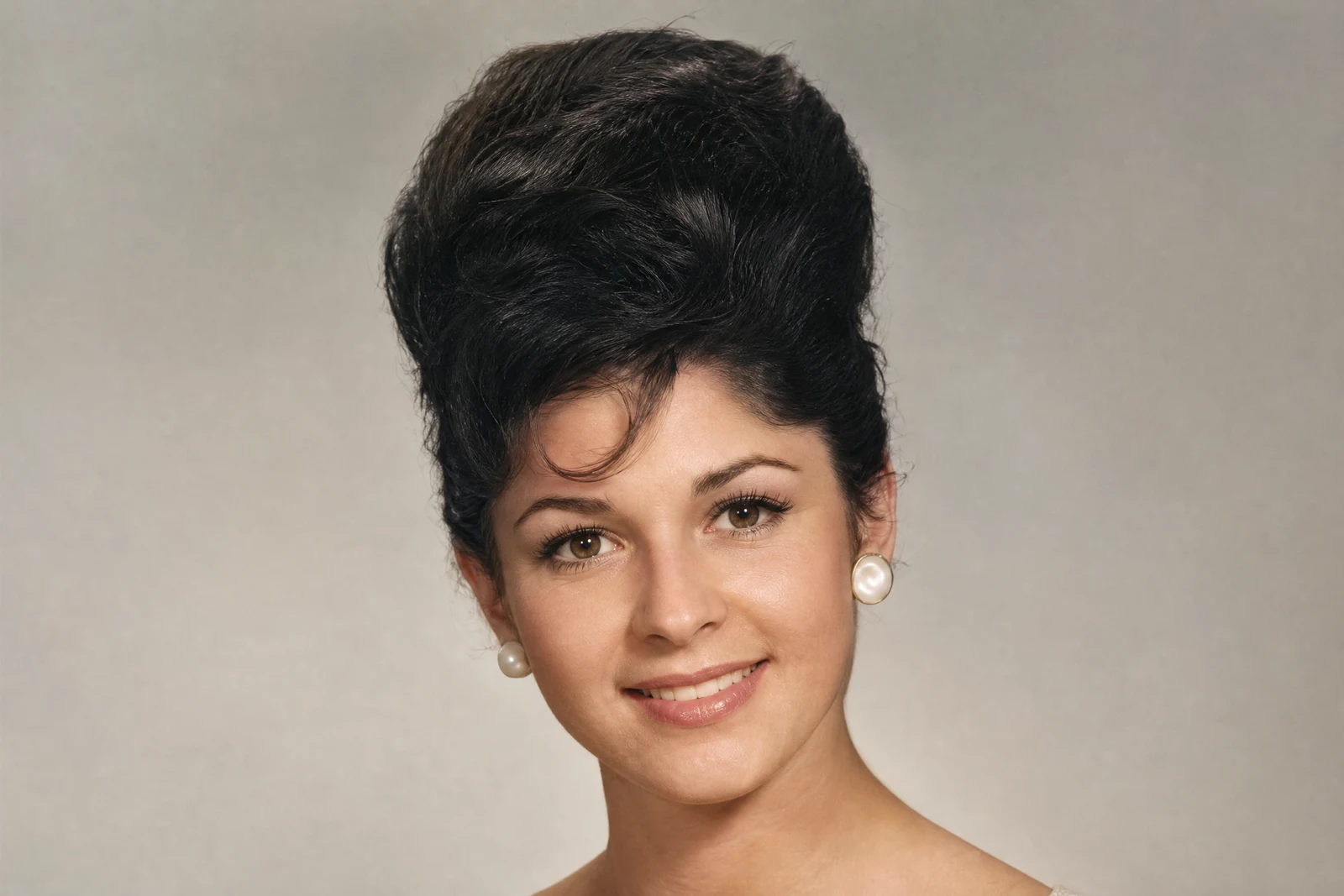
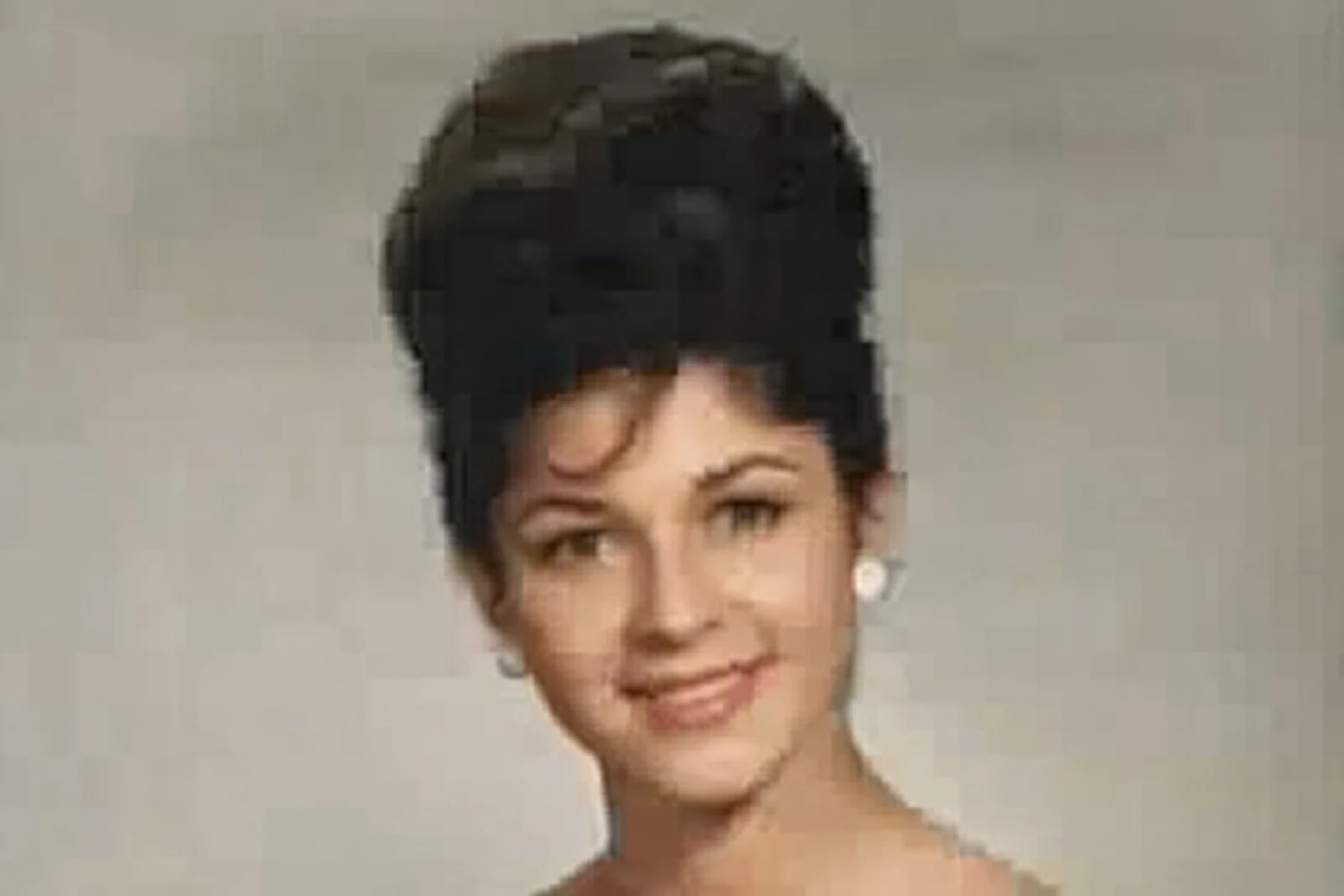
Straight out of the editor, unretouched — slide the handle to see the change.
The family archive is full of small files: 1-megapixel snapshots from a 2003 camera, images saved off an old email, the only surviving copy of a photo downloaded from a long-dead social account. Print any of them at frame size and they fall apart into blocks and mush — traditional enlargement can only stretch the pixels it is given.
AI upscaling generates the missing resolution instead. The model has learned what skin, hair, leaves, brick, and fabric look like at high resolution, so as it enlarges your photo it fills in texture consistent with what is actually in the frame. Edges stay edges instead of smearing into gradients, and faces gain plausible fine detail rather than plastic smoothness.
Upscaling is usually the last step in a rescue chain, and the order matters: repair and clean first — Photo Restoration, Denoise, Unblur — then enlarge the good result. From there the file is ready for framing, photo books, or a slideshow on a large screen, and each run completes in seconds rather than an outsourced week.
Why this tool
- Send what you finish here straight into every other tool
- Standard, Pro and Max quality tiers
- Results land in your creations library
- Enlarge for printing, or set the still photo in motion as video
Frequently asked questions
How large can I print the result?
As a rule of thumb, an upscaled file prints well at several times the size the original could support — a small web-resolution photo typically becomes comfortable at standard frame sizes. Judge by zooming to 100% on the result before sending it to print.
Where does the new detail come from?
It is generated: the model synthesizes texture consistent with the content of your photo rather than copying pixels from elsewhere. That makes results look natural, and also means fine details are plausible reconstructions worth a quick review.
Should I upscale before or after restoring?
After. Repair damage, noise, and blur at native size first — otherwise the upscaler faithfully enlarges the flaws along with the photo.
Can I try it free?
Yes. New accounts receive 4 free credits, enough for one Standard-quality upscale of the photo you most want printed.
Can I try AI Image Upscaler for free?
Yes — every new account starts with 4 free credits, enough to run this tool once at Standard quality. No credit card required.
Related tools