
Portraits
AI Face Enhancement
Bring the face forward — eyes, light, and clarity
Starter credits come with your account — and there's no card to enter.
- 1Upload the photo — portrait or wider shot with a visible face
- 2The AI refines eyes, facial light, and detail
- 3Compare the presence of the face and download the result
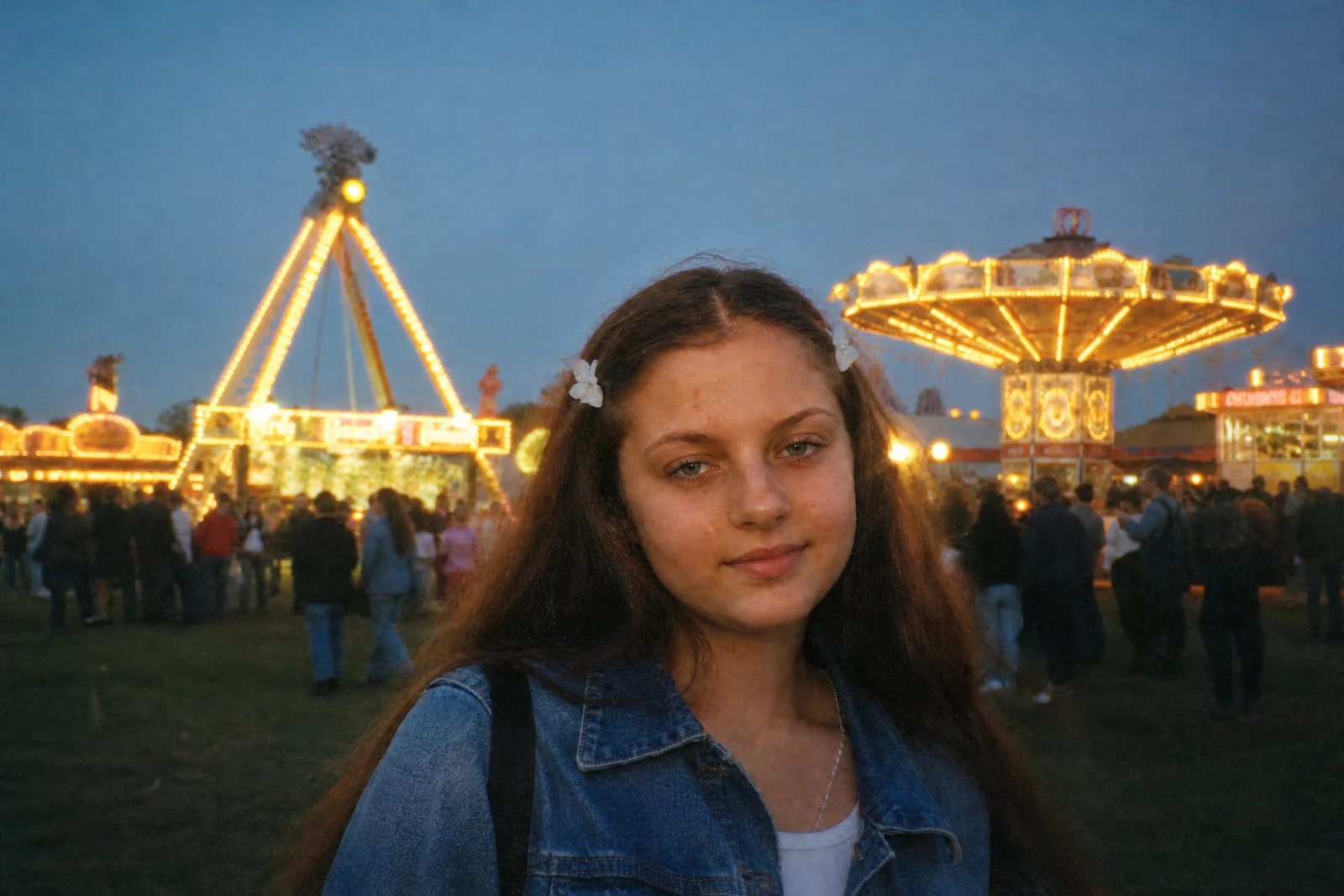
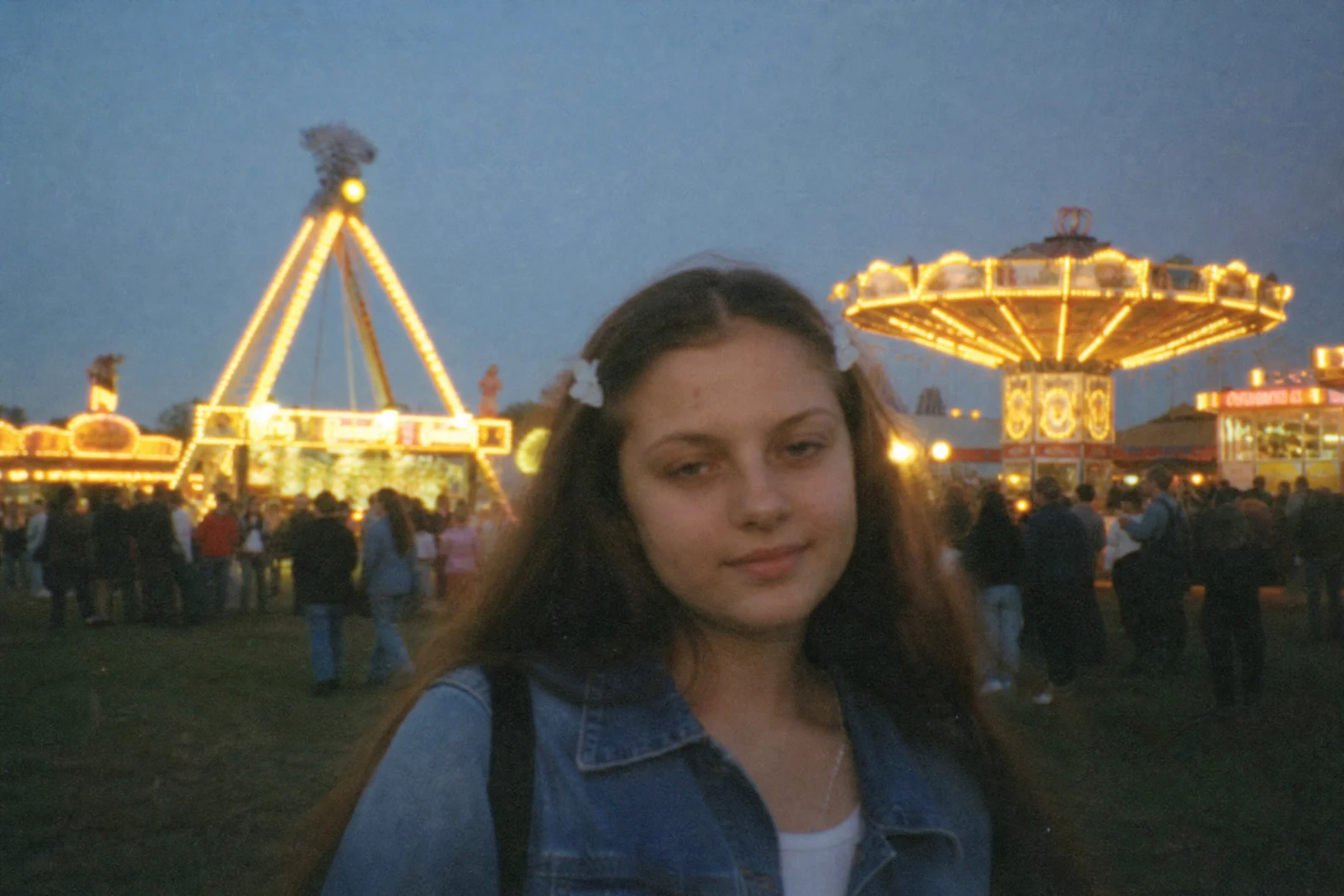
Straight out of the editor, unretouched — slide the handle to see the change.
In almost every photo of a person, the face is the photo. It is where every viewer looks first and longest — yet it is often the least served part of the frame, lit by whatever the room offered and softened by distance, compression, or a lens past its best. A small lift there changes how the whole image lands.
Face Enhancement is that lift. The AI brightens and clarifies the eyes, refines how light sits across the features, recovers facial detail that softness took, and settles the skin tones — a cinematographer's attention applied after the fact. It is enhancement rather than correction: the tool assumes a reasonable portrait and makes it carry further.
It shines on slightly soft phone portraits, small faces in wider shots, and old scans where the face has gone muddy — for those, run Photo Restoration first and this second. Face Retouch is the sibling for skin problems; this tool is for presence. Many portraits want one or the other, and the difference is whether the issue is on the skin or in the light.
Why this tool
- Send what you finish here straight into every other tool
- Standard, Pro and Max quality tiers
- Results land in your creations library
- Enlarge for printing, or set the still photo in motion as video
Frequently asked questions
How is this different from Face Retouch?
Retouch fixes skin — blemishes, shine, tone. Enhancement lifts presence — eye clarity, facial lighting, fine detail. A portrait with clear skin but a flat, dim face wants this tool; a well-lit face with a breakout wants the other.
Does it work when the face is small in frame?
Yes, and that is one of its best uses — faces in group shots and environmental portraits often dissolve into softness, and the enhancement restores enough definition for them to read again.
Can I use it on old restored photos?
Absolutely — it is a natural second step after Photo Restoration, sharpening the recovered faces that matter most in an heirloom scan.
Can I try AI Face Enhancement for free?
Yes — every new account starts with 4 free credits, enough to run this tool once at Standard quality. No credit card required.
Related tools