
Portraits
AI Blemish Remover
Clear the breakout, keep the face
Starter credits come with your account — and there's no card to enter.
- 1Upload the portrait and pick All or a specific blemish mode
- 2The AI clears the targeted flaws while preserving skin texture
- 3Inspect the skin up close and download the cleaned portrait
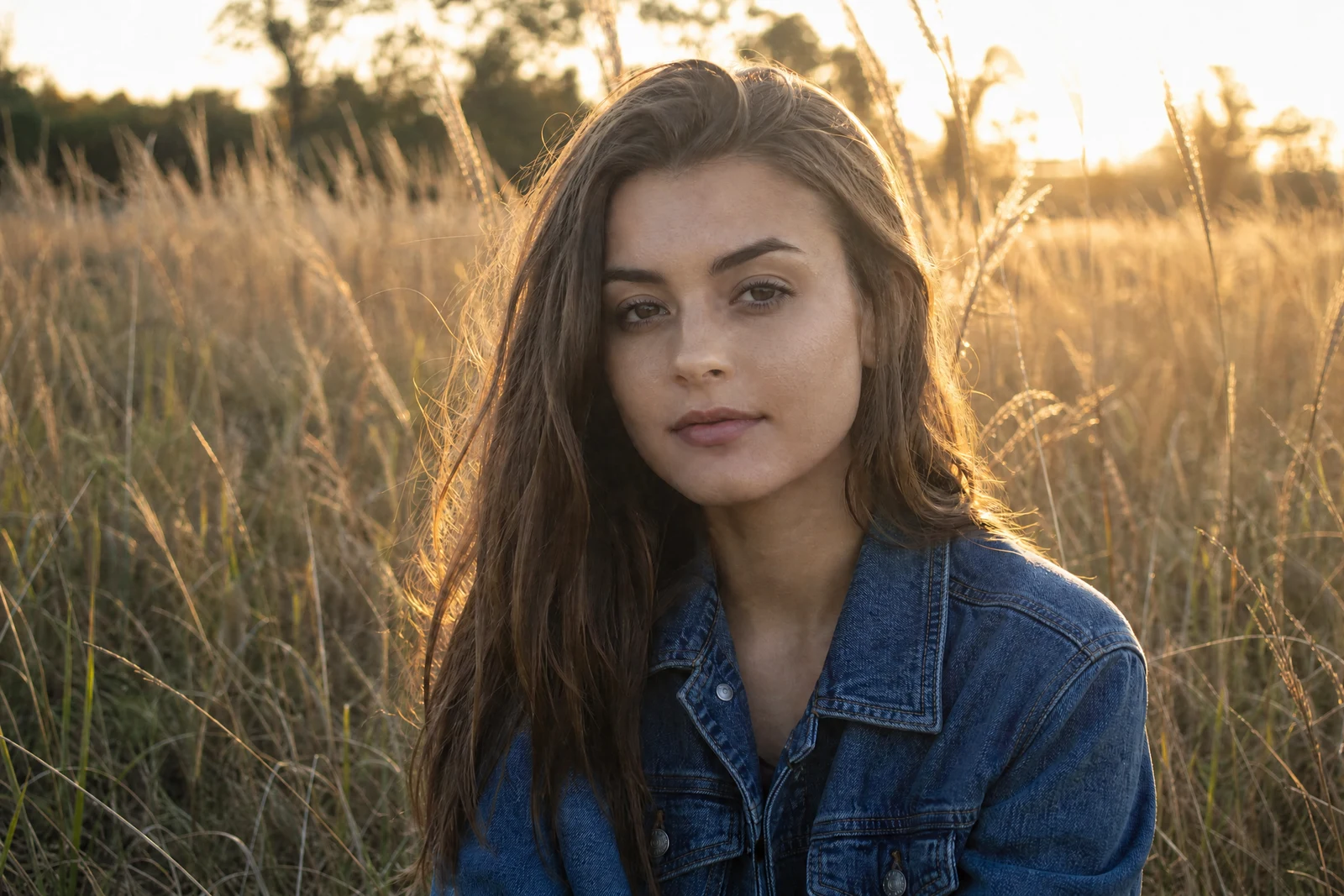
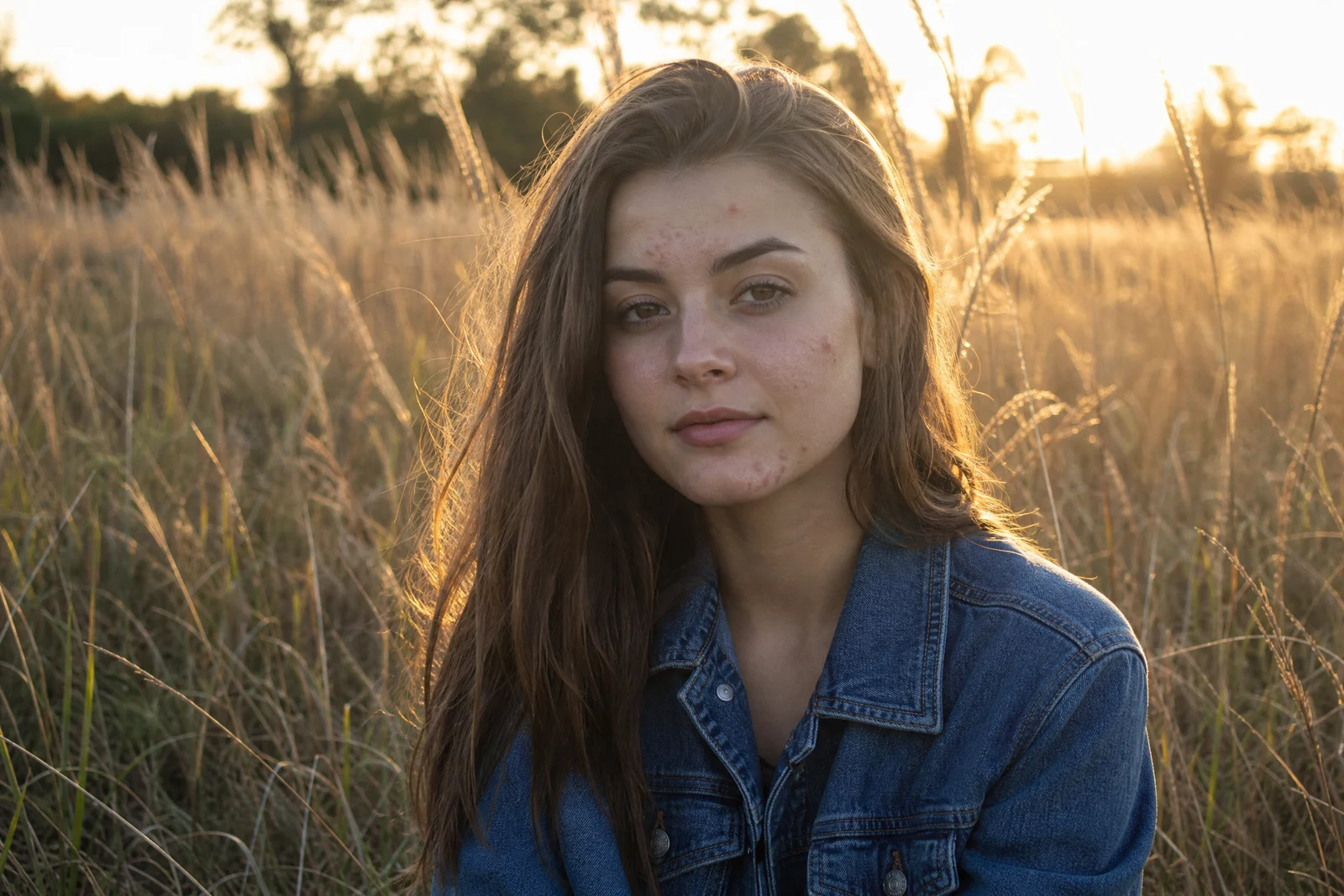
Straight out of the editor, unretouched — slide the handle to see the change.
A photo gets taken on the day it gets taken — and sometimes that day came with a breakout, a shiny forehead under event lighting, or wind that turned a neat style into flyaways. None of it is the person; all of it is what the camera kept. Clearing the day's noise from the face is the smallest edit with the biggest effect on how a portrait feels.
The modes keep the edit surgical. All handles the full set — acne, spots, shine, and stray hairs — in one pass. Acne & spots concentrates on the breakout while leaving everything else untouched, Shine mattes the hot spots that flash and dance floors produce, and Stray hairs tidies the flyaways while respecting the hairstyle itself. Throughout, permanent features — freckles, moles, scars — are treated as part of the face, and skin texture is a thing to keep, not blur.
It is the pre-share pass for profile photos, graduation portraits, and the one group frame where everyone finally looked right. For broader skin work beyond specific flaws, Face Retouch is the fuller treatment, and results chain cleanly into Perfect Smile or Face Enhancement in the same editor.
Why this tool
- Send what you finish here straight into every other tool
- Standard, Pro and Max quality tiers
- Results land in your creations library
- Enlarge for printing, or set the still photo in motion as video
Frequently asked questions
Will it remove freckles, moles, or scars?
Those are treated as permanent features and left in place — the pass is aimed at temporary issues like blemishes, shine, and flyaways, not at editing what makes a face recognizable.
When should I pick a specific mode instead of All?
When only one thing is wrong. A great portrait with one shiny forehead wants Shine alone; a windblown but clear-skinned photo wants Stray hairs. Narrow modes keep the rest of the face entirely out of the edit.
Does it reshape the face at all?
No reshaping is part of this tool's job — it works on surface-level cleanup. Face structure, expression, and identity are outside its brief by design.
Is there a free run?
Yes — 4 free credits come with signup, enough for one Standard-quality cleanup.
Can I try AI Blemish Remover for free?
Yes — every new account starts with 4 free credits, enough to run this tool once at Standard quality. No credit card required.
Related tools