
Enhance quality
AI Color Pop
Wake up the color a gray day stole
Starter credits come with your account — and there's no card to enter.
- 1Upload the muted photo and pick Subtle, Vivid, or Maximum
- 2The AI enriches vibrancy and saturation, skin tones handled with care
- 3Compare the lift against the original and download the result
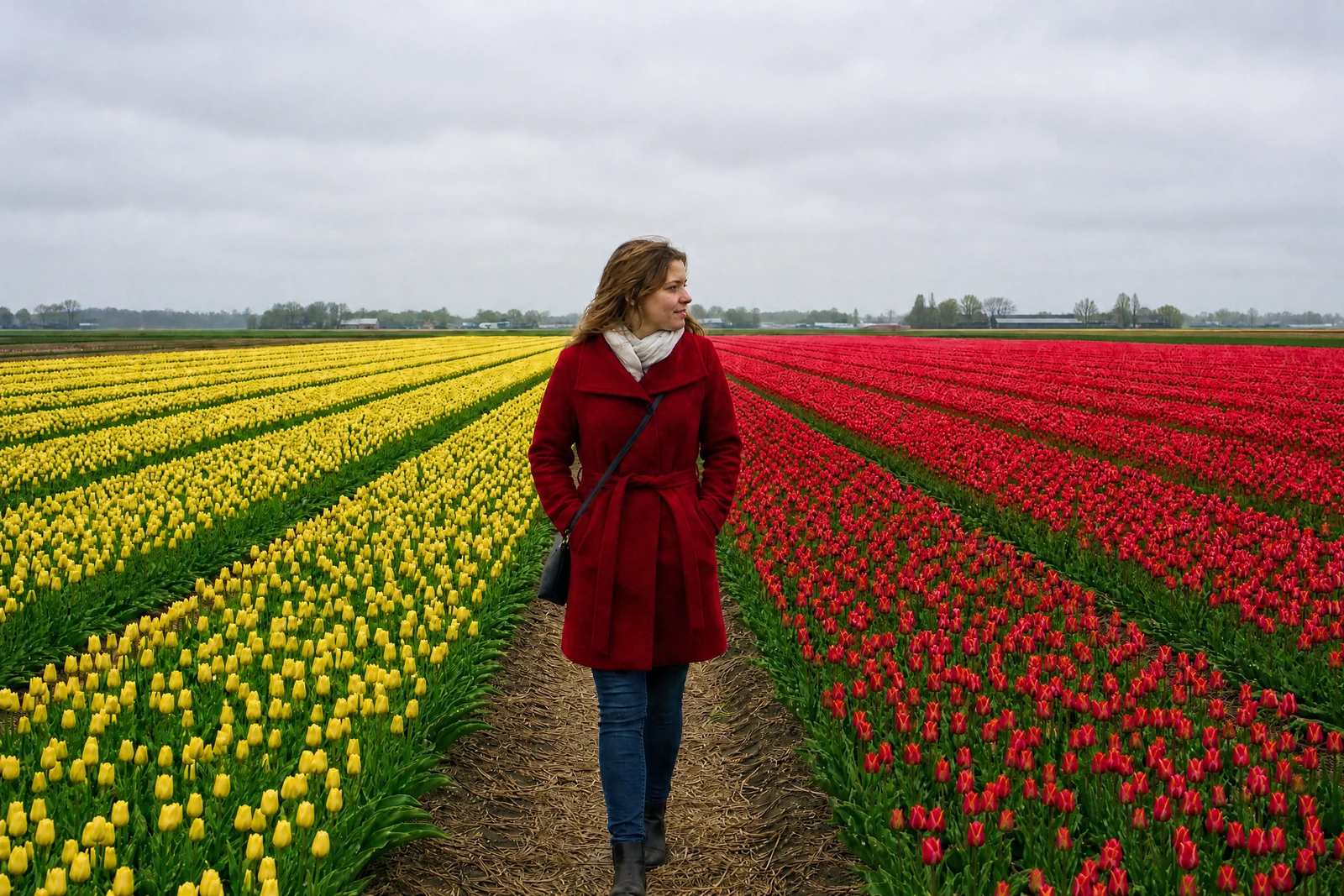
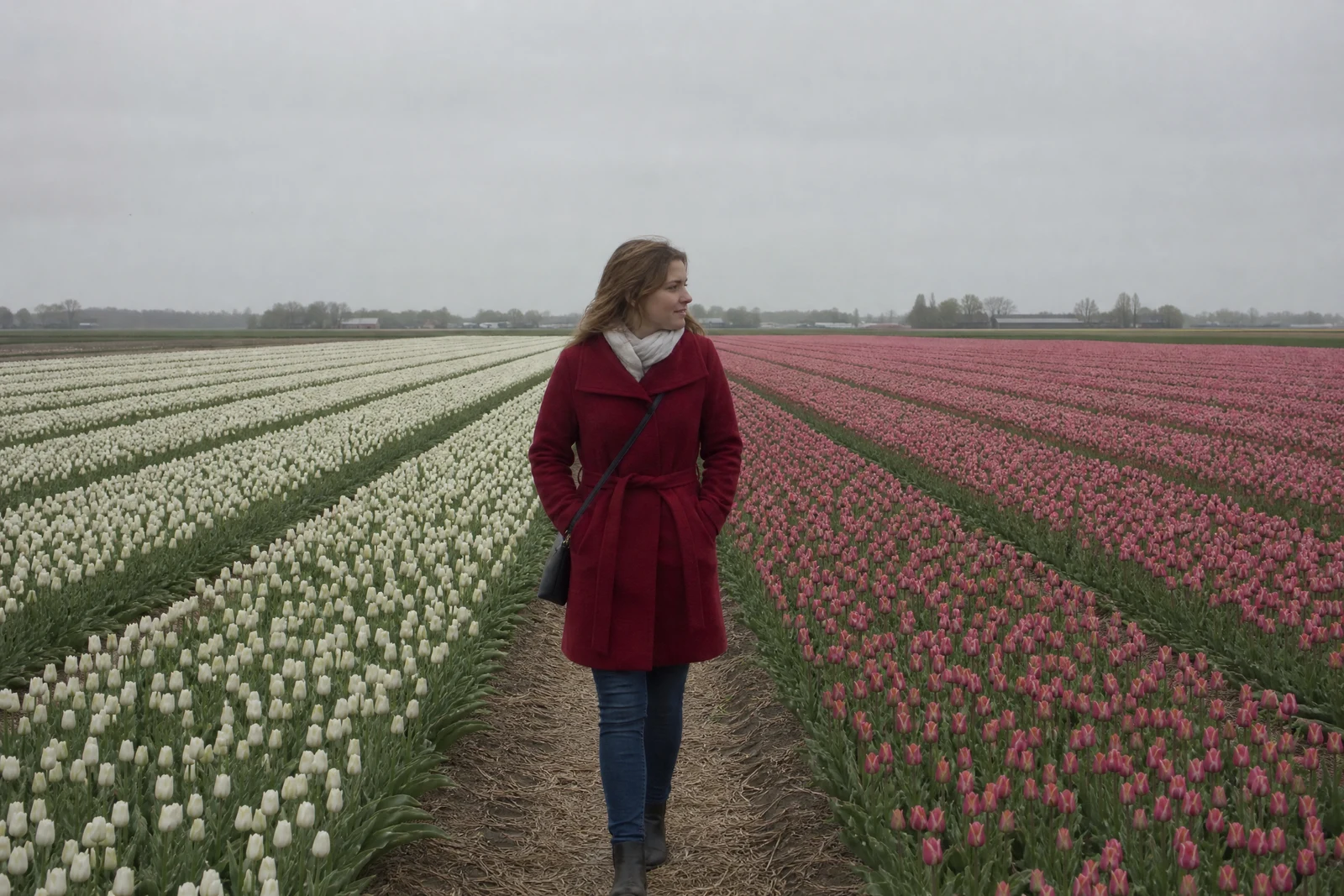
Straight out of the editor, unretouched — slide the handle to see the change.
You remember the market stalls as a riot of color; the photo shows beige. Overcast light, camera-safe default processing, and small sensors all conspire to record the world more mutedly than it felt, and vacation archives are full of the evidence — gray beaches that were turquoise, dull gardens that were blazing.
Color Pop restores the feeling. Vivid, the default, boosts vibrancy and saturation with a slight contrast lift — lively but still photographic. Subtle is the restrained version for photos that need only a nudge. Maximum goes bold: rich, punchy, poster-strength color for images meant to stop a scroll. At every level the pass treats skin tones as a special case, enriching the scene without pushing faces toward orange.
It earns its place on travel shots, food, gardens, autumn leaves, and anything destined for a feed or a photo book. For best results start from a neutral base — a quick White Balance pass first if the photo has a cast — and if what you actually want is a specific mood rather than more color, the Film Look grades may be the better instrument.
Why this tool
- Send what you finish here straight into every other tool
- Standard, Pro and Max quality tiers
- Results land in your creations library
- Enlarge for printing, or set the still photo in motion as video
Frequently asked questions
Will faces turn orange?
Skin tones are treated separately from the rest of the frame at every strength, precisely because uniform saturation boosts are what make faces go orange. Maximum pushes the scene hard while still keeping people believable.
Which strength for social media?
Vivid is the sweet spot for feeds — noticeably alive without reading as filtered. Maximum suits graphic, color-driven shots like markets, murals, and sunsets where boldness is the point.
My photo has a color tint as well as dull color — what order?
Fix the tint first with White Balance or Color Correction, then pop the color. Boosting saturation on a color cast amplifies the cast along with everything else.
Can I try AI Color Pop for free?
Yes — every new account starts with 4 free credits, enough to run this tool once at Standard quality. No credit card required.
Related tools