
Use case
Prepare a Photo for a Memorial Service
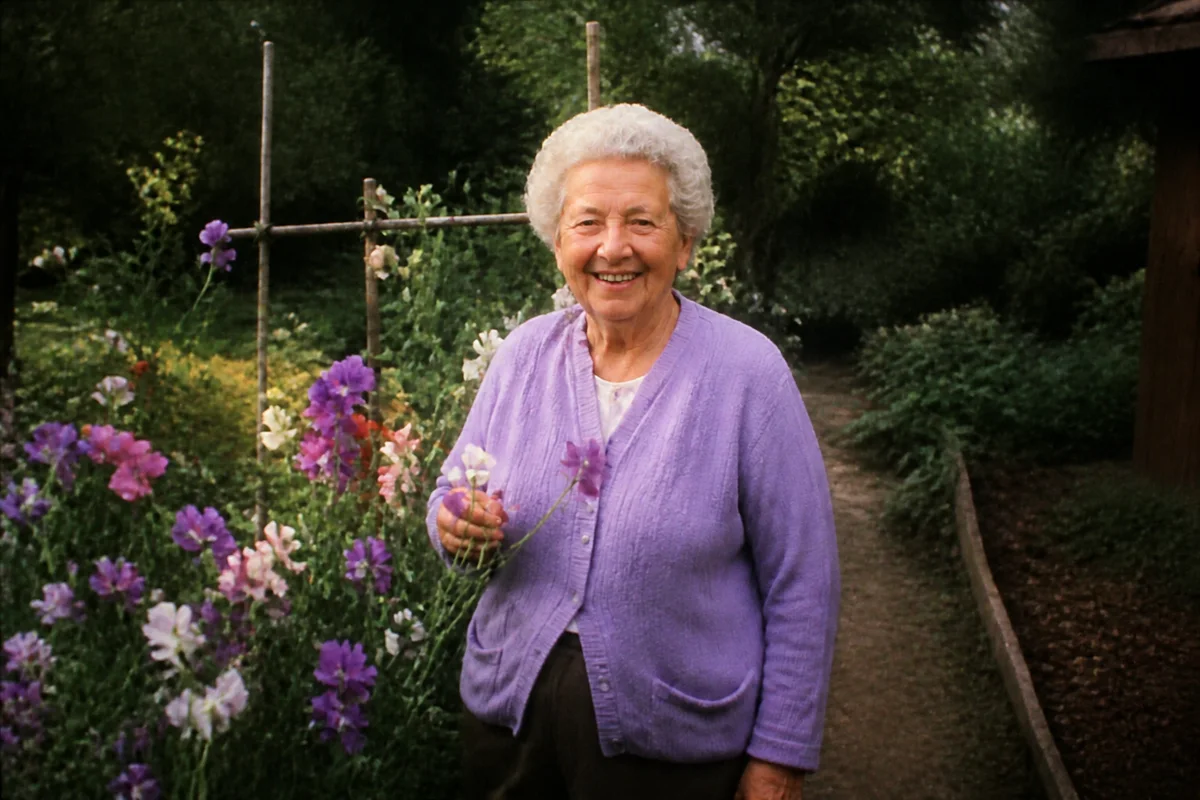
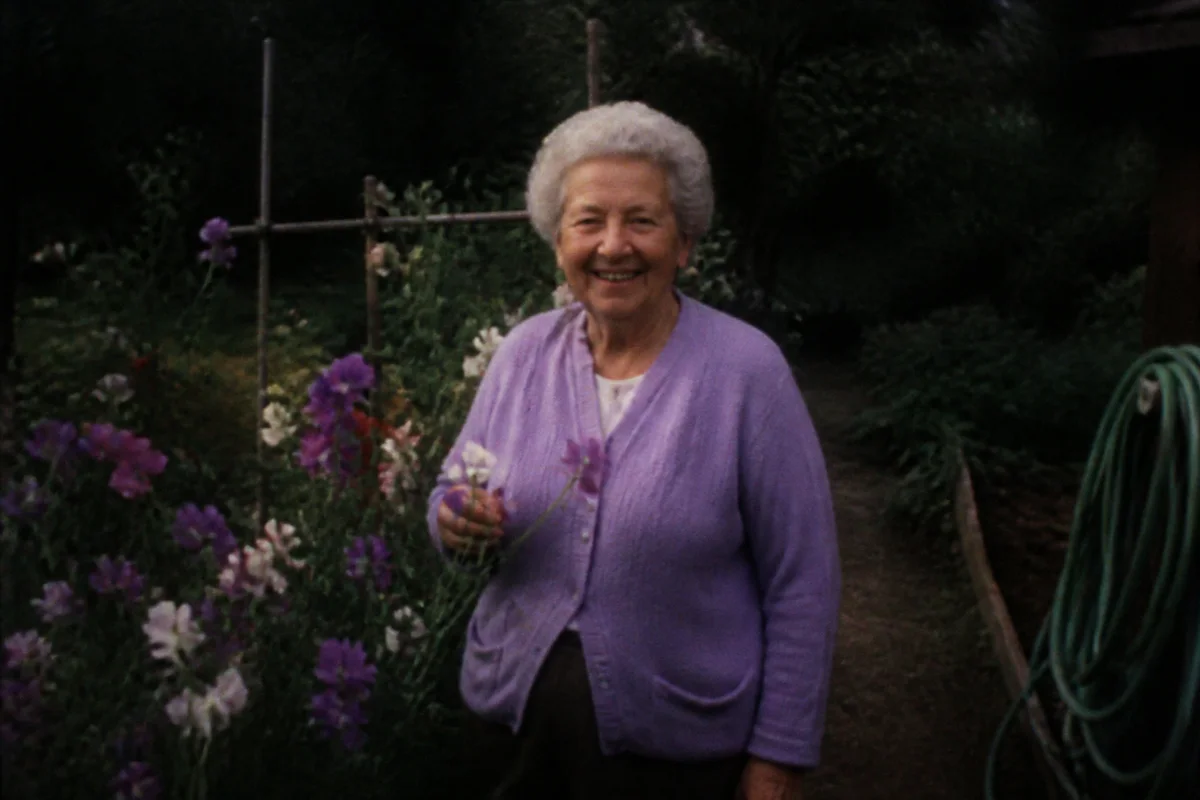
Watch the rescue unfold — pull the slider across.
When a family is planning a service, the photo question arrives at the worst possible time. The picture everyone agrees captures them is a decade old, slightly blurry, or has someone else's shoulder in the frame — and the funeral home needs a print-ready file by tomorrow.
This is work AI does gently and fast. Restore an older print, sharpen a soft favorite, quietly remove a distracting background, and upscale to the size the easel display needs. Each step takes seconds, and the site is available at whatever hour grief and logistics collide — including the night before.
Afterward, the same restored photo often goes on to a second life: the memorial card, the slideshow, the frame that stays on the mantel.
The problems this solves
- The photo everyone loves is blurry, small, or decades old.
- The best shot of them has clutter, other people, or a distracting background.
- The funeral home needs a high-resolution file on a hard deadline.
- Older relatives' best photos exist only as damaged prints.
A workflow that works
Restore older prints
If the chosen photo is an aging print, restoration clears the damage so the person — not the wear — is what people see.
AI Photo RestorationSharpen the portrait
Casual favorites are often slightly soft; enhancement makes the face clear at easel size.
AI Face EnhancementSimplify the background
A quiet, neutral backdrop keeps the focus where it belongs. Cropping out a busy scene is often all a memorial portrait needs.
AI Background ChangerUpscale for the display print
Easel portraits are typically 16x20 or larger — upscaling takes a phone photo or small print to that size cleanly.
AI Image UpscalerFrequently asked questions
We need the photo ready by tomorrow morning. Is that realistic?
Yes. Each edit takes seconds and the site is available around the clock, so the full prepare-and-download can happen tonight. Send the finished file to the funeral home or a same-day print shop.
Can you remove other people from the photo?
Yes — person removal lifts other figures out of the frame so a group snapshot becomes an individual portrait. Review the filled-in background, since it's reconstructed.
What file should I give the funeral home?
Download at full resolution and send the largest file. For a 16x20 easel print, upscale first so the image stays sharp at viewing distance.
Does this cost anything at a difficult time?
Creating an account is free and includes 4 free credits, which is typically enough to prepare a memorial portrait.
Related use cases