
Restore & revive
AI Denoise
Clean grain and speckle out of noisy photos
Starter credits come with your account — and there's no card to enter.
- 1Upload the grainy photo and pick a denoise strength
- 2The AI separates noise from detail and smooths the speckle
- 3Check faces and textures up close, then download the clean version
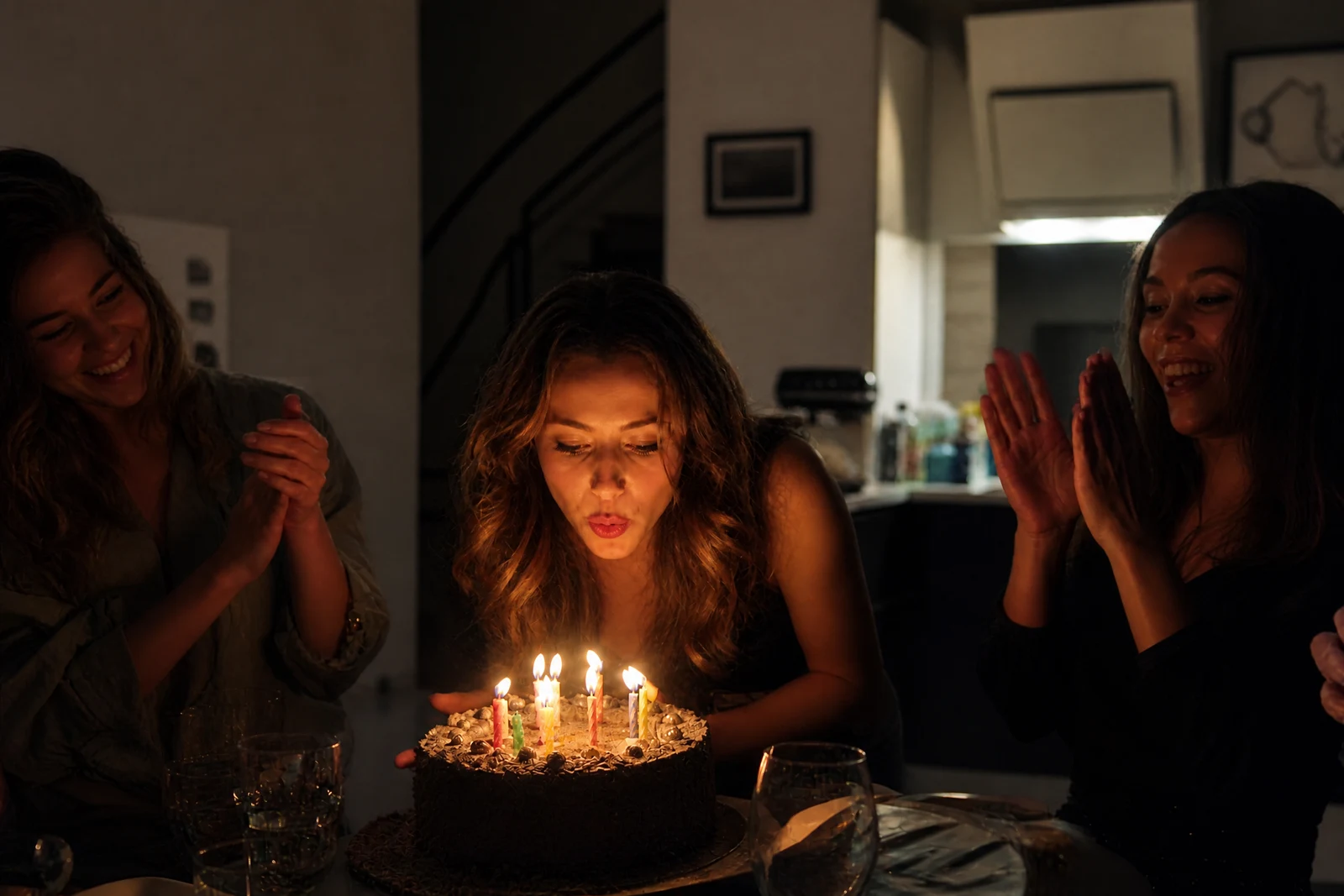

Straight out of the editor, unretouched — slide the handle to see the change.
Noise is what a camera leaves behind when it runs out of light: colored speckle across evening skies, gritty texture over faces at a candlelit dinner, static in the shadows of a concert shot. Early digital cameras and phone sensors produced a lot of it, which means many of the photos from the 2000s that families most want to keep are also the grainiest ones they own.
Upload the photo and choose a strength. Light takes the edge off fine grain while leaving texture alone; Medium is the everyday setting for visibly noisy shots; Strong is for heavily speckled low-light photos where the noise competes with the subject. The hard part of denoising is telling random speckle apart from real texture — skin, hair, fabric — and that distinction is exactly what the AI is trained on, so flat areas come out smooth while edges and faces keep their structure.
Denoise is a strong first step in a rescue chain: clean the speckle, then let Unblur Image or the Image Sharpener recover crispness, and finish with the Image Upscaler if the original was small. For scanned film where the grain is part of the look, try Light first — a gentle pass often keeps the character while losing the distraction.
Why this tool
- Send what you finish here straight into every other tool
- Standard, Pro and Max quality tiers
- Results land in your creations library
- Enlarge for printing, or set the still photo in motion as video
Frequently asked questions
Which strength should I choose?
Medium suits most visibly noisy photos. Drop to Light when the grain is subtle or you want to keep a filmic texture, and go Strong for dark, heavily speckled shots where the noise is the dominant problem.
Will it soften the photo?
The pass is designed to smooth flat areas while leaving edges and facial detail standing, which is what separates it from a simple blur. If a Strong pass reads softer than you like, re-run at Medium or follow with the Image Sharpener.
Does it work on old scanned film photos?
Yes — it treats film grain and dye clumps the same way it treats digital speckle. If the scan also has dust or scratches, run Scratch Repair as a companion pass.
Can I test it for free?
Yes. Signup comes with 4 free credits, which covers one Standard-quality denoise so you can judge the cleanup on your own photo.
Can I try AI Denoise for free?
Yes — every new account starts with 4 free credits, enough to run this tool once at Standard quality. No credit card required.
Related tools