
Restore & revive
AI Scratch Repair
Mend scratches, tears, and stains on treasured prints
Starter credits come with your account — and there's no card to enter.
- 1Upload a scan of the damaged print and pick the damage type
- 2The AI lifts the marks and rebuilds the image beneath them
- 3Review the repair side by side and download the mended photo
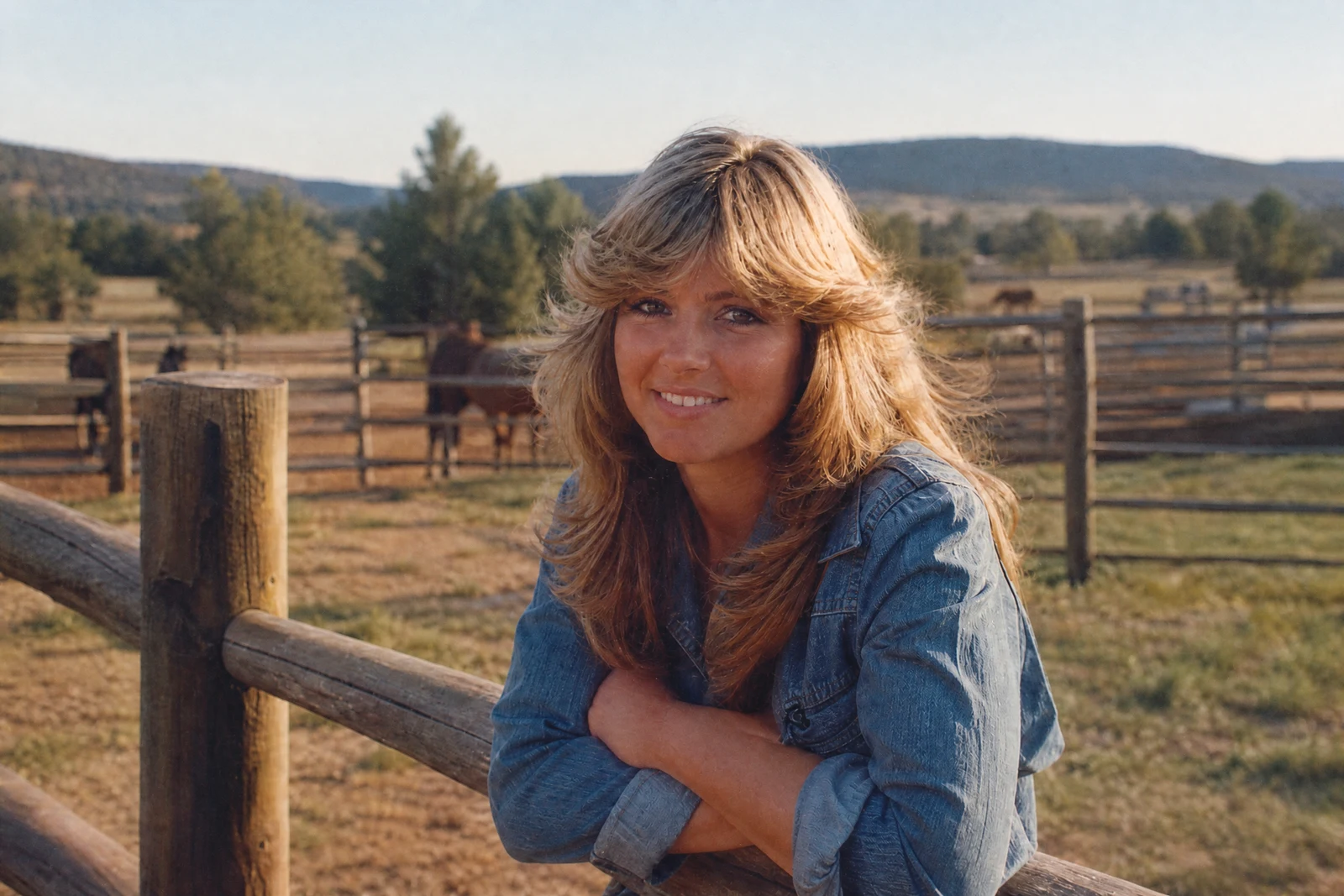
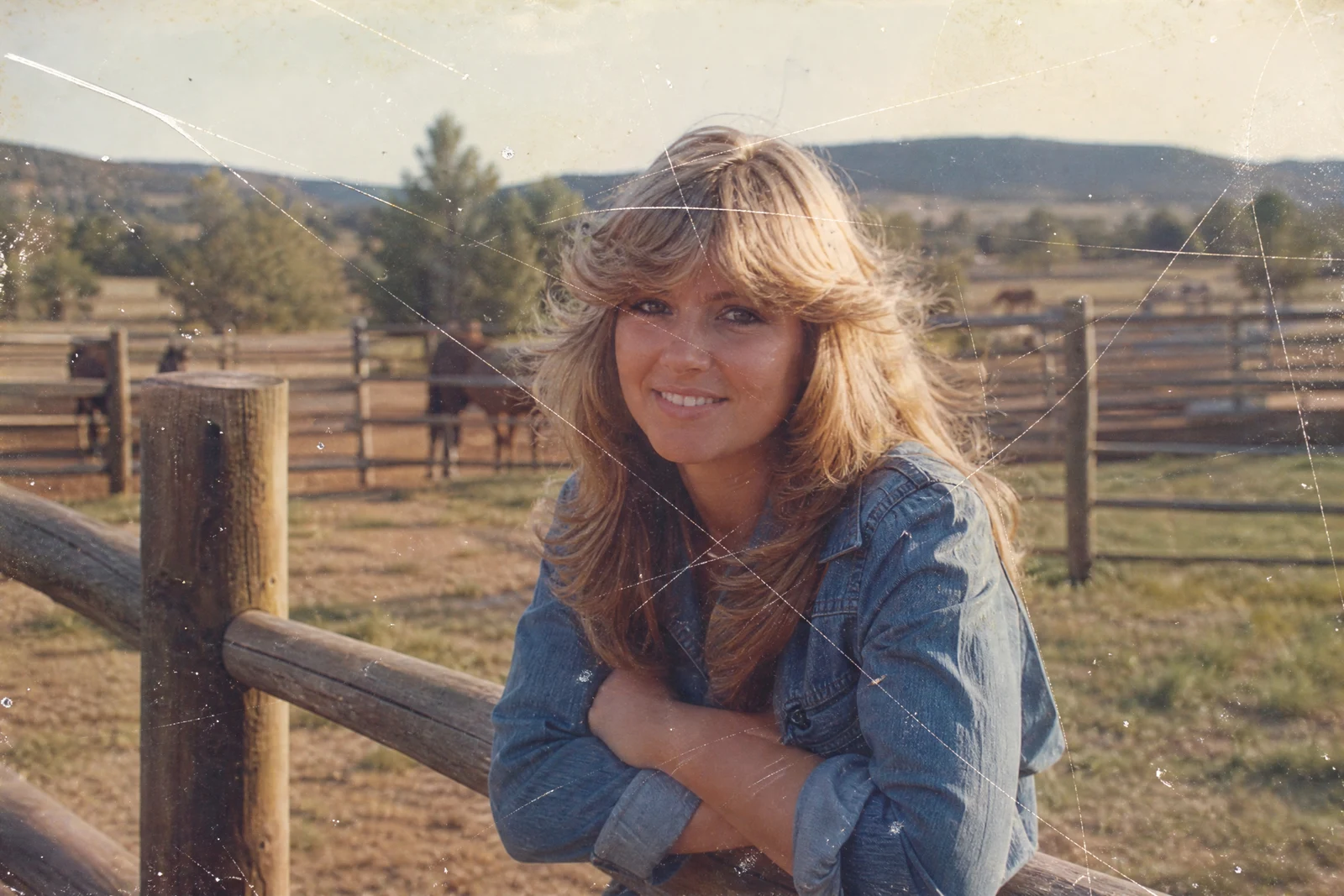
Straight out of the editor, unretouched — slide the handle to see the change.
A print that has lived in wallets, albums, and moving boxes carries its history on its surface: hairline scratches from being slid in and out of frames, a crease where it was folded to fit an envelope, the pale ring of an old water stain. Each mark sits on top of a picture that is still there underneath — repair is about lifting the damage off without losing what it covers.
Upload the scanned print and choose what to fix. All damage runs the full treatment in one pass; the Scratches, Tears & creases, and Dust & stains modes narrow the work to one kind of mark when the rest of the print is sound. The AI reconstructs the image beneath each mark from its surroundings — the continuation of a jacket seam, the pattern of wallpaper, the curve of a cheek — so the repaired areas read as part of the original photograph.
Scratch Repair pairs naturally with the rest of the rescue shelf: run Photo Restoration first when the print is also faded or soft, then this tool for stubborn physical marks, and finish with the Photo Colorizer or Image Upscaler depending on where the photo is headed next. Results land in seconds, so working through a whole album in an evening is realistic.
Why this tool
- Send what you finish here straight into every other tool
- Standard, Pro and Max quality tiers
- Results land in your creations library
- Enlarge for printing, or set the still photo in motion as video
Frequently asked questions
Should I pick a specific damage type or All damage?
Start with All damage — it treats scratches, tears, creases, dust, and stains together. Switch to a specific mode when a photo is mostly clean and you want the repair concentrated on one kind of mark.
Can it fix a photo that is torn in half?
If both halves are scanned together, aligned as closely as possible, the AI can bridge the tear and reconstruct the seam. Very wide gaps involve more reconstruction, so check the rebuilt strip carefully against what you remember.
What is the difference from Photo Restoration?
Photo Restoration is the full treatment — fading, color, sharpness, and damage in one pass. Scratch Repair concentrates on physical marks, which makes it the better choice when the image itself is in good shape or when you want a focused second pass.
Is there a free way to test it?
Yes — new accounts start with 4 free credits, which covers a Standard-quality repair run on your first print.
Can I try AI Scratch Repair for free?
Yes — every new account starts with 4 free credits, enough to run this tool once at Standard quality. No credit card required.
Related tools