
Restore & revive
AI Photo Colorizer
See a black-and-white memory in full color
Starter credits come with your account — and there's no card to enter.
- 1Upload the black-and-white photo and choose a color style
- 2The AI reads the scene and paints in scene-aware color
- 3Compare with the original and download the colorized photo
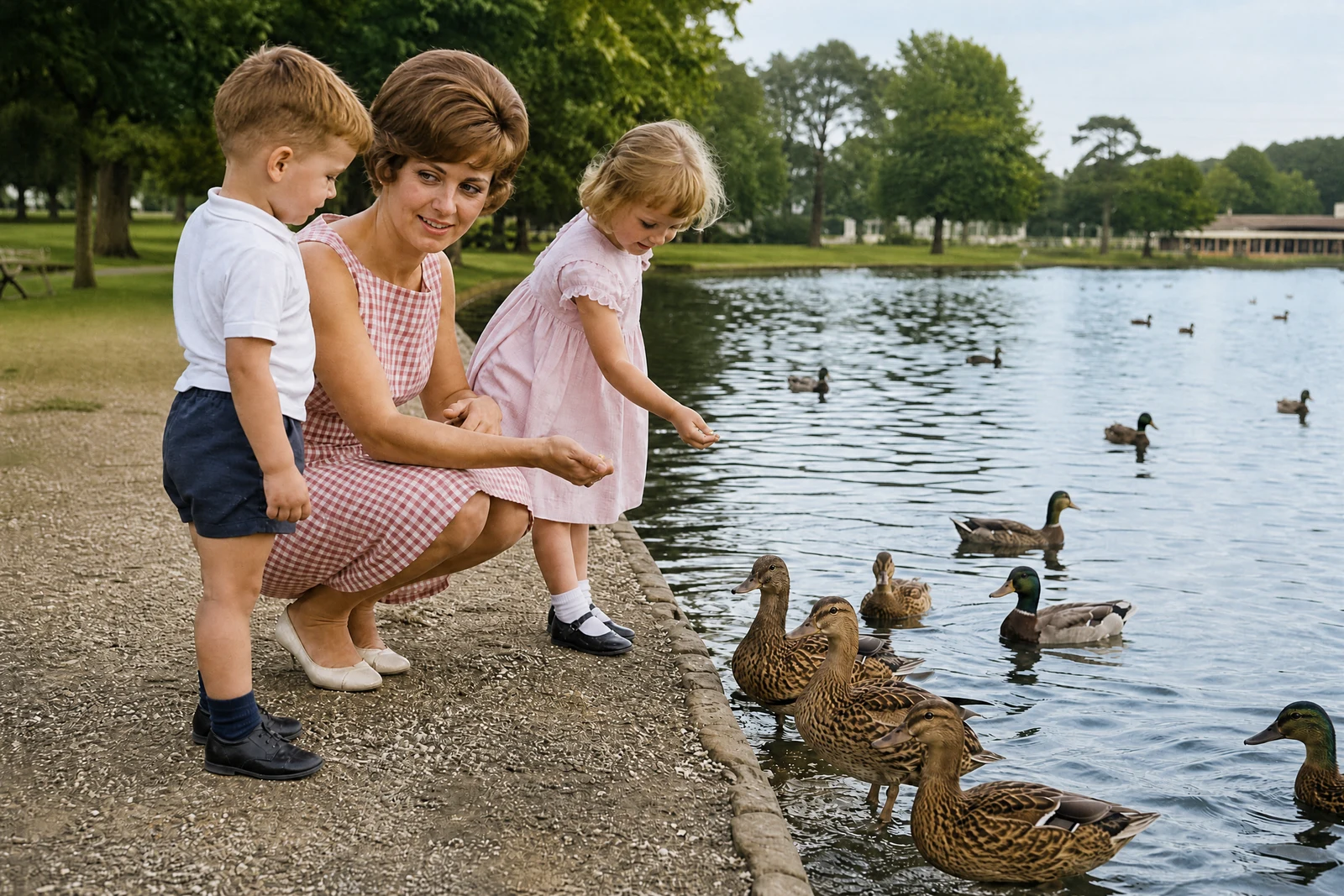
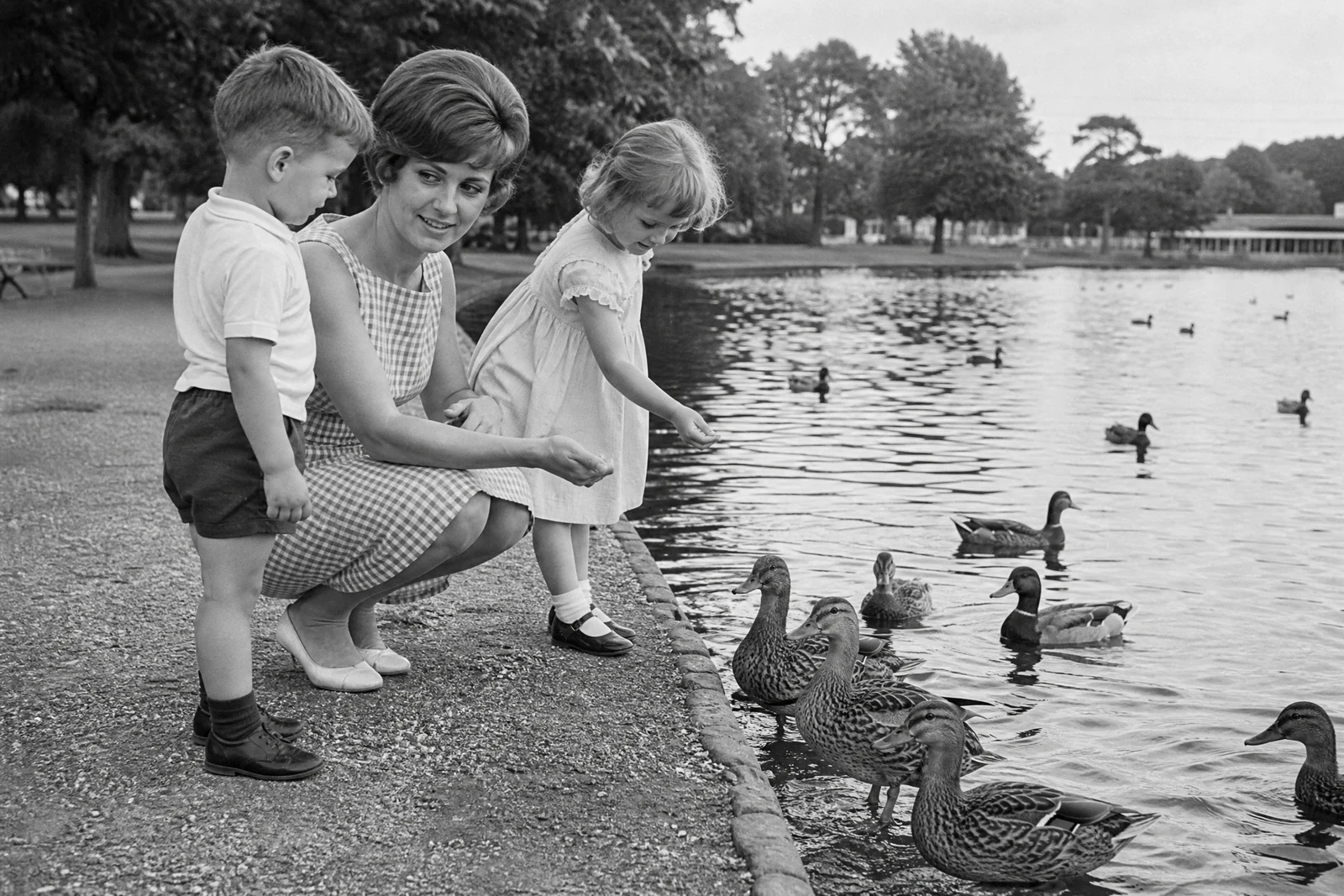
Straight out of the editor, unretouched — slide the handle to see the change.
There is a particular jolt in seeing a great-grandparent in color for the first time — the moment a formal gray figure becomes a young person in a blue dress standing in front of a brick house. Black-and-white film recorded the light of the day but not its color, and colorization is a way of asking what that afternoon actually looked like to the people in it.
Upload the photo and pick a palette. Natural aims for historically plausible color — lifelike skin, era-appropriate fabric and paint tones. Vibrant renders the same scene with the richer color of a modern photograph, and Vintage tints it softly, like the hand-colored portraits studios once sold. In each mode the AI reads the scene first — faces, materials, foliage, sky — and assigns color based on what things are, rather than washing a single tone over the frame.
Colorization works best on a clean source, so if the print is damaged or badly faded, run Photo Restoration or Scratch Repair before this step. Afterward, the Image Upscaler prepares the colorized photo for a large print — a favorite way to turn a rediscovered negative into something that hangs on a wall.
Why this tool
- Send what you finish here straight into every other tool
- Standard, Pro and Max quality tiers
- Results land in your creations library
- Enlarge for printing, or set the still photo in motion as video
Frequently asked questions
How does the AI decide which colors to use?
It recognizes what is in the frame — skin, hair, foliage, sky, fabric, wood, brick — and assigns colors that are plausible for each material and era. Where the true color is unknowable from the photo alone, it chooses a believable one, so treat the result as an interpretation rather than a record.
Which style should I start with?
Natural is the default for family photos and the closest to how the day likely looked. Choose Vibrant when you want the image to sit comfortably next to modern photos, and Vintage for a softly tinted, keepsake feel.
Should I restore the photo before colorizing?
If the print is scratched, stained, or very faded, yes — run Photo Restoration first. Color applied over damage tends to draw attention to it, while colorizing a clean restoration gives the best of both passes.
Can I try it without paying?
Yes. You get 4 free credits when you sign up, enough to colorize one photo at Standard quality and see the result for yourself.
Can I try AI Photo Colorizer for free?
Yes — every new account starts with 4 free credits, enough to run this tool once at Standard quality. No credit card required.
Related tools