
Use case
Revive the Photos in Your Family Tree
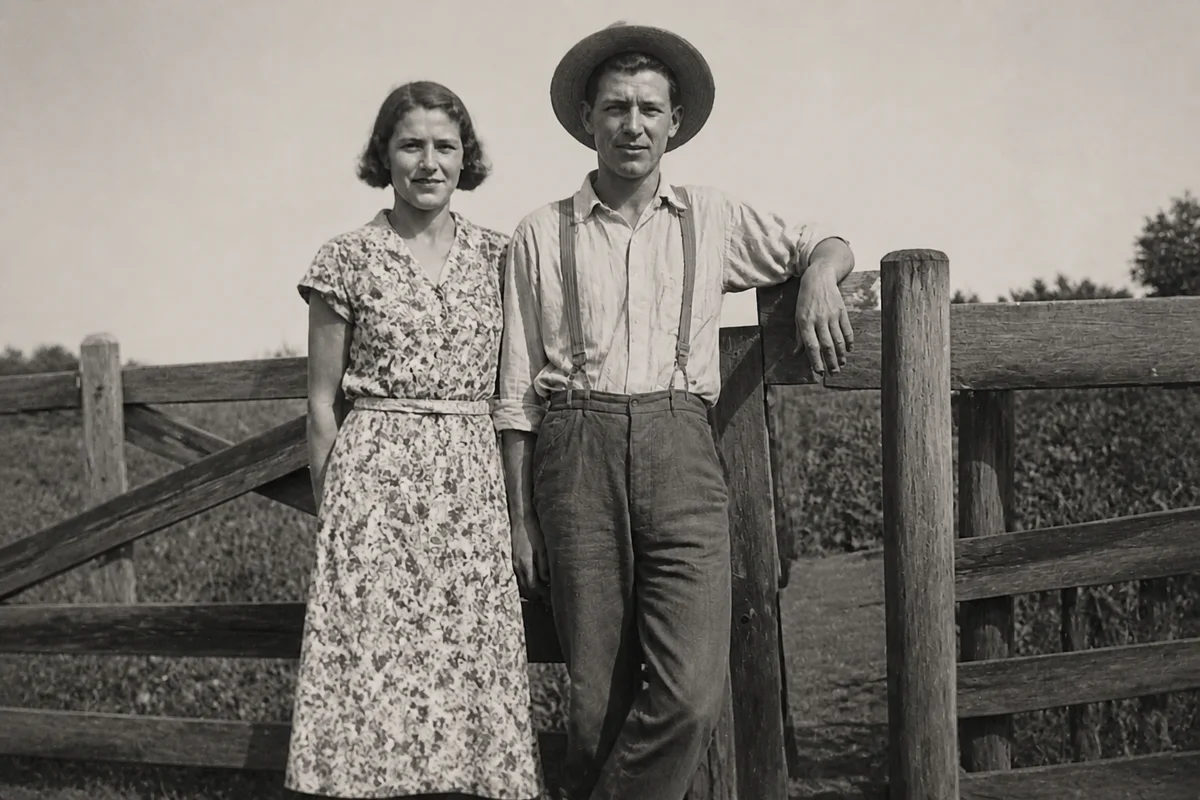
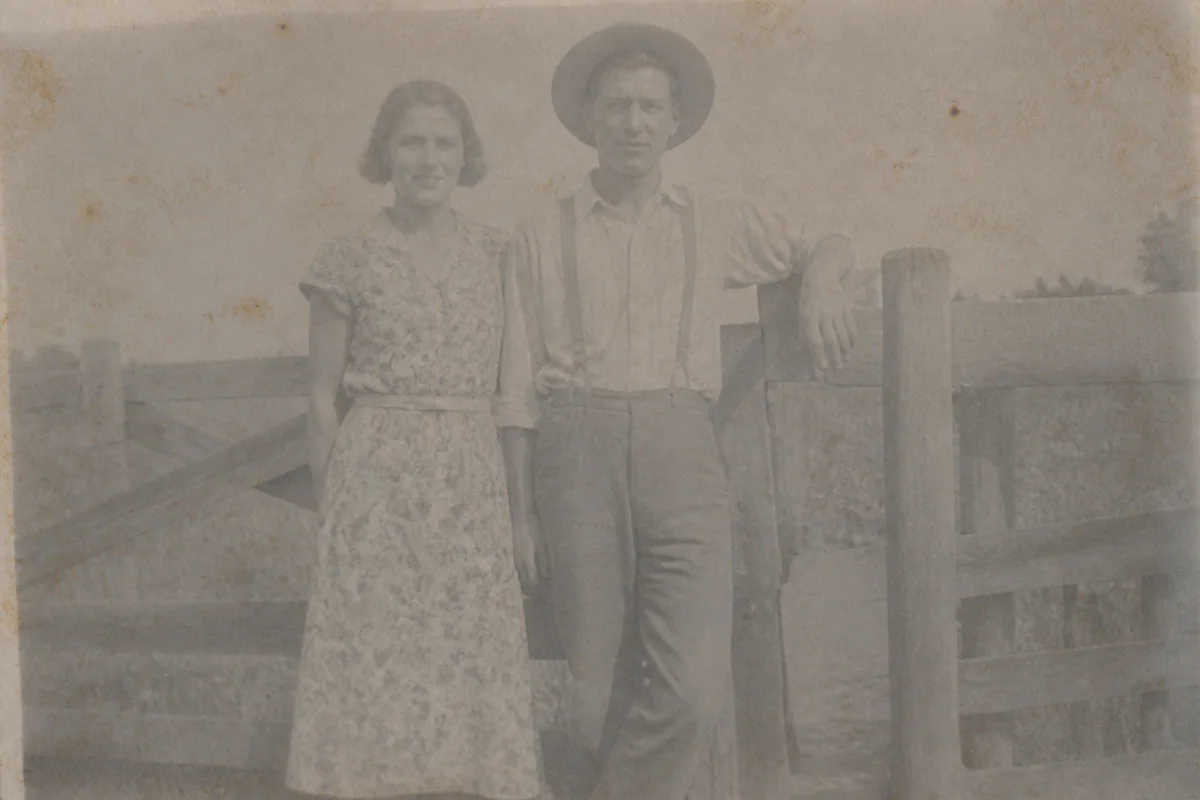
Watch the rescue unfold — pull the slider across.
Every genealogist knows the feeling: after months of records and indexes, you finally find an actual photograph of an ancestor — and it's a third-generation photocopy of a scan of a damaged print, barely more than a silhouette. The document trail gives you their name; the photo is your one chance to see their face.
AI restoration is built for exactly this material. It lifts detail out of murky scans, repairs the damage the original print carried, and sharpens features until the person looks back at you clearly. For black-and-white images, colorization can add a further layer of life — clearly labeled as an interpretation in your records.
Process each image in seconds and attach the revived version to your tree alongside the original scan. Future researchers in your family will inherit both: the source and the face.
The problems this solves
- Photos arrive as photocopies, microfilm captures, or scans-of-scans with detail crushed out.
- The only surviving image of an ancestor is damaged, faded, or blurry.
- Faces in group photos are too small and soft to compare against other records.
- Family-tree platforms display small thumbnails that make rough scans look even worse.
A workflow that works
Restore the source scan
One pass addresses the accumulated damage — fading, spots, creases — that a century of handling put into the print.
AI Photo RestorationClarify the faces
Recovering facial detail is the heart of genealogy work: it's how you compare an unlabeled photo against known relatives. Treat recovered detail as a research aid, not evidence.
AI Face EnhancementUpscale small crops
When your ancestor is one face in a group photo, crop and upscale to get a usable individual portrait for the tree.
AI Image UpscalerOptionally colorize
Color makes ancestors feel present rather than historical. Label colorized versions in your records, since the hues are AI-chosen interpretations.
AI Photo ColorizerFrequently asked questions
Is an AI-enhanced photo acceptable in genealogy research?
Best practice is to keep both: archive the untouched scan as your source document, and use the enhanced version for display and face comparison. Note in your records which version is which — enhancement recovers and reconstructs, and serious research should always trace back to the original.
Can it help identify people in an unlabeled photo?
It can make faces clear enough to compare against labeled photos, which is often the breakthrough. The judgment call is still yours — enhanced detail is reconstructed, so weigh it alongside dates, locations, and other evidence.
What about tintypes, cabinet cards, and daguerreotypes?
All of them work as scans. Very early photographic processes have their own artifacts — mirror-like surfaces, plate scratches — and restoration handles these the same way it handles print damage.
How fast can I work through a family archive?
Seconds per image, available whenever your research session happens to be — including 2 a.m. record-hunting. Sign-up includes 4 free credits to start with your most important ancestor.
Related use cases