
Enhance quality
AI Auto Enhance
One click, and the photo looks the way you remember it
Starter credits come with your account — and there's no card to enter.
- 1Upload your photo and pick Subtle, Balanced, or Maximum
- 2The AI balances exposure, color, sharpness, and noise in one pass
- 3Flip between before and after, then download the enhanced photo
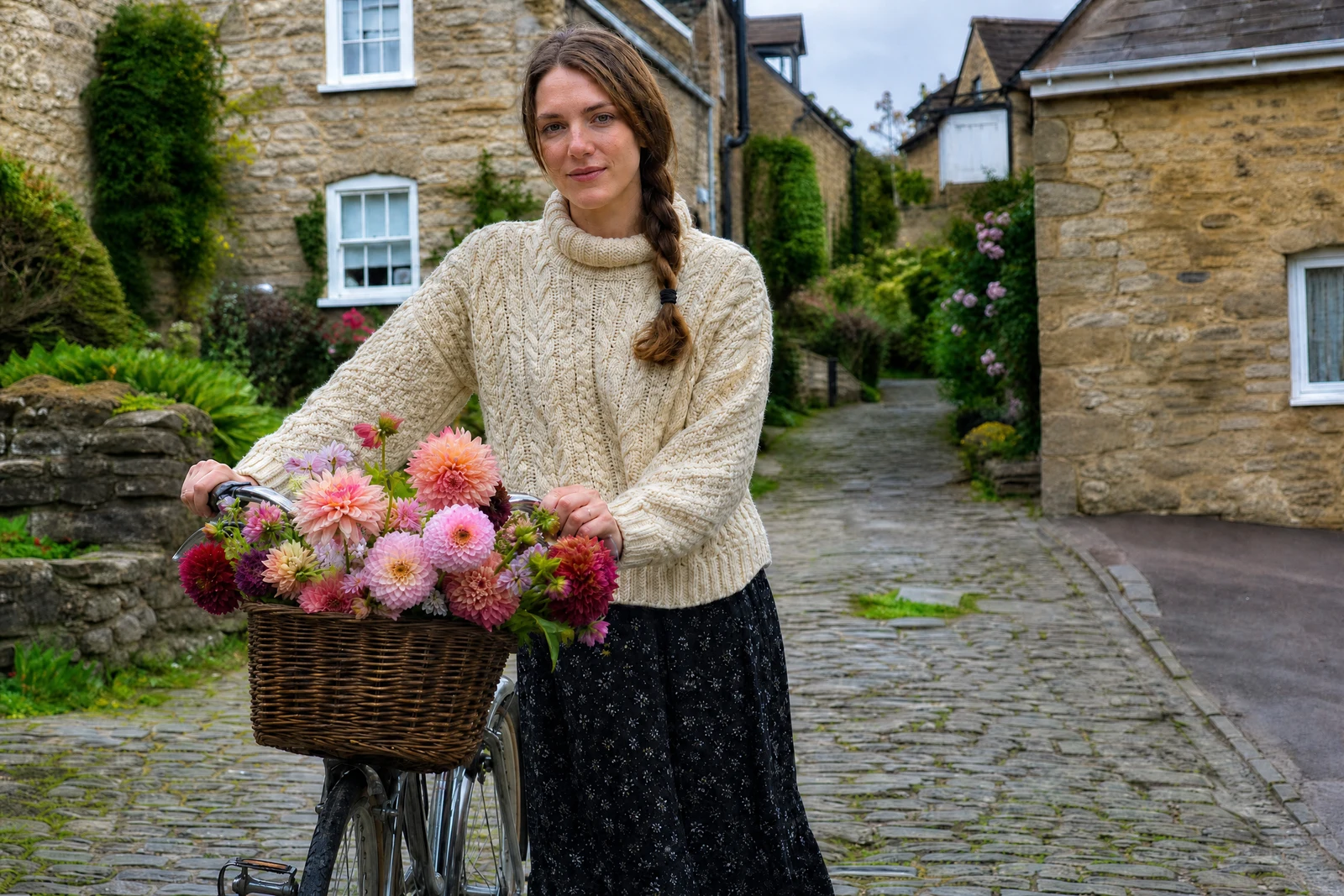
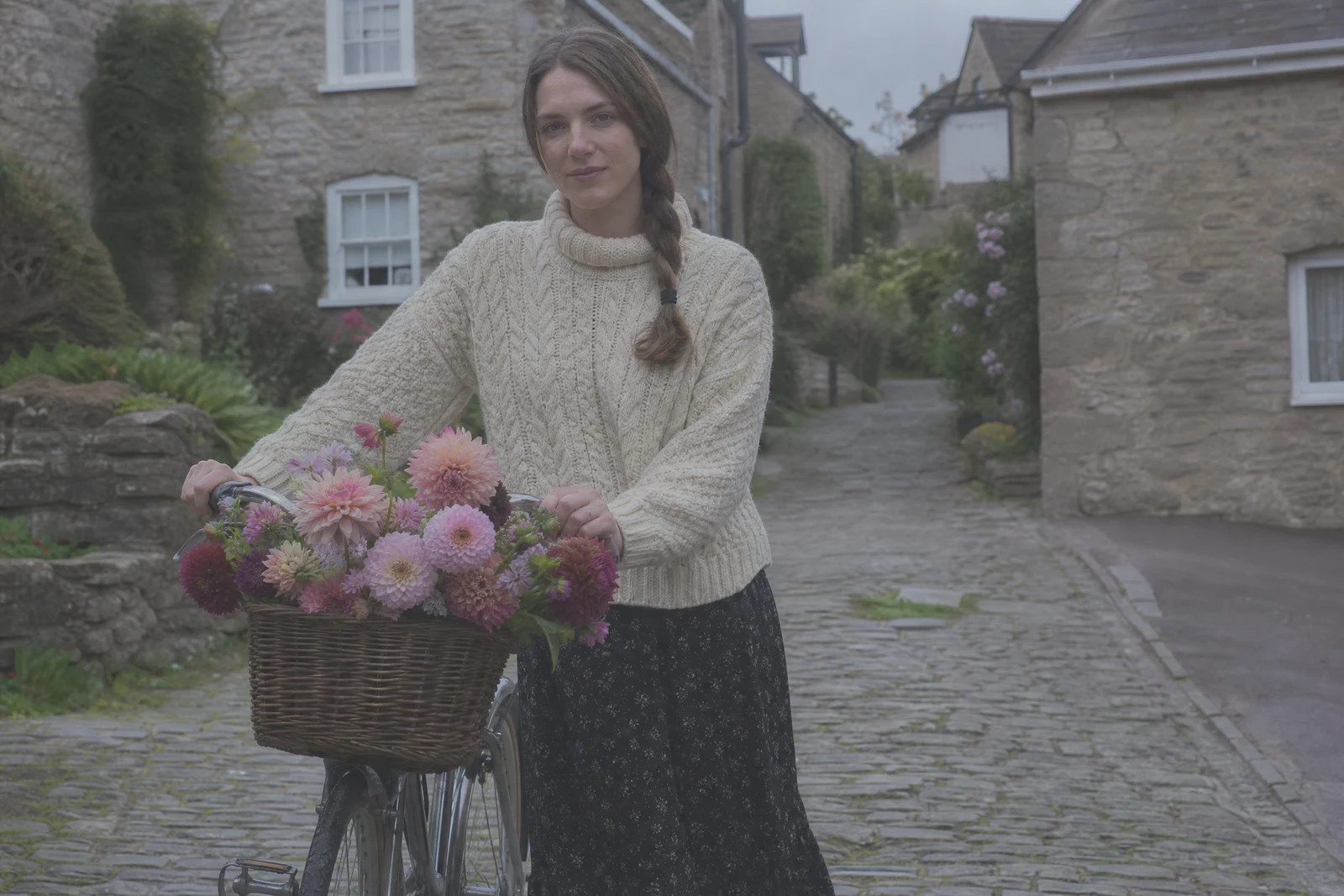
Straight out of the editor, unretouched — slide the handle to see the change.
Most photos worth keeping were never edited — they went straight from the camera to a folder, a little dark, a little flat, a little soft. The gap between that file and the moment you remember is rarely one problem; it is five small ones stacked together, and fixing them one slider at a time is why most people never fix them at all.
Auto Enhance is the whole checklist in one pass: exposure balanced, contrast and color vibrancy lifted, fine detail sharpened, noise reduced. The Balanced setting is what a good photo lab would deliver by default. Subtle nudges the image without announcing itself, useful for photos that were nearly right, and Maximum leans in for shots that need real rescue — hazy, dim, washed-out frames that deserve a second life.
Because it is one upload and one click, this is the tool to try first on almost anything. If the result reveals a more specific problem — a color cast, a dark corner, a soft face — the focused tools such as White Balance, Low Light Brightener, and Face Enhancement are one chain away, and every run finishes in seconds at any hour.
Why this tool
- Send what you finish here straight into every other tool
- Standard, Pro and Max quality tiers
- Results land in your creations library
- Enlarge for printing, or set the still photo in motion as video
Frequently asked questions
Which strength should I use?
Balanced is the everyday choice and the best starting point. Use Subtle for photos that only need a gentle tidy, and Maximum for dim, hazy, or flat shots that need the full treatment.
How is this different from the Photo Enhancer tool?
Auto Enhance is strength-based: same balanced recipe, three intensities. The Photo Enhancer offers styled looks — low-light, color pop, cinematic, and more. Start here; reach for Photo Enhancer when you want a specific flavor.
Will it change what is in the photo?
The pass is aimed at image quality — tone, color, sharpness, noise — not at content. As with any AI edit, give the result a quick side-by-side look before you share or print it.
Can I try it free?
Yes. Signing up gives you 4 free credits, which covers one Standard-quality enhancement — a fair test on the photo you care about.
Can I try AI Auto Enhance for free?
Yes — every new account starts with 4 free credits, enough to run this tool once at Standard quality. No credit card required.
Related tools