
Background & cleanup
Text Behind Object
Set bold type behind your subject, magazine-style
Starter credits come with your account — and there's no card to enter.
- 1Upload the photo, enter the text, and name the front subject
- 2The AI sets the type behind the subject with true overlap
- 3Check the overlap edge, then download the graphic
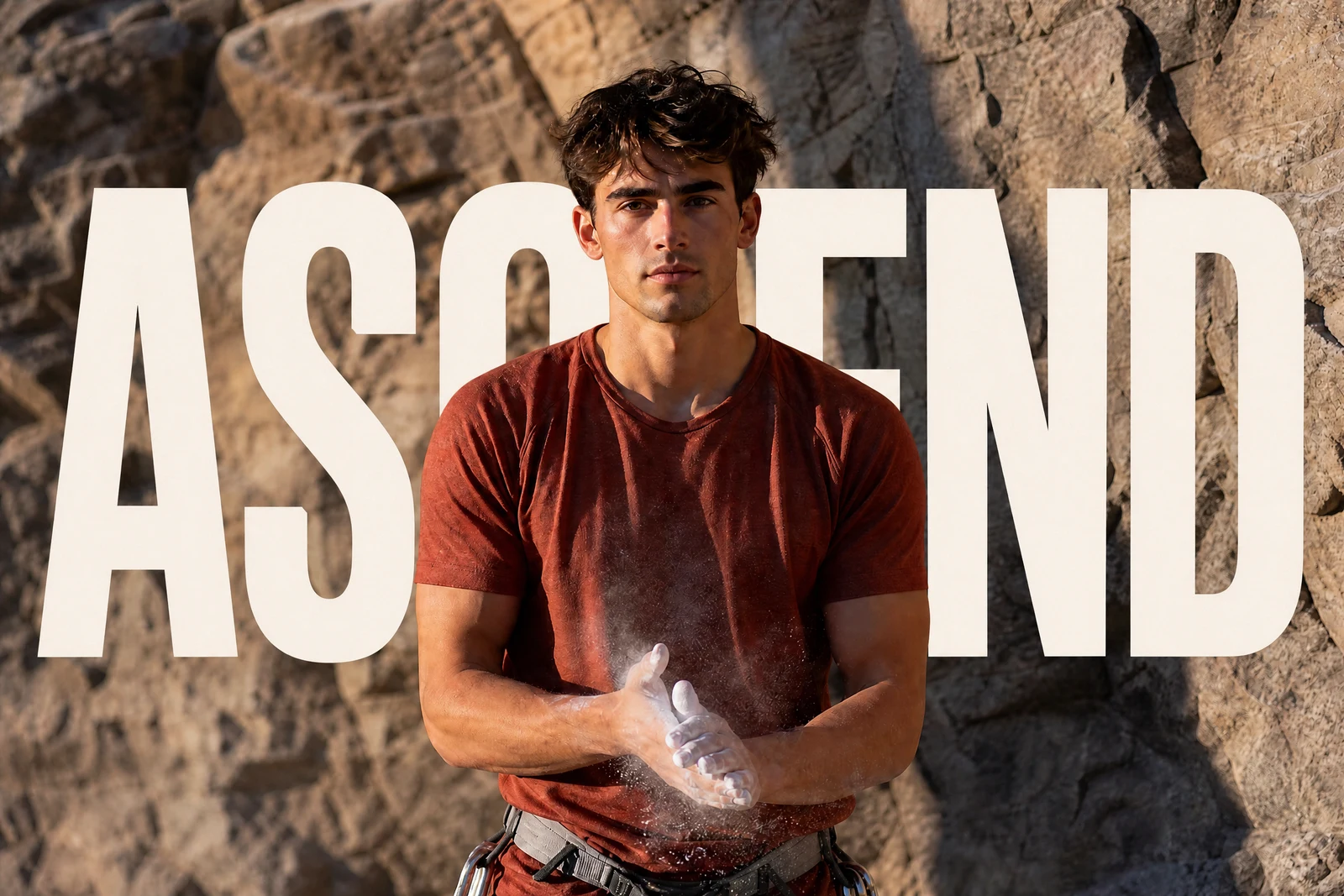
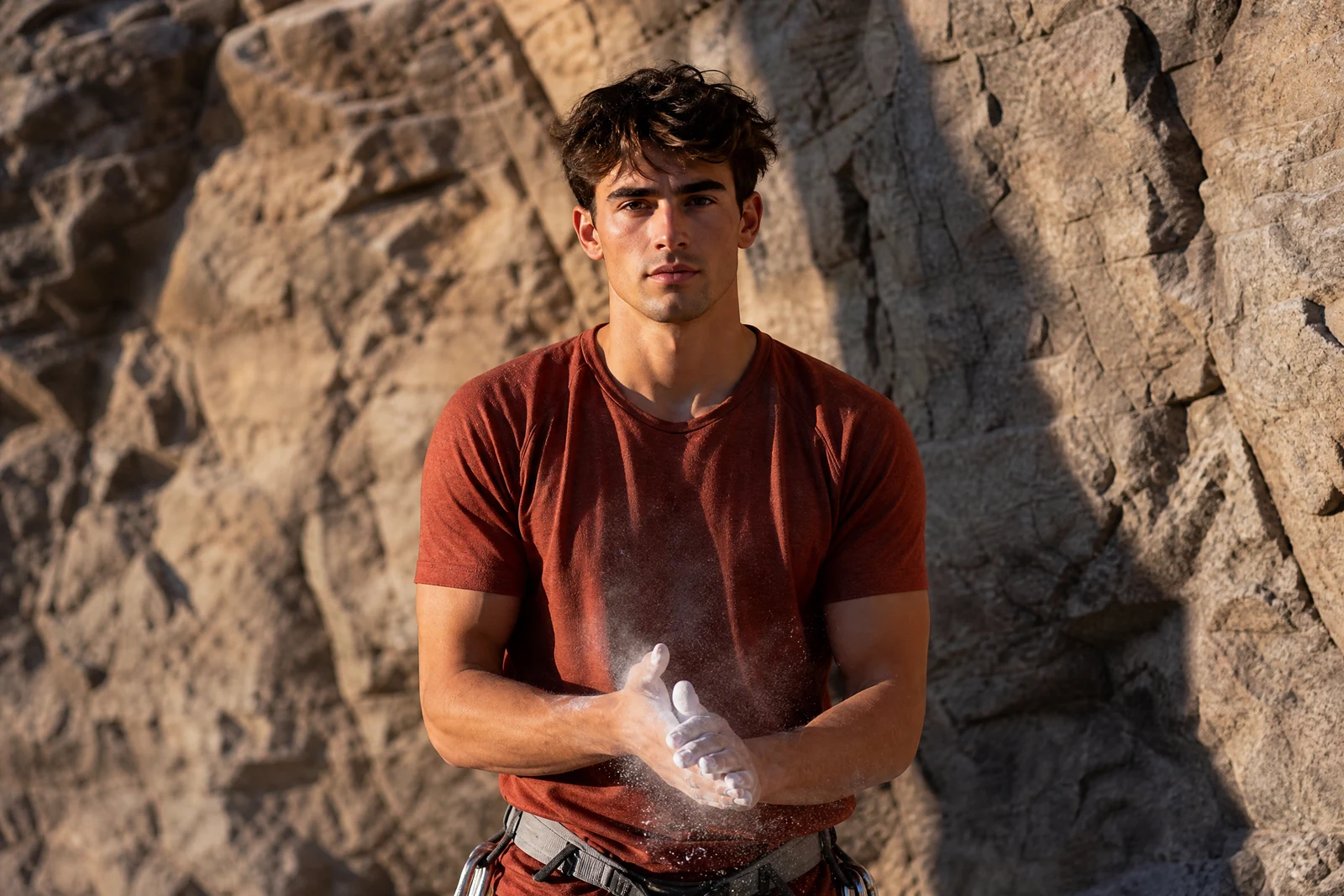
Straight out of the editor, unretouched — slide the handle to see the change.
The magazine-cover trick: the masthead runs behind the star's head, and suddenly a flat page has depth. The subject stops being printed on the image and starts standing in front of it. Doing this manually takes layer masks and patience — duplicating the subject, cutting it out, sandwiching the type between.
Here it takes two phrases. Enter the text and name the subject that should overlap it — 'SUMMER behind the surfer', '2026 behind the graduate' — and the AI separates the subject, sets the type into the scene behind them, and lets the subject's outline break in front of the letters. The occlusion is what sells the whole effect, and it is computed from the actual subject edge, hair and all.
One pass produces cover-style travel posters, event graphics, album-page headers, and the thumbnail style that dominates video platforms. Short, bold words at large sizes read best — a place name, a year, one strong word — and the result chains into Color Pop or Film Look when the whole graphic wants a final grade.
Why this tool
- Send what you finish here straight into every other tool
- Standard, Pro and Max quality tiers
- Results land in your creations library
- Enlarge for printing, or set the still photo in motion as video
Frequently asked questions
What text works best?
Short and bold: a name, a year, a single word. The effect depends on the subject visibly interrupting the letters, and long sentences at small sizes leave nothing to interrupt.
How does it know where 'behind' is?
It separates the named subject from the scene and places the type between the two layers, so the subject's true outline — including hair and held objects — occludes the letters.
Can I style the text?
Describe styling along with the content — 'SUMMER in tall white letters', 'NYC in yellow' — and the AI applies it. Placement adjusts to the composition so the type stays legible around the subject.
Can I try Text Behind Object for free?
Yes — every new account starts with 4 free credits, enough to run this tool once at Standard quality. No credit card required.
Related tools