
Background & cleanup
AI Background Remover
Lift the subject cleanly off its background
Starter credits come with your account — and there's no card to enter.
- 1Upload the photo — JPG, PNG, or WebP
- 2The AI traces the subject, including hair and soft edges
- 3Download the transparent PNG cutout
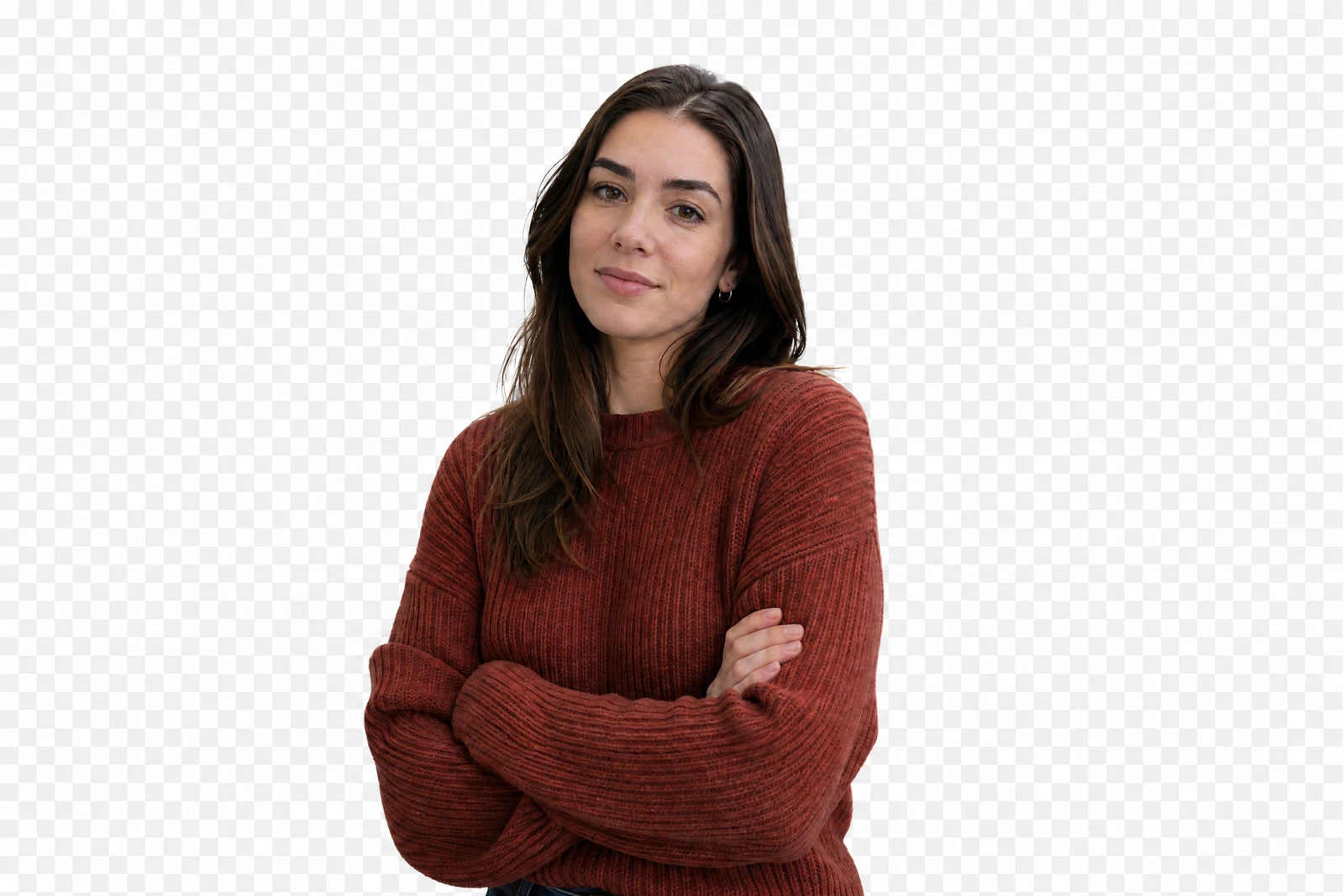
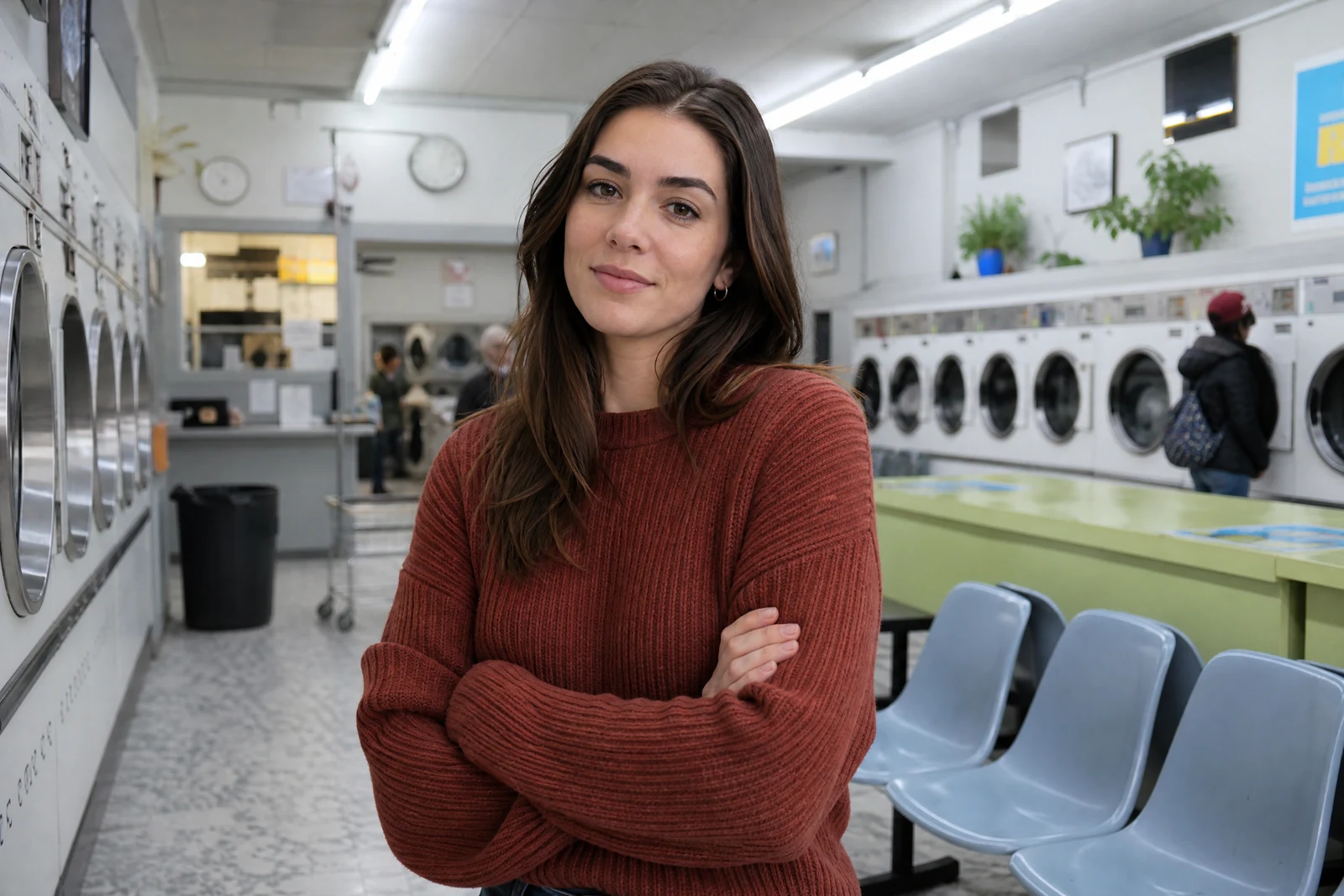
Straight out of the editor, unretouched — slide the handle to see the change.
A clean cutout is the raw material of a hundred projects: the memorial collage that needs Grandpa lifted from a busy kitchen, the product listing that needs the lamp without the garage behind it, the sticker of the dog, the profile photo without the parking lot. Cutting by hand means tracing edges for minutes and still losing the hair.
Upload the photo and the AI does the tracing: it identifies the main subject and separates it from the scene down to individual strands, estimating partial transparency along soft edges — hair, fur, lace — where hard outlines would look clipped. The result is a true transparent PNG with nothing baked in behind it.
From there the cutout goes anywhere: onto a plain backdrop, into a design, into a family collage alongside cutouts from other decades of photos. It is also the gateway to this catalog's scene tools — feed the result to Change Background for a whole new setting, or use Blur Background instead when what you want is the original scene, just quieter.
Why this tool
- Send what you finish here straight into every other tool
- Standard, Pro and Max quality tiers
- Results land in your creations library
- Enlarge for printing, or set the still photo in motion as video
Frequently asked questions
What do I get back?
A PNG with a genuine alpha channel — transparent, not white-filled — so the cutout drops onto any background or design without further masking.
How does it do with hair and fur?
Soft edges are handled with estimated partial transparency rather than a hard outline, which is what keeps flyaway hair and pet fur looking natural instead of helmet-cut.
What about photos with several people?
The prominent foreground subjects are kept together and the scene behind them removed. To isolate one person from a group, crop to them first for the cleanest separation.
Can I try it free?
Yes — signing up grants 4 free credits, enough for one Standard-quality cutout.
Can I try AI Background Remover for free?
Yes — every new account starts with 4 free credits, enough to run this tool once at Standard quality. No credit card required.
Related tools