
Background & cleanup
AI Change Text
Rewrite the words inside the photo
Starter credits come with your account — and there's no card to enter.
- 1Upload the image, enter the current text and its replacement
- 2The AI erases the original and sets the new words in its style
- 3Read the result carefully in place, then download
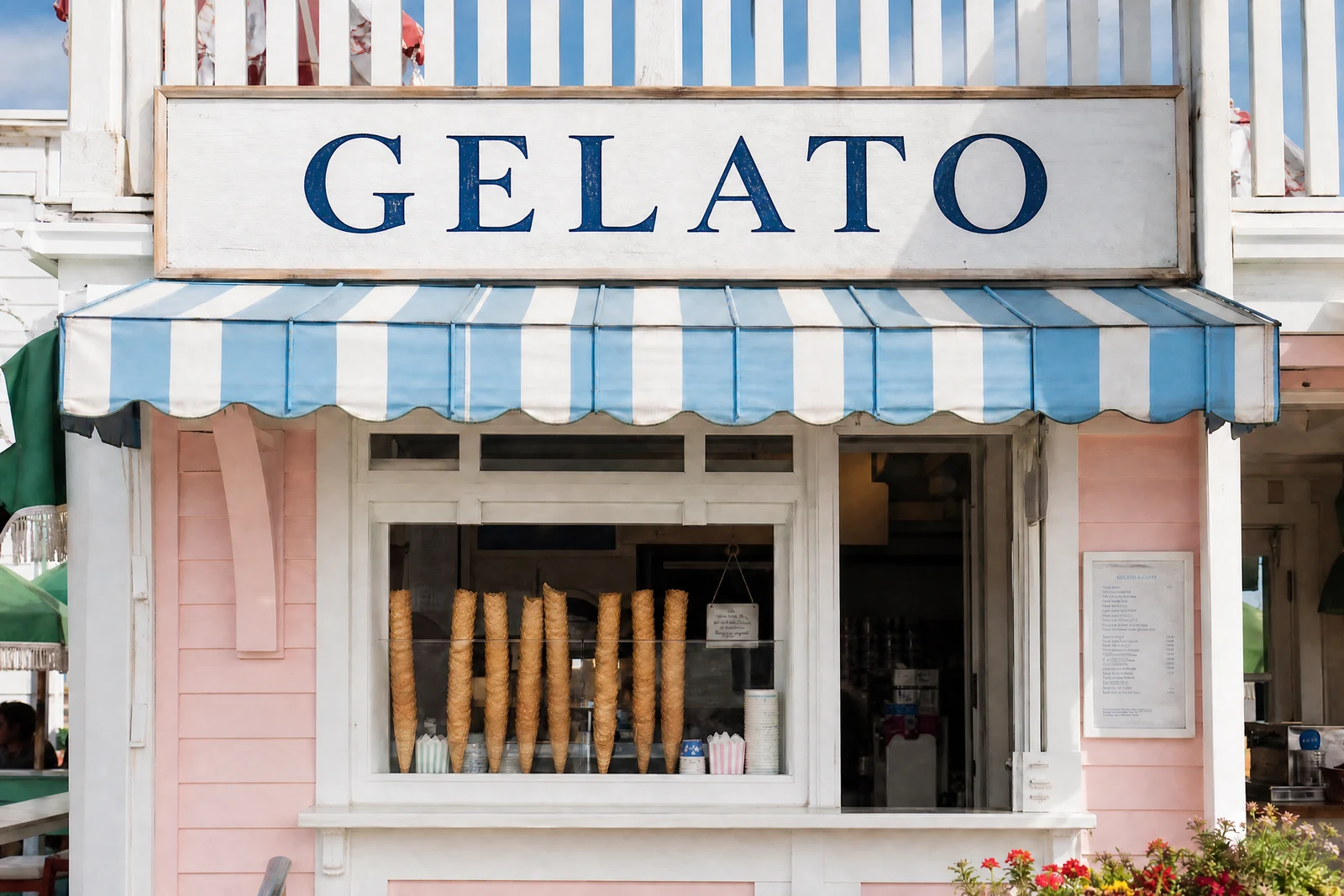
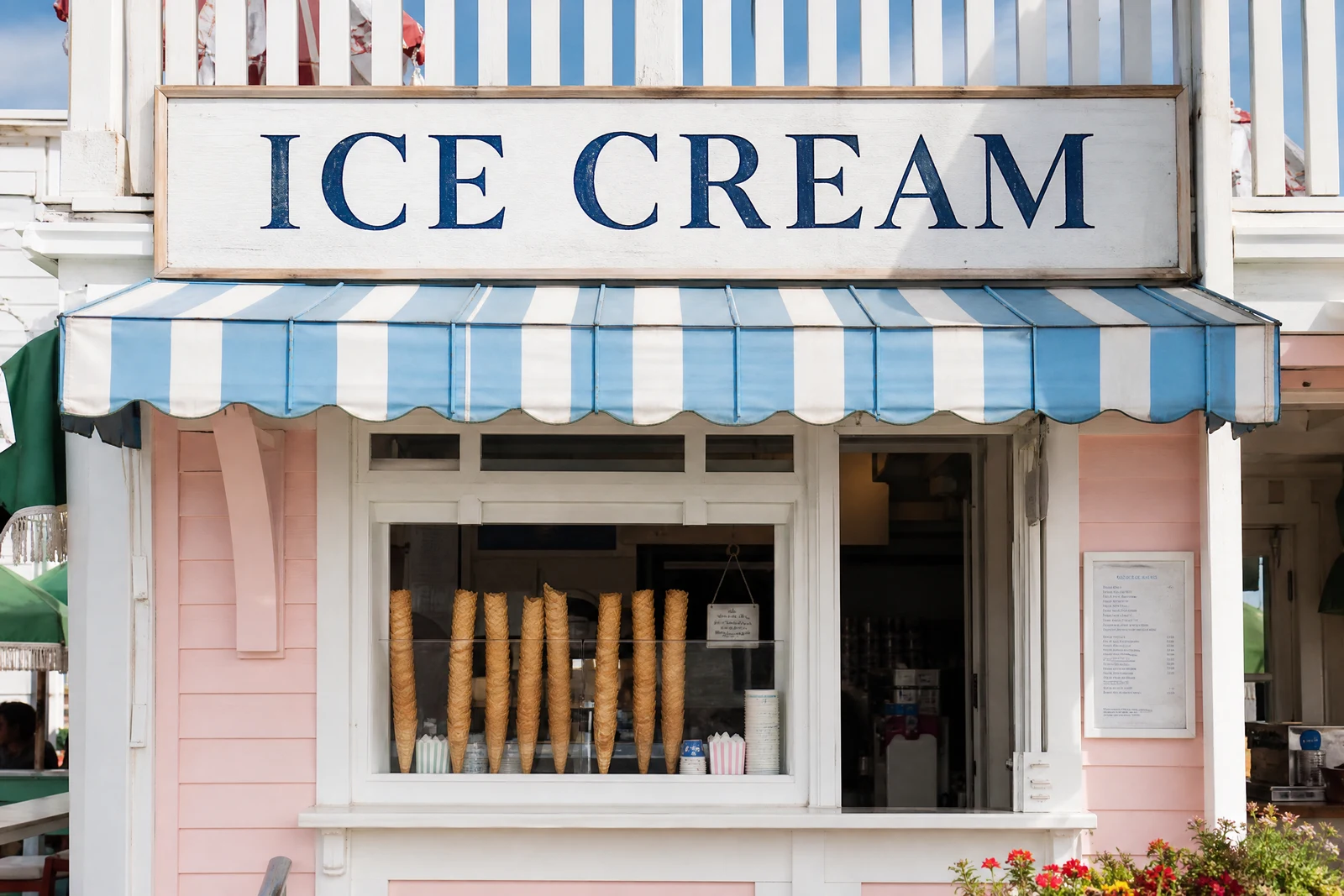
Straight out of the editor, unretouched — slide the handle to see the change.
Text inside a photograph is set in more than type: it is wrapped around perspective, lit by the scene, textured by its surface. Repainting a banner in an image editor means rebuilding all of that by hand, which is why the sign in the template photo still says the wrong city on so many flyers.
Tell the tool what the text currently says and what it should say. The AI finds the original, reads its typography — face, weight, color, curvature, the way light falls across it — erases it cleanly, and sets the new words in the same style on the same surface. A banner stays a banner; icing stays icing; the neon stays lit.
It updates reusable marketing shots (dates, prices, locations), personalizes keepsakes (the birthday banner renamed for this year's child), and fixes the sign that photobombed an otherwise perfect frame. Where the goal is no text at all, Text Remover is the eraser; this tool is the typesetter.
Why this tool
- Send what you finish here straight into every other tool
- Standard, Pro and Max quality tiers
- Results land in your creations library
- Enlarge for printing, or set the still photo in motion as video
Frequently asked questions
Will the new text match the original style?
Matching is the core of the pass — typeface character, color, size, perspective, and lighting are read from the original and applied to the replacement, so the edit reads as the sign always having said it.
Does it handle curved or angled text?
Yes — text wrapping a mug, receding on a storefront, or piped across a cake follows the same surface in the replacement. Extreme distortion is worth a zoomed review, as with any fine-detail edit.
How should I specify which text to change?
Quote it as it appears, as exactly as you can. When the same words occur twice in frame, add a locator in the old-text field, like 'SALE (on the left window)'.
Can I test it free?
Yes — new accounts start with 4 free credits, enough for one Standard-quality text swap.
Can I try AI Change Text for free?
Yes — every new account starts with 4 free credits, enough to run this tool once at Standard quality. No credit card required.
Related tools