
Enhance quality
AI Film Look
Grade your photo like a favorite film stock
Starter credits come with your account — and there's no card to enter.
- 1Upload the photo and choose one of the six film styles
- 2The AI applies the grade with skin tones and content in mind
- 3Try another style if curious, then download your favorite
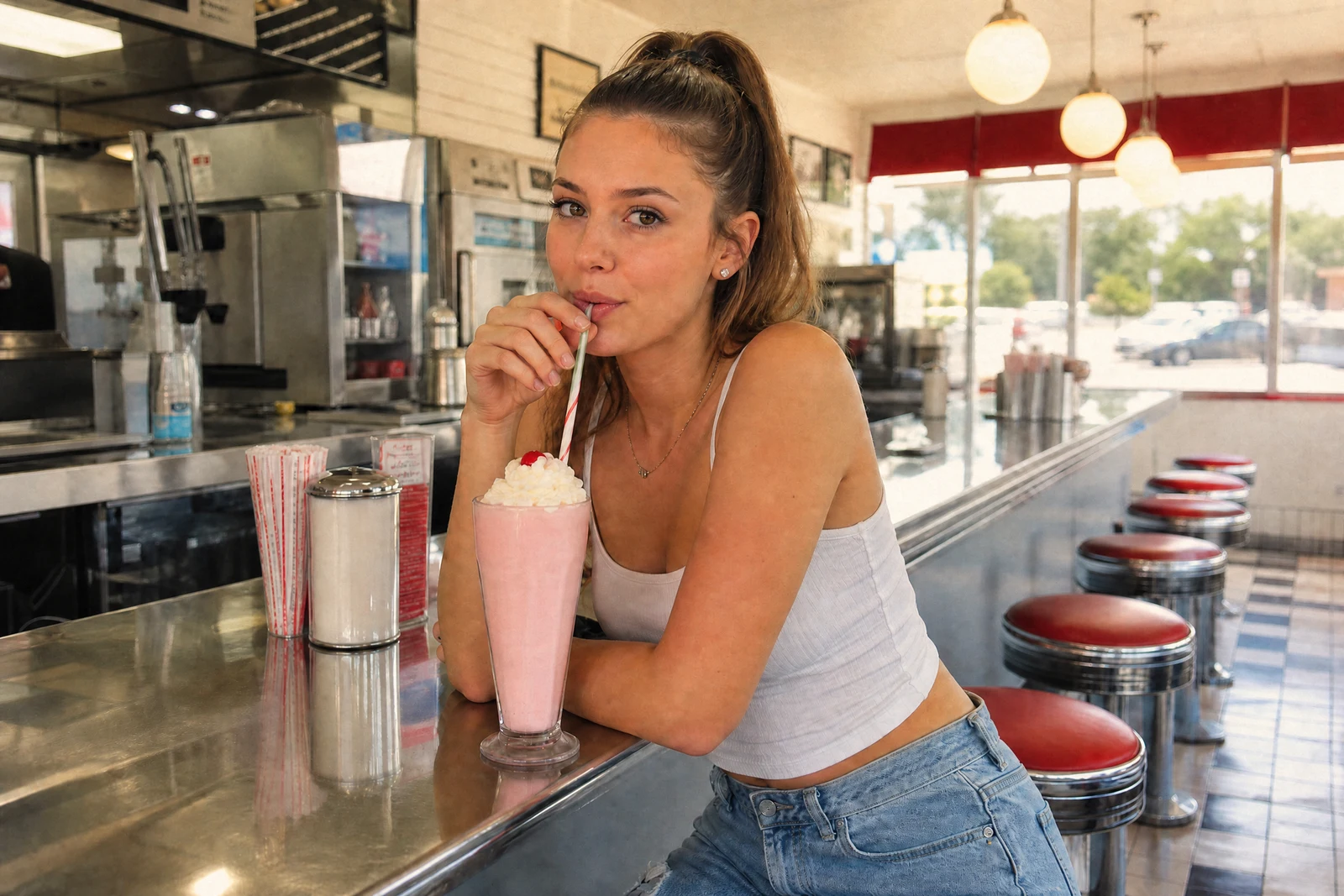
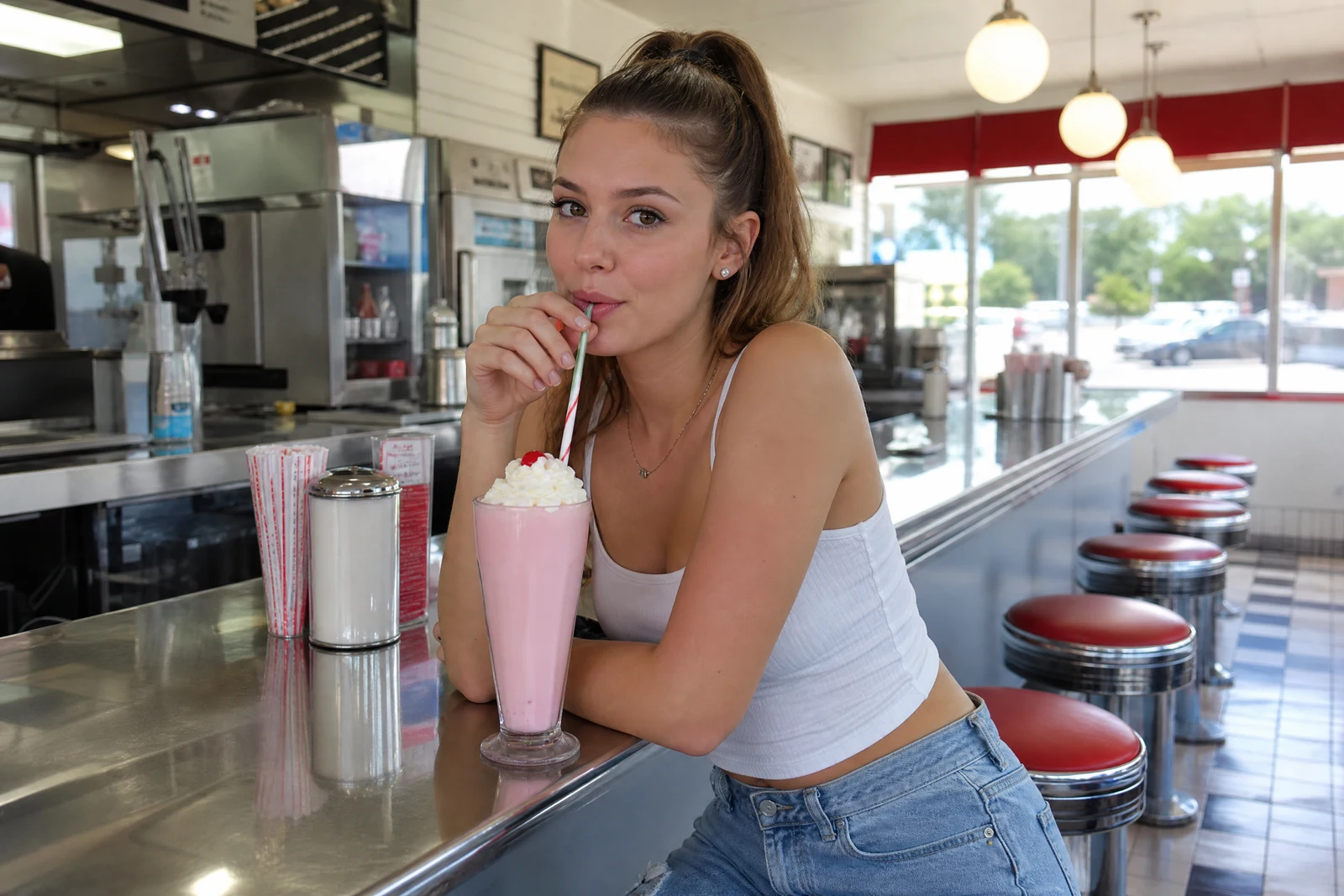
Straight out of the editor, unretouched — slide the handle to see the change.
Before presets there were film stocks, and each had a personality: the honeyed warmth of summer negatives, the crisp blues of slide film, the matte fade of a print that lived on a refrigerator door for twenty years. Those looks persist because they carry feeling — a grade can make the same frame read as nostalgia, cinema, or a quiet Sunday morning.
Golden warm is the sunlit-memory stock: soft warm highlights, creamy skin, gentle grain. Cool chrome is its opposite — clean whites, blue-leaning shadows, editorial clarity. Classic black & white converts with rich blacks and a full tonal range. Faded vintage lifts the blacks to matte and mutes the palette like an heirloom print. Teal & orange is the modern cinema grade — cool shadows against warm skin — and Soft pastel renders everything airy and light-handed.
Each grade is applied by AI with the photo's content in mind, so skin stays believable inside the look. Try two or three on the same shot — renders take seconds — and for family archive work, note the pairing: a restored photo passed through Faded vintage or Golden warm keeps its age in spirit while gaining a deliberate, finished feel.
Why this tool
- Send what you finish here straight into every other tool
- Standard, Pro and Max quality tiers
- Results land in your creations library
- Enlarge for printing, or set the still photo in motion as video
Frequently asked questions
Which style suits old family photos?
Golden warm and Faded vintage are the archival favorites — the first leans sunlit nostalgia, the second leans kept-print softness. Classic black & white also dignifies mixed-quality color scans by unifying them.
What is the teal & orange look?
The dominant grade of modern cinema: shadows pushed toward teal while skin holds warm orange, giving contrast between subject and scene. It flatters portraits and street shots that want a movie-still feel.
Is this the same as boosting color?
No — Color Pop increases the intensity of the colors a photo already has, while Film Look re-maps tones and hues into a coherent style. Pop makes it more; Film Look makes it feel like something.
Can I try a grade for free?
Yes. New accounts get 4 free credits — one Standard-quality run — so your first film grade costs nothing.
Can I try AI Film Look for free?
Yes — every new account starts with 4 free credits, enough to run this tool once at Standard quality. No credit card required.
Related tools