
Use case
Turn a Screenshot into a Real Photo Again
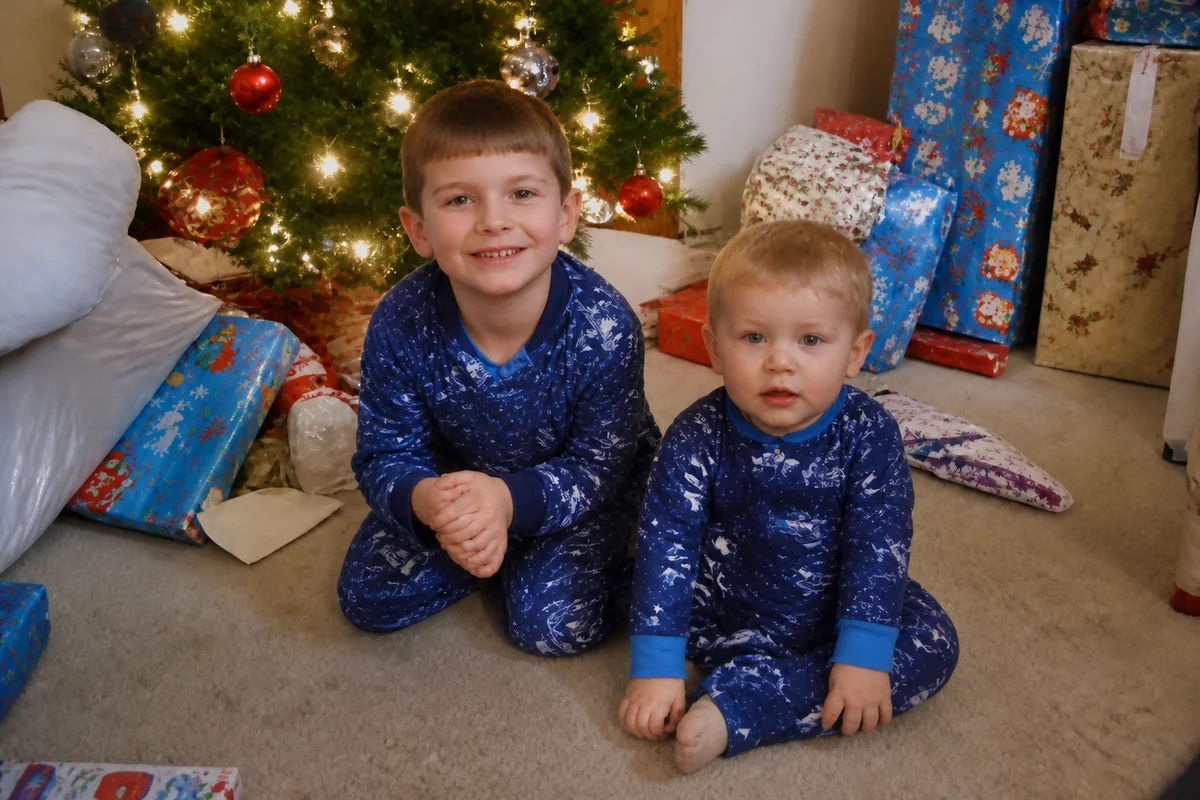
Watch the rescue unfold — pull the slider across.
Half the photos people actually keep were never sent — they were screenshotted. From a story before it vanished, from a video call, from a listing that got deleted, from a group chat someone left. The screenshot preserved the moment and mangled the file: interface chrome around the edges, compression on top of compression, resolution capped at whatever the screen was.
AI treatment reverses the mangling. Crop away the UI, dissolve the double-compression artifacts, upscale past the screen-resolution ceiling, and sharpen the survivor underneath. The screenshot of the screenshot of the photo becomes, functionally, the photo.
It's the digital era's version of rescuing a photocopy of a lost print — same instinct, same fix, seconds per image.
The problems this solves
- Status bars, buttons, and captions frame the actual image.
- Compression stacks: the platform's, then the screenshot's.
- Resolution is capped at the screen the capture happened on.
- The original is genuinely gone — the screenshot is the archive now.
A workflow that works
Crop to the photo itself
Removing the interface chrome is step one — the image becomes an image again.
AI Photo ReframeDissolve the compression layers
Stacked artifacts clear out, taking the blocky halos and banding with them.
AI DenoiseUpscale past the screen cap
Reconstruction lifts the file beyond the resolution the screenshot froze it at.
AI Image UpscalerSharpen the recovered image
A finishing pass restores the edge definition the compression sanded off.
AI Image SharpenerFrequently asked questions
The screenshot includes a caption I want gone. Possible?
Overlay text comes off with text removal, and the area beneath is reconstructed — review the rebuilt patch before saving.
Can a video-call screenshot become a decent photo of someone?
It's one of the most touching versions of this rescue — calls with relatives who are gone, especially. Denoise, upscale, and face enhancement produce a genuinely framable result from a good call frame.
The photo went story → screenshot → repost → screenshot. Still workable?
Each generation stacks damage, but the chain still helps substantially. Always start from the earliest, largest copy you can track down.
What does a rescue cost?
Seconds of processing per image, and signup includes 4 free credits to start.
Related use cases