
Use case
Rescue Photos Crushed by Chat Apps

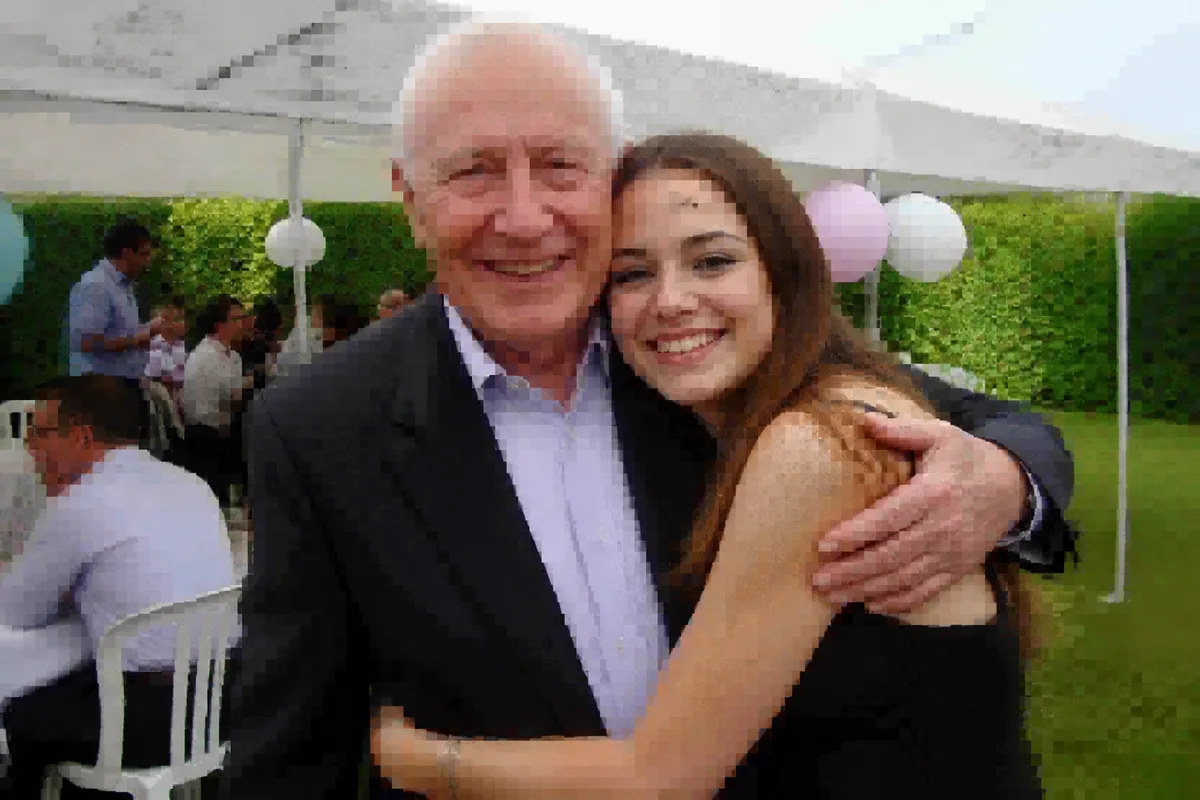
Watch the rescue unfold — pull the slider across.
Messaging apps are where photo quality goes to be recycled. Every send recompresses; every forward compounds it. The photo of grandpa that traveled the family group chat for five years has been crushed a dozen times, and for relatives scattered across countries, that crushed copy is often the only copy anyone can find.
This is a modern archive problem wearing casual clothes, and it gets the archive treatment: artifact cleanup dissolves the blocky compression damage, upscaling restores real dimensions, sharpening rebuilds the smeared edges, and the forwarded ghost becomes a photo again. Seconds per image.
Worth saying to every family group chat: send the important ones as files or documents, uncompressed — and rescue the ones that already made the lossy journey.
The problems this solves
- Every send and forward adds another round of compression.
- Blocky artifacts and smeared detail accumulate generation by generation.
- For far-flung families, the chat copy is the only surviving copy.
- Faces in heavily forwarded photos have gone soft and plasticky.
A workflow that works
Dissolve the compression damage
Stacked artifacts — blocks, halos, banding — clear first so real detail can be rebuilt.
AI DenoiseUpscale the shrunken file
Apps also downsize on send; upscaling restores dimensions worth printing.
AI Image UpscalerRebuild the faces
Forwarding hits faces hardest — enhancement returns the person the compression sanded away. Rebuilt detail is reconstruction, so compare with other photos of them.
AI Face EnhancementFinish with a sharpen
A final clarity pass settles the rescued image into keeper condition.
AI Image SharpenerFrequently asked questions
The photo has been forwarded for years. How much can come back?
A lot — cleanup plus upscaling routinely turns chat ghosts into printable images. The result is partly reconstruction, so review faces against memory, and ask the chat if anyone has an earlier, larger copy to start from.
How should the family send photos to avoid this?
Use the app's document or uncompressed option for important photos, or share via a cloud album link. Rescue the already-crushed ones here — then archive the rescued files properly.
Someone sent a photo of a print via chat. Double rescue?
Yes — treat the compression first, then run the print restoration for the fade and damage the physical photo carried. Both passes take seconds.
What can I try for free?
Signup includes 4 free credits — rescue the group chat's most-loved photo and share the upgrade back.
Related use cases