
Use case
Rescue Photos Ruined by Zoom and Crop
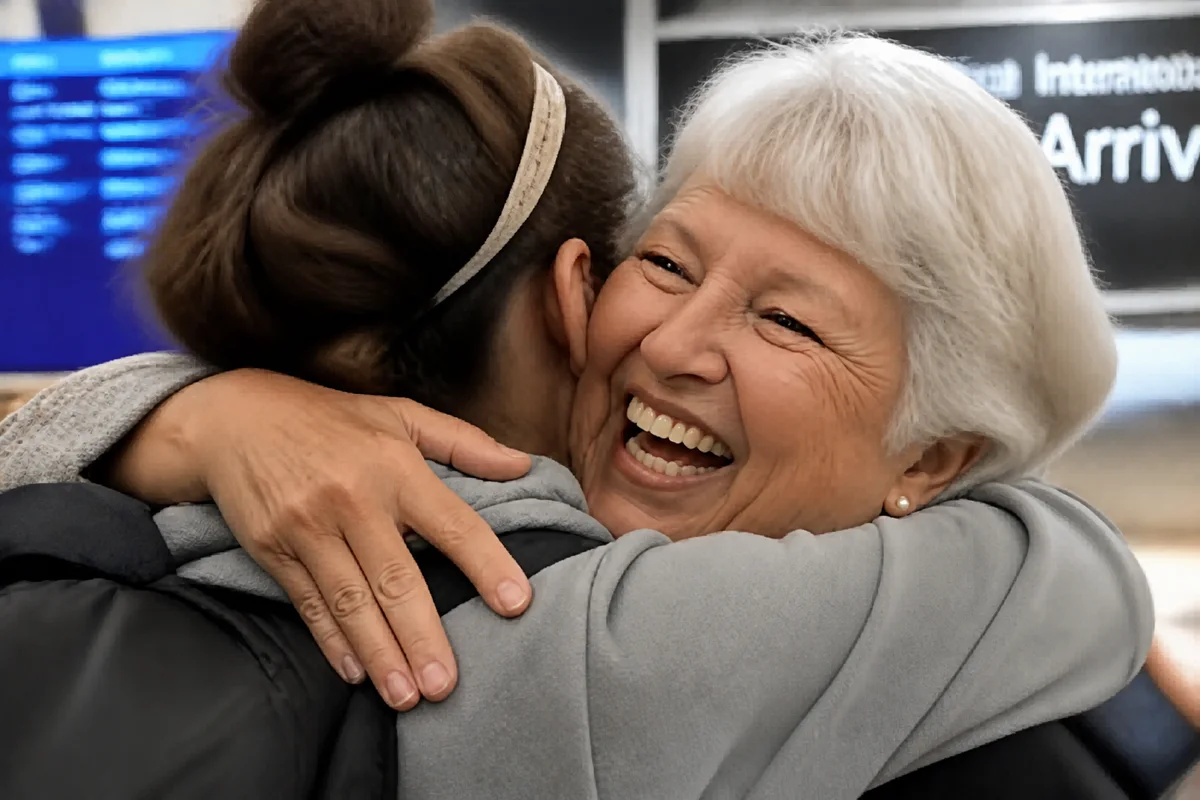
Watch the rescue unfold — pull the slider across.
Digital zoom is a promise the sensor can't keep: pinch in far enough and the phone is just cropping, and the 'photo' you took is a small patch of pixels wearing a photo's clothes. The same thing happens after the fact — crop into a group shot for the one person you need, and what's left is soft, blocky, and too small to use.
Upscaling with detail reconstruction is the antidote. The cropped patch multiplies back to usable resolution, edges rebuild, faces recover clarity, and the crop stops announcing itself. The distant stage, the wildlife across the water, grandma's face from the far end of the reunion table — all recoverable to genuinely useful sizes.
Seconds per image, and suddenly the crop button stops being a quality death sentence.
The problems this solves
- Digital zoom captures a fraction of the sensor and it shows.
- Cropping one person from a group leaves a postage stamp.
- Zoomed shots layer softness, noise, and pixelation together.
- The subject you zoomed for is exactly what's degraded.
A workflow that works
Upscale the cropped patch
Multiplying resolution is the fundamental rescue — the crop returns to real-photo dimensions.
AI Image UpscalerRebuild the softened edges
Zoom softness responds to deblurring once there's resolution to work with.
AI Unblur ImageClear the amplified noise
Zoom magnifies sensor grain along with the subject — cleanup takes it back out.
AI DenoiseRestore faces in deep crops
When the crop was for a person, their face deserves the dedicated pass. Rebuilt detail is reconstruction — confirm it reads true to the person.
AI Face EnhancementFrequently asked questions
How much can a small crop really be enlarged?
Several-fold enlargements hold up well for screens and moderate prints. The smaller the source, the more the result is reconstruction — check faces and text closely at the largest sizes.
Better to crop then upscale, or upscale then crop?
Upscale the full frame first when you can — the reconstruction has more context to work from — then crop. Either order takes seconds, so compare on an important image.
Does this fix screenshots I zoomed in on?
Yes — a zoomed screenshot is just a crop with extra compression, and the same upscale-sharpen-clean chain applies.
What's free to try?
Signup includes 4 free credits — rescue your most-mourned crop first and judge the ceiling.
Related use cases