
Use case
Revive Washed-Out Product Photos
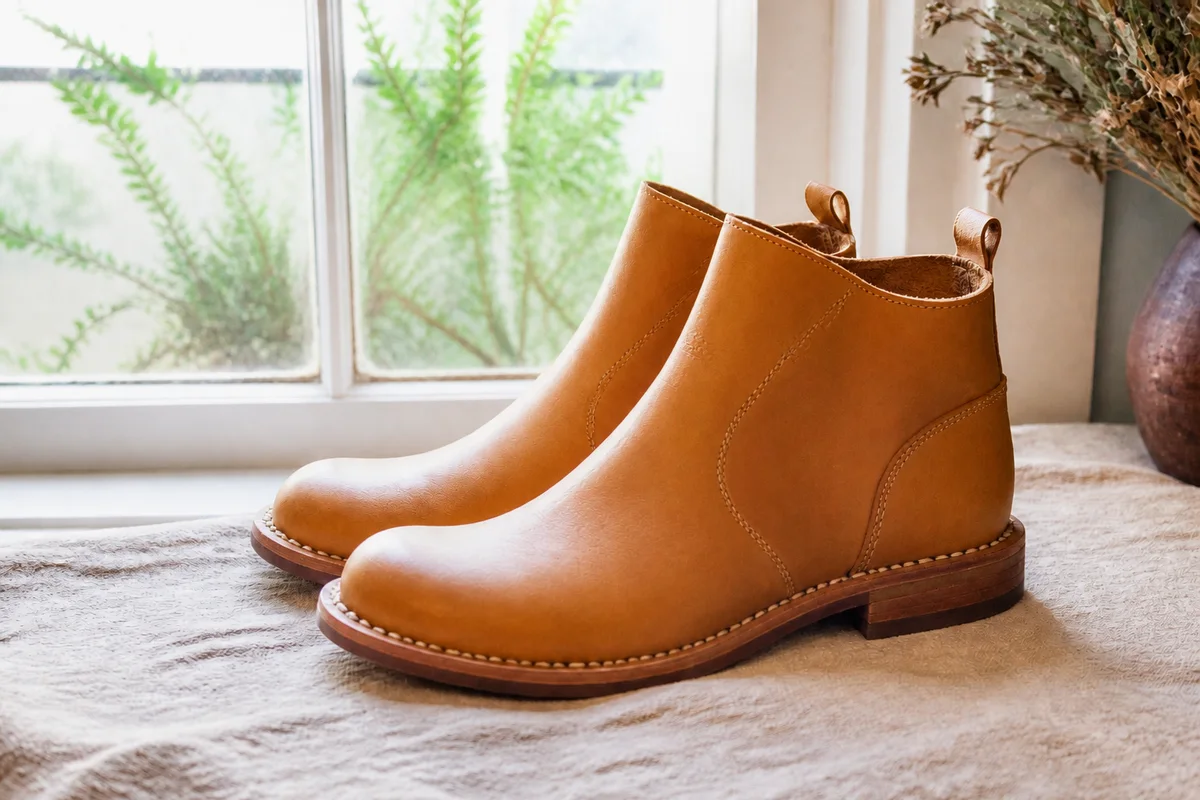

Watch the rescue unfold — pull the slider across.
Somewhere between the ring light and the white backdrop, product photos overshoot: colors go pale, whites merge into each other, and the texture that justifies the price washes into a bright fog. A washed-out product photo is the mirror image of a dim one, and just as costly — the item reads cheap because the camera erased what made it good.
The revival runs in reverse of our usual fade rescue, and uses the same muscles: recover the highlights, rebuild the contrast, return the color to full strength, and sharpen the texture the overexposure flattened. The cream sweater becomes cream again instead of glare; the ceramic glaze gets its depth back.
Seconds per photo, so a whole catalog's pale patch is an evening's fix rather than a reshoot.
The problems this solves
- Overexposure pales the product's real color.
- White and light items vanish into white backdrops.
- Texture and material detail wash into brightness.
- The catalog mixes washed-out shots with good ones, reading as inconsistent.
A workflow that works
Recover the exposure
Pulling back the overshoot recovers the highlight detail the camera nearly erased.
AI Exposure FixerRebuild the color
Washed color returns to full saturation so the product reads as its actual shade. Compare against the physical item before publishing.
AI Color PopRestore contrast and depth
Contrast separates a white product from a white backdrop and gives materials back their dimension.
AI HDR BoostSharpen the texture
Weave, grain, and glaze are the details that sell quality — sharpening brings them back from the fog.
AI Image SharpenerFrequently asked questions
Will the recovered color match the real product?
Recovery pulls color back toward what the sensor captured, which is usually close — but always compare the edit to the physical item before it goes in the listing, since buyers order the photo.
Can you save a white product shot on a white background?
Yes — contrast recovery re-separates the edges. For future shoots, a whisper of shadow under the product helps the camera; for existing shots, the treatment does the separating.
My whole light-tent batch came out pale. Batch fix?
Same correction, seconds per photo — a consistent mistake across a batch means a consistent fix works down the line.
How do I test before running the catalog?
Signup includes 4 free credits — run your palest bestseller through and compare conversions.
Related use cases