
Use case
Rescue Photos Ruined by Backlight
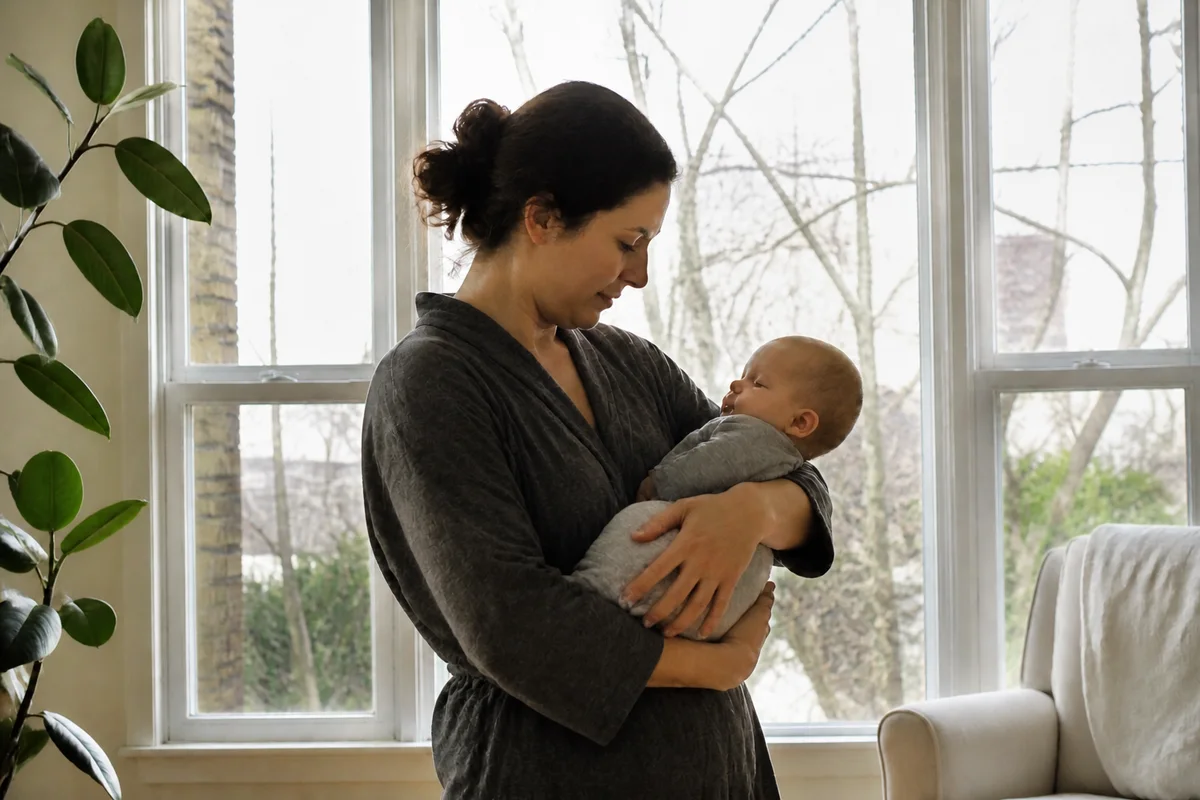
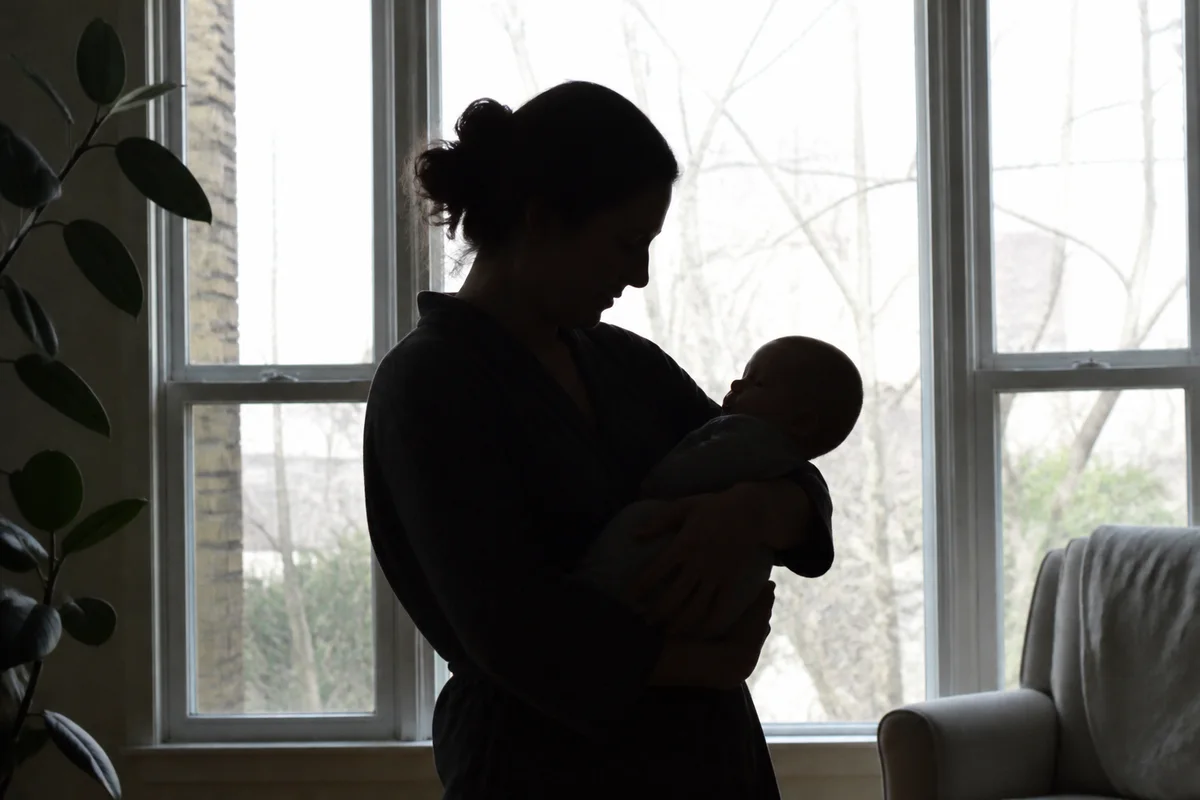
Watch the rescue unfold — pull the slider across.
Backlight is the most democratic of photo failures: the graduation lunch by the restaurant window, the new baby held up in front of the view, the toast at the bright doorway — anywhere a subject stands against the light, the camera picks the window and sacrifices the person. What's left is a silhouette in front of a beautifully exposed view nobody wanted.
The rescue is a rebalancing act AI performs well: the shadowed face lifts into proper exposure, the blazing window pulls back from white, and the photo becomes the one the camera should have taken — person and view, both present. Color correction follows, because backlit shadows run cold and blue.
Seconds per photo, and the silhouettes across your camera roll turn back into the people they were.
The problems this solves
- Cameras expose for the bright window and sink the person into shadow.
- The view behind blows out to white when the camera picks the person instead.
- Backlit shadow tones run cold and blue on skin.
- The failure hits precisely the posed, meaningful shots — people stand where the light is.
A workflow that works
Lift the shadowed subject
Recovering the person from silhouette is the core of the backlight rescue.
AI Exposure FixerBalance subject and window
Range balancing keeps the view in the window while the face holds proper exposure — the shot as eyes saw it.
AI HDR BoostWarm the recovered skin tones
Lifted shadows read cold; correction returns natural warmth to faces.
AI White BalanceSharpen the recovered detail
Shadow recovery softens edges slightly — a finishing pass restores crispness.
AI Image SharpenerFrequently asked questions
The person is a complete silhouette. Can a face come back?
Sensors usually kept more than the screen shows, and lifting reveals it — deep silhouettes recover with extra noise, so cleanup follows. The darker the start, the more the fine detail is reconstruction; check the face reads true.
Can both the face and the view out the window survive?
That's what the range-balancing pass does — each zone is corrected toward its proper exposure rather than averaging the two failures.
Why do my phone's own fixes not solve this?
In-camera HDR helps at capture time but can't be applied retroactively to the backlit photos you already have — this treatment can, in seconds each.
What's free to test?
Signup includes 4 free credits — resurrect the most-mourned silhouette first.
Related use cases