
Use case
Give Dull Listing Photos the Revival Treatment
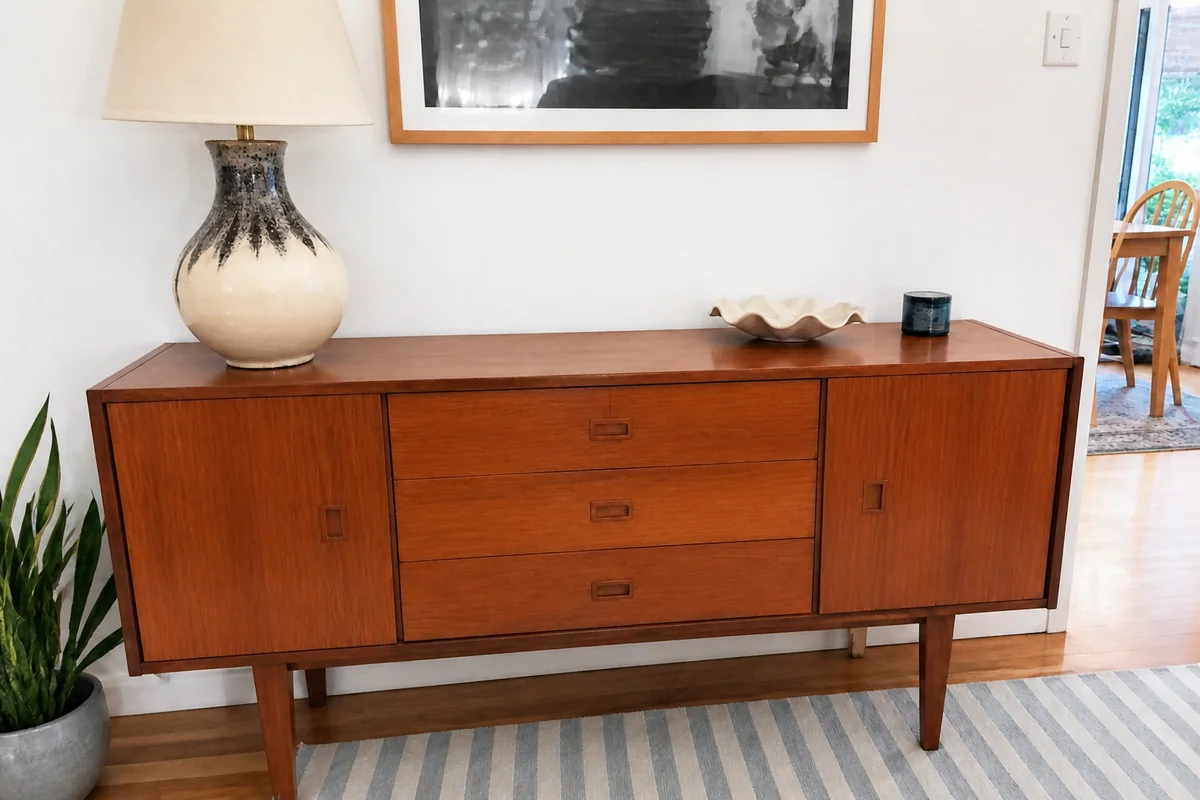
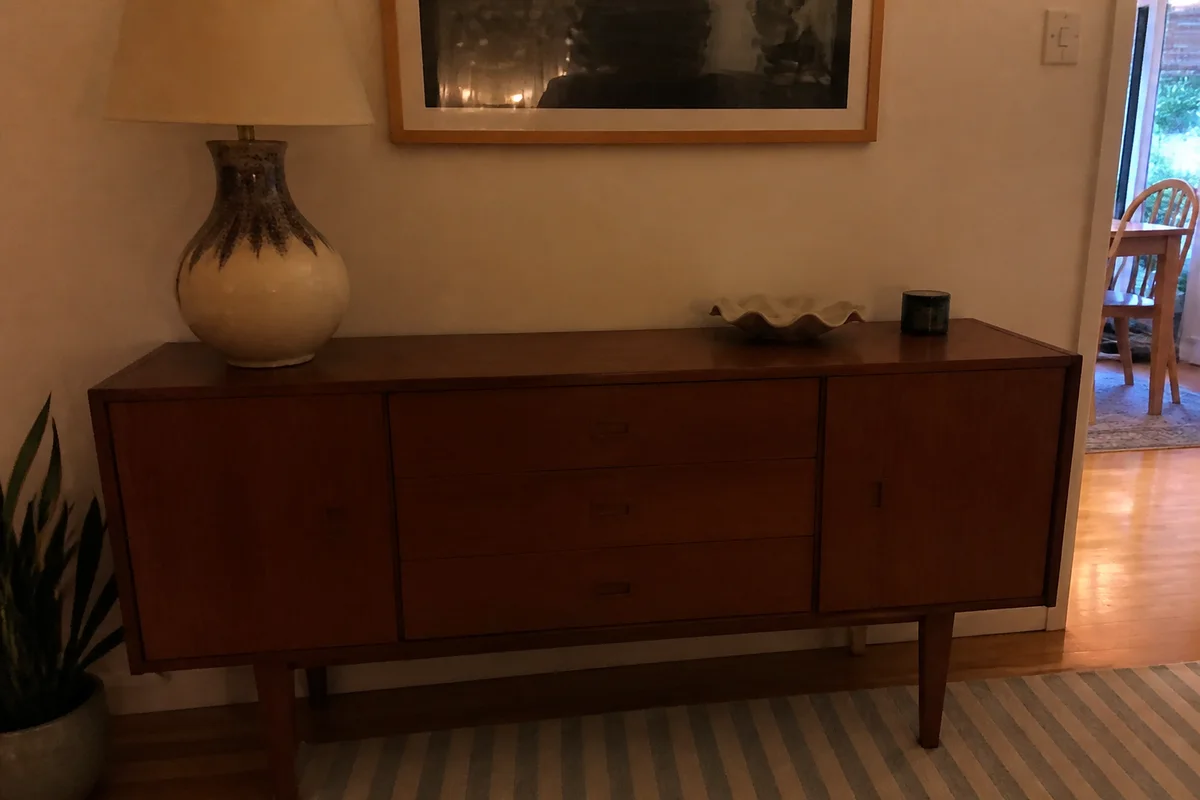
Watch the rescue unfold — pull the slider across.
We spend most of our time reviving fifty-year-old prints, which gives us a certain perspective on listing photos: your item shot yesterday has no excuse to look worse than a 1974 Polaroid after treatment. Yet marketplace feeds are full of gray, flat, dimly-lit photos of perfectly good things — couches, bikes, guitars — dying quietly on page three.
The archive treatment works just as well on things you're selling as things you're saving. Exposure lifts, color comes forward, detail sharpens, and the couch photographed in a dim living room suddenly looks like the couch you'd actually stop scrolling for. Seconds per photo, which matters when you're listing eight items on a Sunday night.
Buyers judge the item by the photo — it's the only evidence they get. Give them evidence worth clicking.
The problems this solves
- Indoor lighting leaves items gray, flat, and smaller-feeling than they are.
- Dull photos sink in marketplace feeds full of brighter competition.
- Phone cameras mute the exact colors and textures a buyer wants to see.
- Relisting the same dull photo again gets the same silence again.
A workflow that works
Lift the whole exposure
One pass corrects the dim, flat starting point — usually the single biggest jump in click-worthiness.
AI Auto EnhanceBring the color forward
Muted color makes items forgettable; a measured boost makes the actual finish and fabric read from the thumbnail.
AI Color PopSharpen the details buyers zoom on
Stitching, wood grain, and labels are what buyers inspect — they should be crisp at full zoom.
AI Image SharpenerDeclutter the background
The laundry basket beside the dresser undersells the dresser — lift the distractions out of frame.
AI Object RemoverFrequently asked questions
Does an enhanced photo misrepresent the item?
The treatments correct lighting and clarity — the goal is a photo that shows the item the way a buyer would see it in person. Check the edited photo against the physical item before posting, and photograph flaws deliberately; a clear photo of the scratch saves disputes later.
How many photos can I fix in one selling session?
Seconds each, so a full multi-item listing session is realistic in one sitting. Signup includes 4 free credits to test on your slowest-moving listing.
My item photos have a yellow indoor cast. Fixable?
Yes — white balance correction neutralizes the lamp-light cast so the item's real color shows.
Should I reshoot or just enhance?
Enhance what you have first — most dull listings are one treatment away from fine. Reshoot only if the photo is blurry beyond the item's key details.
Related use cases