
Use case
Refresh a Profile Picture from Three Phones Ago
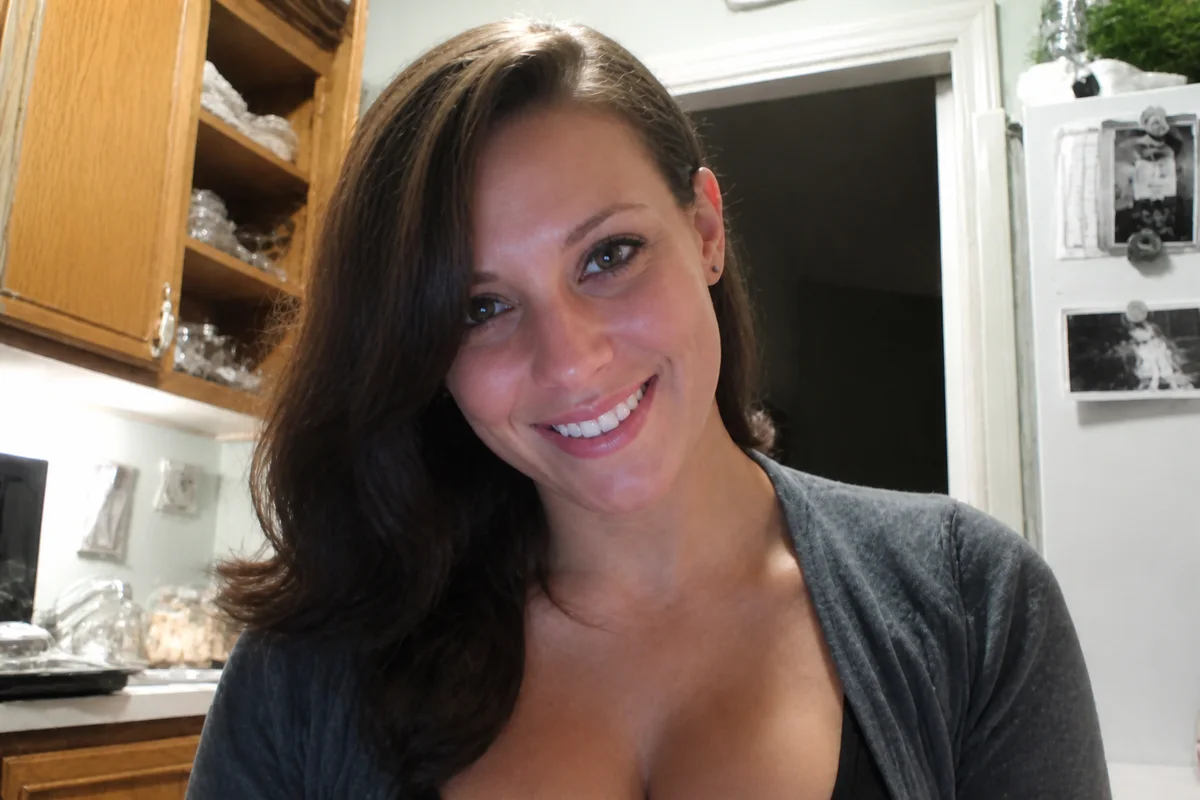

Watch the rescue unfold — pull the slider across.
Profile photos fossilize. The one you set in 2019 has been recompressed by every platform it lives on, downscaled to a circle, and quietly degraded while you weren't looking — and the original left on a phone two upgrades back. Meanwhile the recent photos where you look great are candids with bad light and busy backgrounds.
Both paths get the rescue treatment. The fossil: upscaled past its compression, cleaned, and sharpened back to respectability. The candid: brightened, background quieted, color corrected into profile-grade. Either route takes seconds, and both beat letting the 2019 file represent you for another five years.
Profiles are the photos most people see most often — the only picture some colleagues, matches, and clients will ever attach to your name. Worth a seconds-long refresh.
The problems this solves
- The current profile photo survives only as a compressed platform copy.
- Every platform's recompression made it a little softer each year.
- Recent good photos of you are candids with distracting settings.
- Profile circles crop and shrink whatever you upload.
A workflow that works
Upscale the surviving copy
The compressed platform version regains real resolution — the base for every other fix.
AI Image UpscalerClean the years of recompression
Artifact cleanup takes the platform grime off, leaving the actual photo.
AI DenoiseSharpen the face
Circles are small — the face has to carry at thumbnail size, and clarity is what carries.
AI Face EnhancementOr upgrade a fresh candid
Quieting a busy background turns this month's good candid into a profile photo, skipping the archaeology entirely.
AI Background BlurFrequently asked questions
Old photo revived or new candid upgraded — which is better?
The recent candid, almost always: profiles work best when they match the person who shows up. Revive the old one when it's genuinely representative or when it's the photo people already know you by.
What crop works best for profile circles?
Face centered, head-and-shoulders, extra margin on all sides — circles crop corners aggressively. Upscale before uploading so the platform's compression has resolution to spare.
Can I make one photo work across all my profiles?
One rescued master file, downloaded at full resolution, uploads cleanly everywhere — and you refresh every platform in one evening. Signup includes 4 free credits.
Should the result still look like present-day me?
That's the test to apply before setting it — light and clarity fixes, yes; a photo that outpaces reality sets up awkward first meetings. You're the judge.
Related use cases