
Background & cleanup
AI Background Blur
Portrait-lens depth from an ordinary photo
Starter credits come with your account — and there's no card to enter.
- 1Upload the photo with the busy background
- 2The AI maps depth and applies distance-graded, lens-like blur
- 3Review the edges around the subject and download
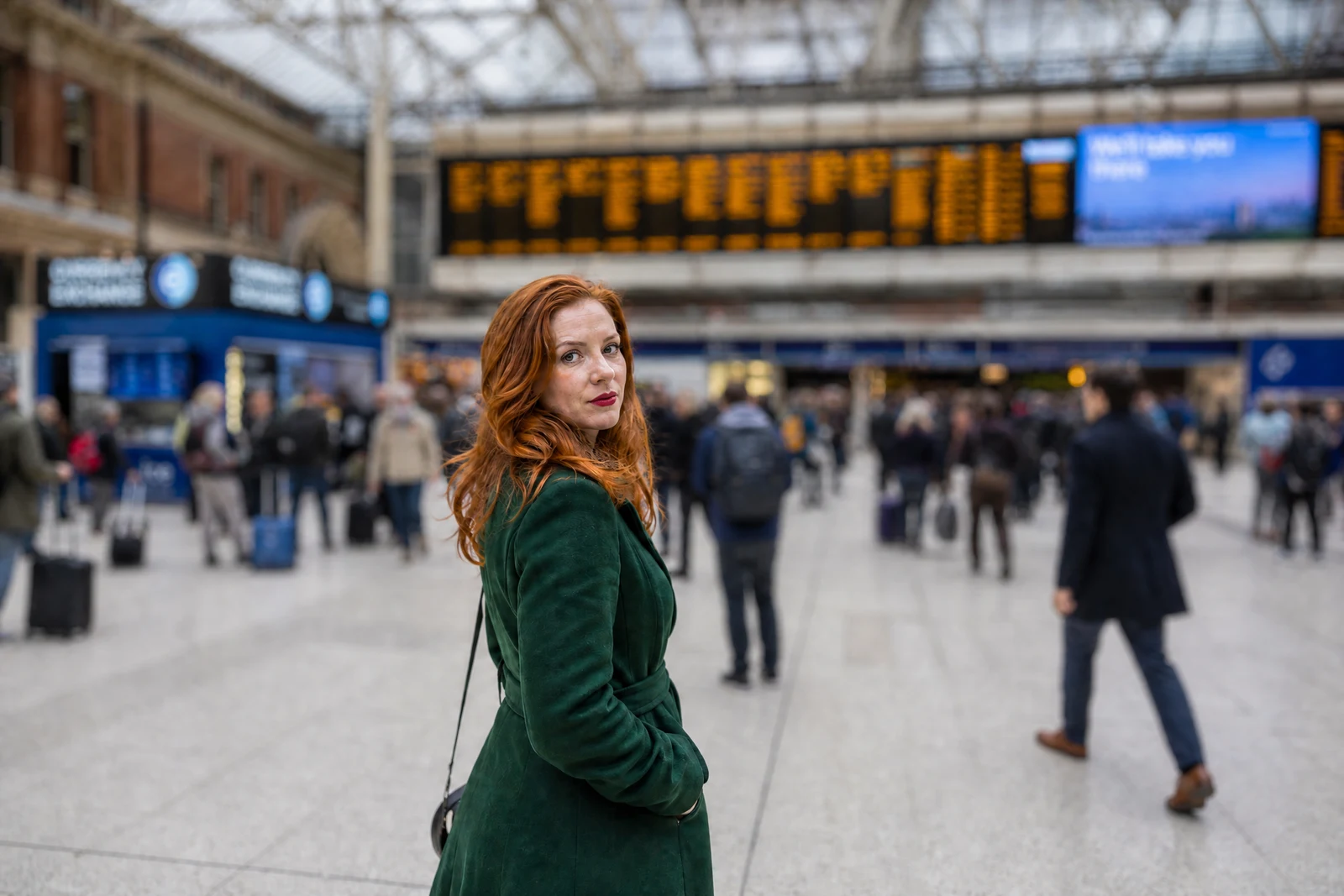
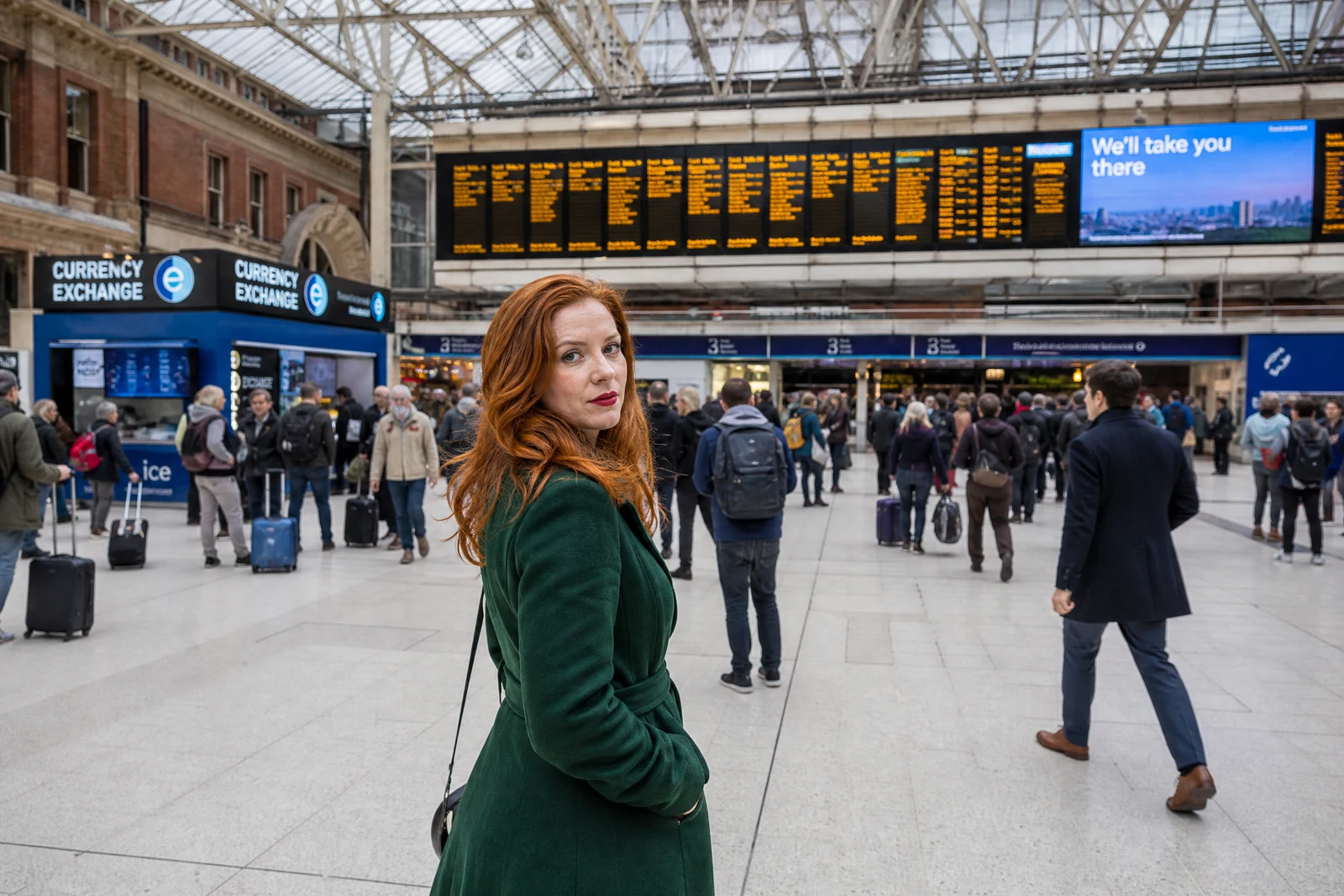
Straight out of the editor, unretouched — slide the handle to see the change.
Photographers pay dearly for blurry backgrounds. Wide-aperture lenses exist to do one thing: dissolve a distracting world into softness so the subject alone stays sharp. Phone snapshots keep everything in focus, which is efficient and unflattering — the birthday girl shares her portrait with every dish on the counter behind her.
This tool adds the depth afterward. The AI maps the photo's actual depth — what is subject, what is behind it, and how far behind — and applies blur that increases with distance, the way a real lens renders it. Edges around hair and shoulders are handled by the same depth map, avoiding the cardboard-cutout halo of crude portrait modes.
It rescues busy family photos, turns restaurant snapshots into portraits, and quiets backgrounds in old scans where the clutter of a 1994 living room competes with the people. When blur is not enough and the background should simply be different, Change Background is the next step up; when it should be gone entirely, Background Remover.
Why this tool
- Send what you finish here straight into every other tool
- Standard, Pro and Max quality tiers
- Results land in your creations library
- Enlarge for printing, or set the still photo in motion as video
Frequently asked questions
Why does it look better than my phone's portrait mode?
Phone portrait modes run under real-time constraints and often paint one uniform blur behind a rough mask. Here the blur is graded by estimated distance and the mask is computed carefully, which is why edges and mid-ground objects behave.
Does the subject stay sharp?
The blur is applied to the background layers of the depth map while the subject plane stays as shot. If the whole photo is a little soft to begin with, run the Image Sharpener after the blur.
Can I use it on old photos?
Yes — it is quietly one of the best archival tools, softening the dated clutter behind people so the faces carry the frame. Restoration first, blur second.
Can I try AI Background Blur for free?
Yes — every new account starts with 4 free credits, enough to run this tool once at Standard quality. No credit card required.
Related tools