
Use case
Rescue Photos from Mold and Mildew
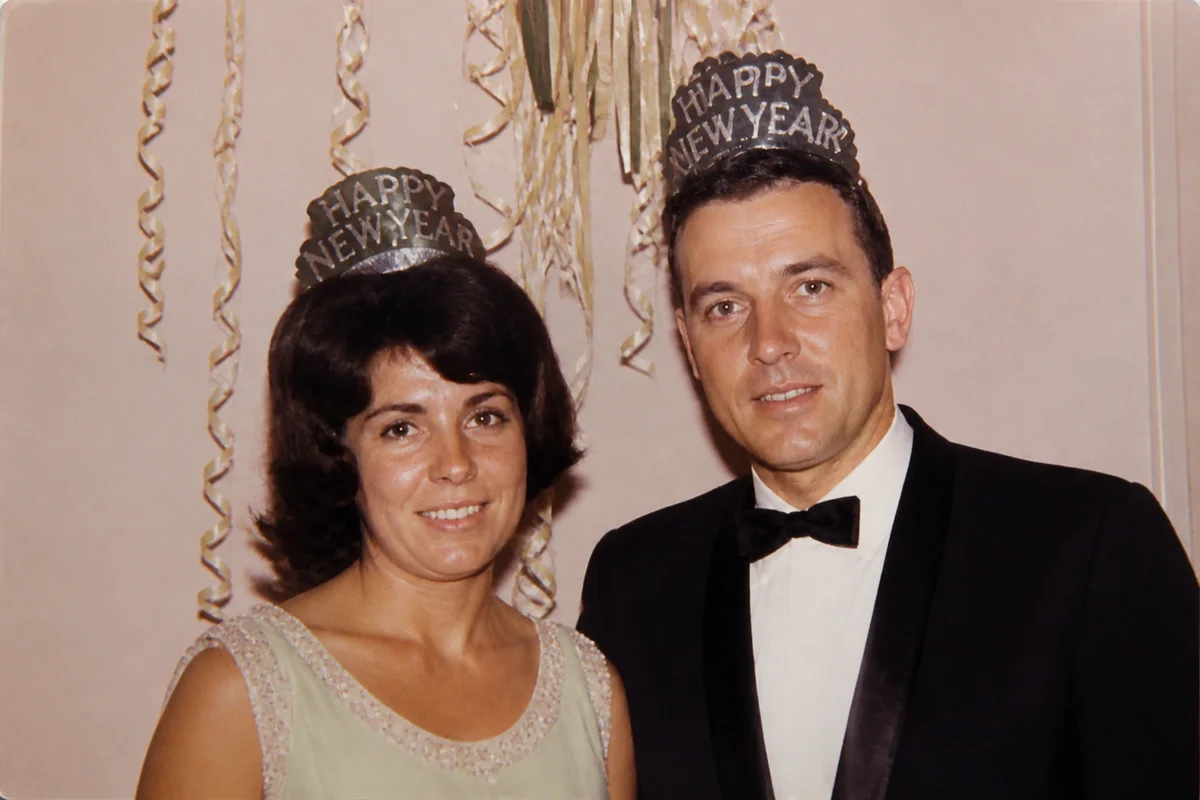
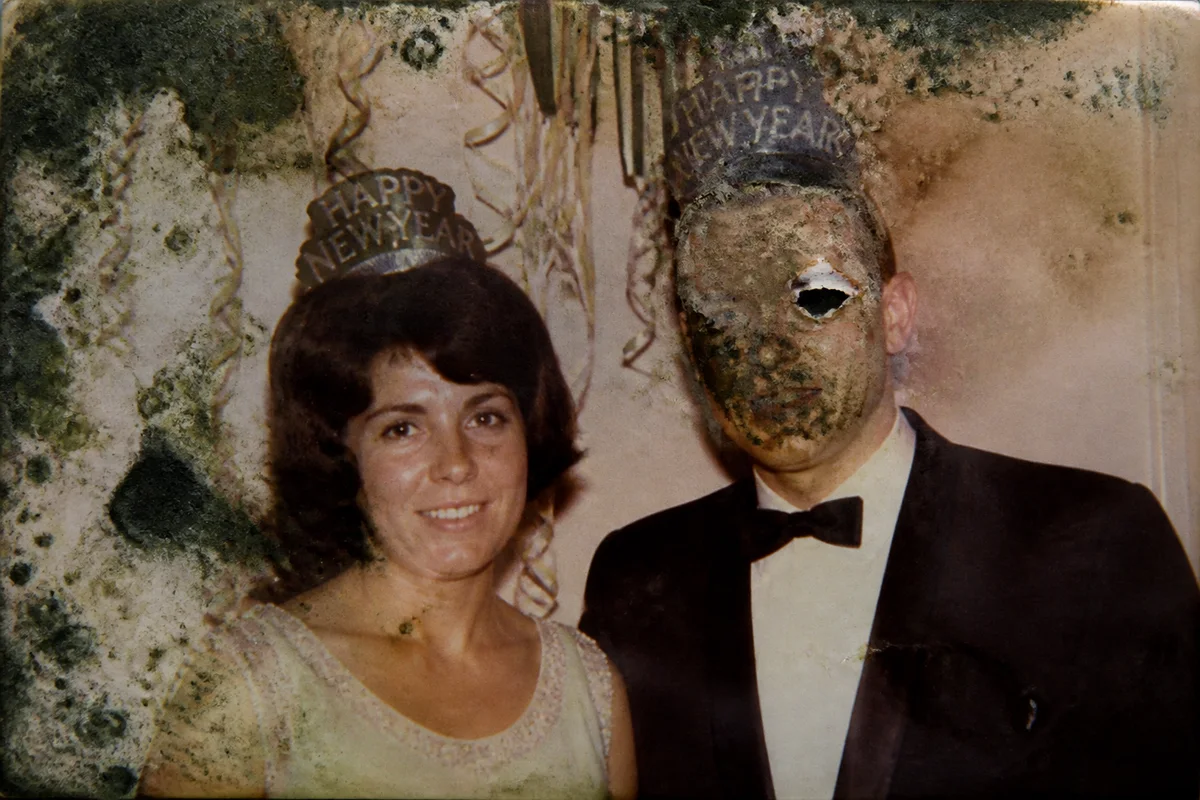
Watch the rescue unfold — pull the slider across.
Basements and attics trade in a specific currency of damage: mold. It arrives as freckled spots, spreads into webbed patches, and slowly digests the emulsion it grows on. By the time a family notices, the box smells musty and the faces in the photos are speckled over.
The physical mold can be stabilized, but the eaten image doesn't come back — physically. Digitally, it can. Scan each affected print and AI clears the speckling, rebuilds the patches where mold consumed detail, and corrects the staining left behind. What the basement took, the file gets back.
Handle moldy prints with a little care — dry them out, work in a ventilated spot, keep them away from clean photos — then scan once and let the restoration happen on screen.
The problems this solves
- Mold freckles and webbed patches spread across faces and skies.
- The spores physically eat emulsion, taking image detail with them.
- Stains and discoloration remain even where the mold is dead.
- Affected boxes keep deteriorating until someone intervenes.
A workflow that works
Restore the affected scan
Restoration treats mold spotting, staining, and eaten patches as damage and rebuilds the image beneath.
AI Photo RestorationClean residual speckling
Fine freckling that survives the main pass comes out with targeted repair.
AI Scratch RepairCorrect the mildew staining
Mold leaves gray-green and brown casts behind; correction returns the print's palette.
AI Color CorrectionSharpen the rebuilt areas
A finishing sharpen helps reconstructed patches blend seamlessly with the intact image.
AI Image SharpenerFrequently asked questions
Is it safe to scan moldy photos?
Dry them first and wipe the scanner glass after — or photograph them instead of using a flatbed. Work in a ventilated space and wash hands afterward; active mold is a health irritant as well as a photo problem.
The mold ate through parts of faces. What happens there?
The AI reconstructs consumed areas from surrounding context. Reconstructed facial detail is plausible rather than recovered, so compare against other photos of the person and use judgment about what to keep.
Should I throw away the moldy originals after digitizing?
That's a family decision — badly contaminated prints can threaten the rest of the archive, and once a good scan exists the image is safe. If you keep them, isolate them in sealed sleeves away from clean photos.
How fast can I triage a musty box?
Scanning is the slow part; each restoration takes seconds and can happen any hour. Signup's 4 free credits cover the box's most important faces first.
Related use cases