
Enhance quality
AI Color Correction
Rebalance color the way a photo lab would
Starter credits come with your account — and there's no card to enter.
- 1Upload the photo and choose a correction style, or leave it on Auto
- 2The AI rebalances hue, saturation, and tone lab-style
- 3Review the corrected color and download the finished photo
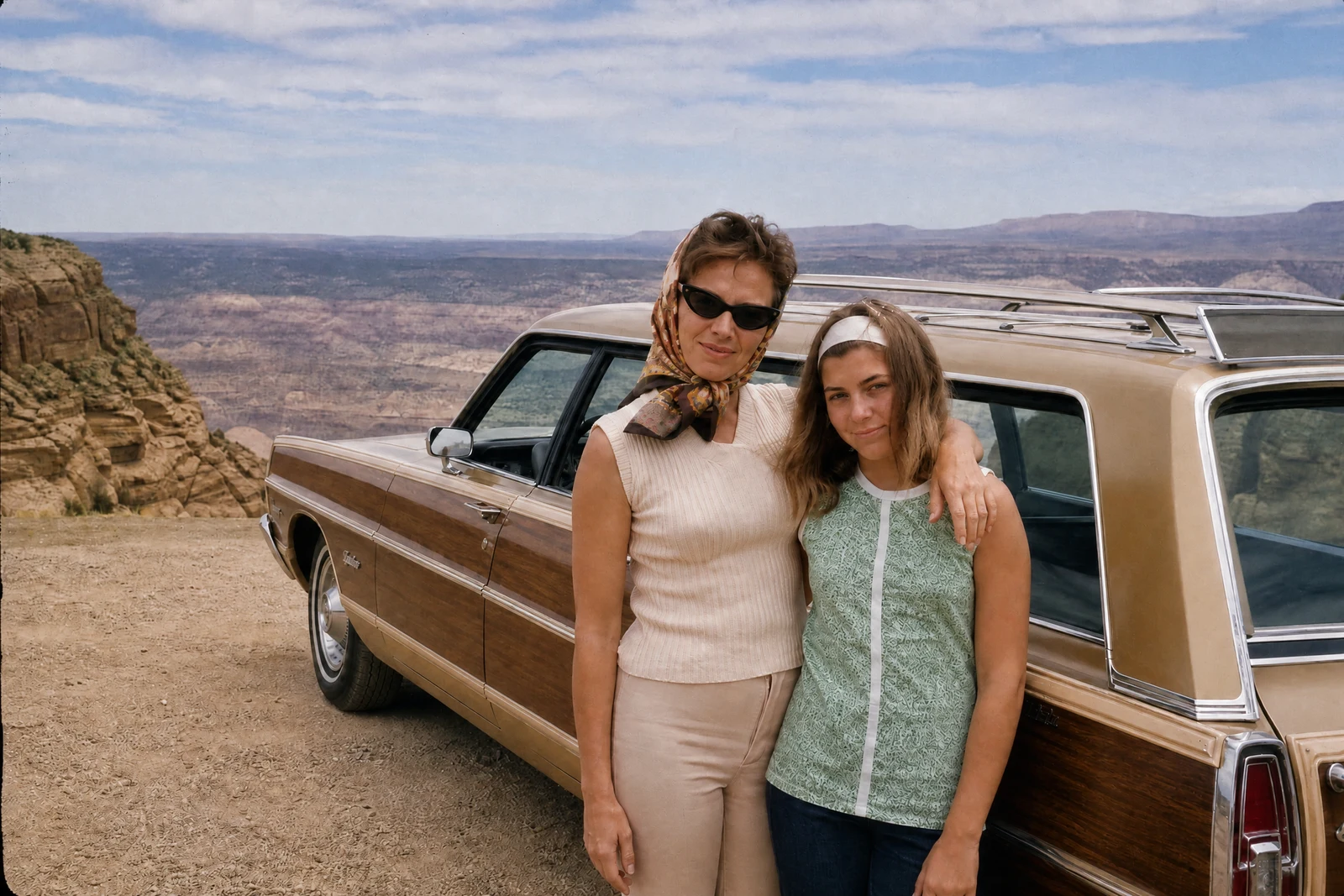
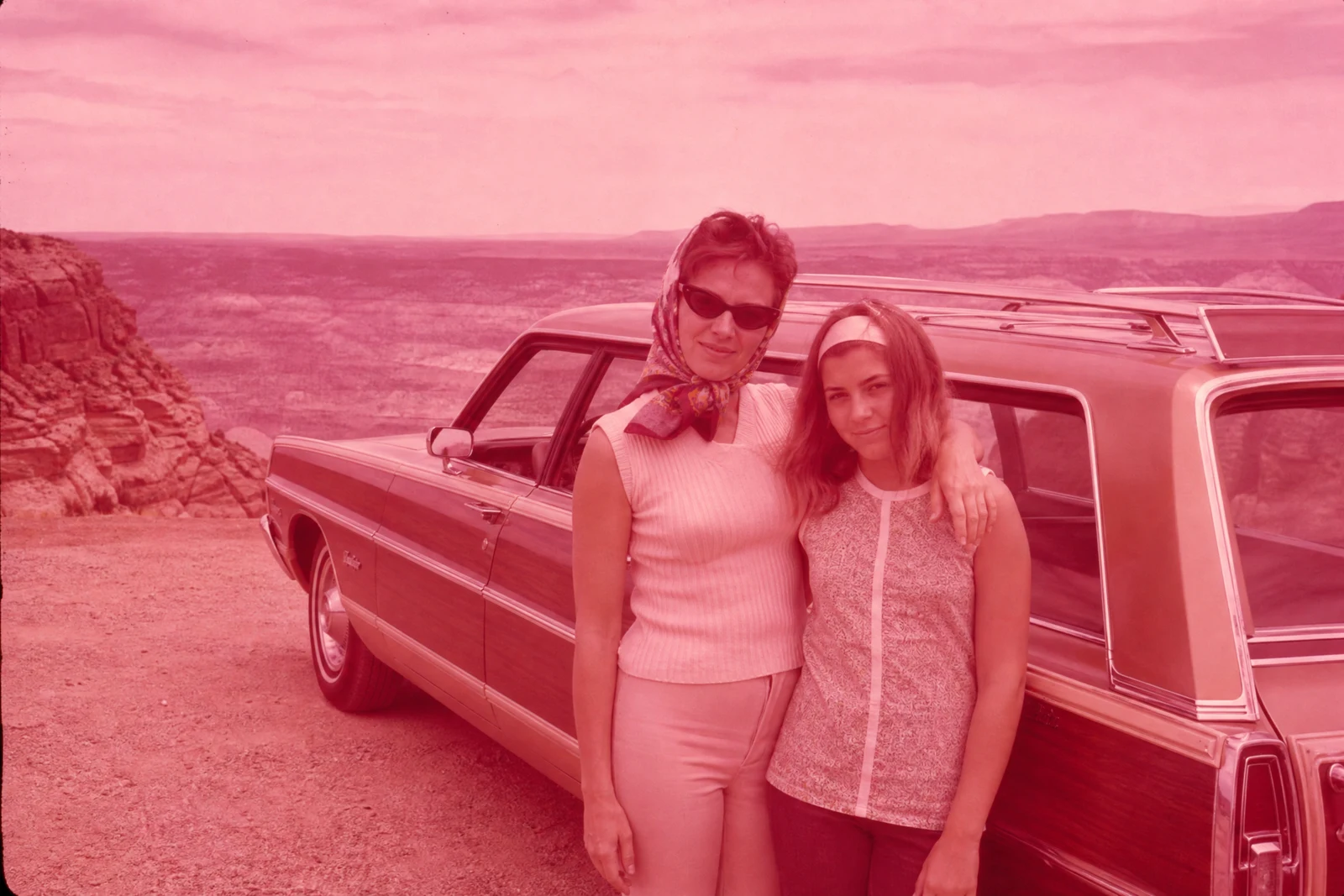
Straight out of the editor, unretouched — slide the handle to see the change.
Color is where a photo's age shows first. Prints from the 80s drift toward magenta, early digital files skew oversaturated or dull depending on the camera, and even recent shots come out of mixed lighting with skin that looks seasick. Correcting color by eye is genuinely hard — monitors lie, memory lies — which is why labs built standardized correction passes, and why this tool packages them.
Auto diagnoses the photo and applies the appropriate rebalance. Fix warm cast and Fix cool cast target the two most common tints from indoor bulbs and shade. Vibrance boost enriches muted color while treating skin tones carefully, and Revive faded photo is written for prints and scans whose dyes have thinned with the decades — it rebuilds density and hue where age has washed them out. Classic black & white sidesteps color entirely, converting with the rich tonal range of a darkroom print.
For a pure cast fix with warm/cool creative shifts, White Balance is the narrower instrument; this tool is the broader lab pass. On old family scans, run it after Photo Restoration — corrected color on repaired detail is the combination that makes people say the photo looks new again.
Why this tool
- Send what you finish here straight into every other tool
- Standard, Pro and Max quality tiers
- Results land in your creations library
- Enlarge for printing, or set the still photo in motion as video
Frequently asked questions
Which mode for old faded prints?
Revive faded photo — it is written for age-thinned color, rebuilding saturation and hue in scans whose dyes have drifted. Pair it with Photo Restoration when the print also has physical damage.
What is the difference between vibrance and saturation?
A saturation boost pushes every color equally and turns skin orange fast. Vibrance boost lifts the muted colors hardest while restraining already-rich tones and skin, which is why it is the safer everyday enrichment.
Why convert to black & white with a correction tool?
Because a good conversion is a tonal decision, not a drained-color filter: the Classic black & white mode maps colors into deep blacks, clean highlights, and a full gray range the way darkroom printing did.
Can I try it free?
Yes — signup includes 4 free credits, covering one Standard-quality correction run.
Can I try AI Color Correction for free?
Yes — every new account starts with 4 free credits, enough to run this tool once at Standard quality. No credit card required.
Related tools