
Use case
Clean Up Grainy Night Photos
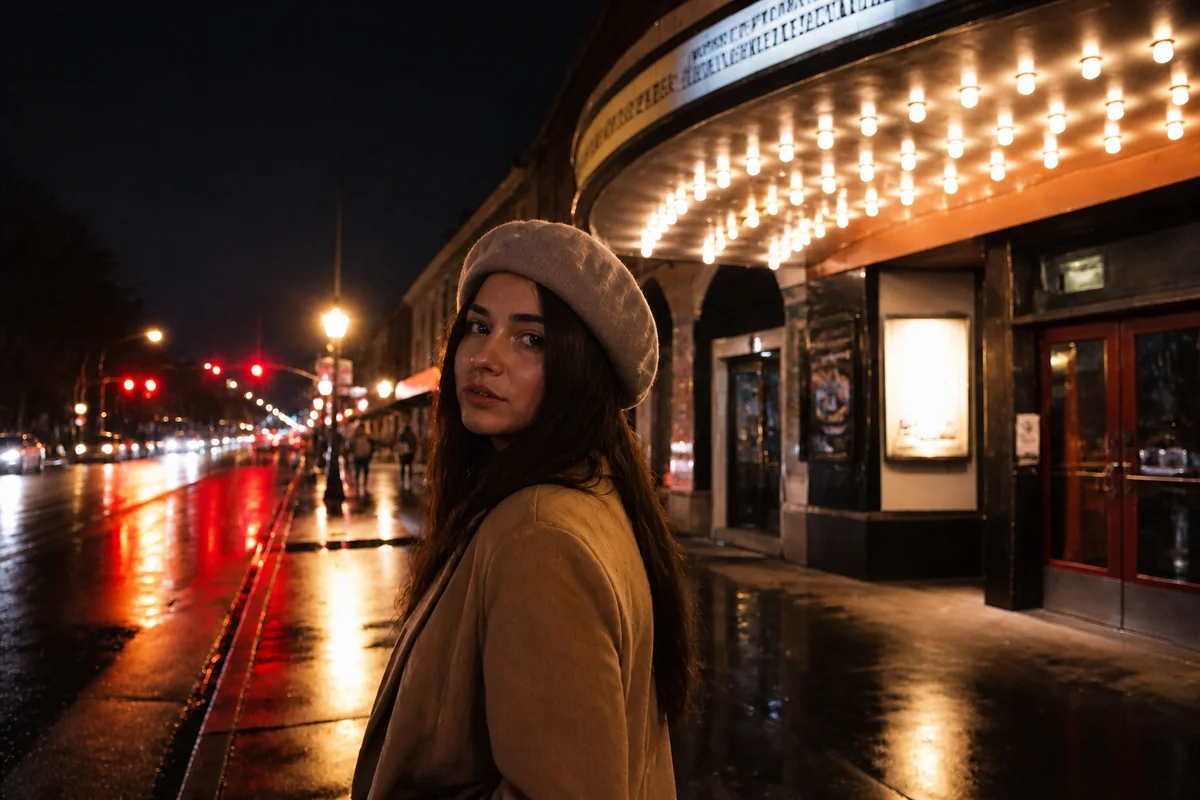
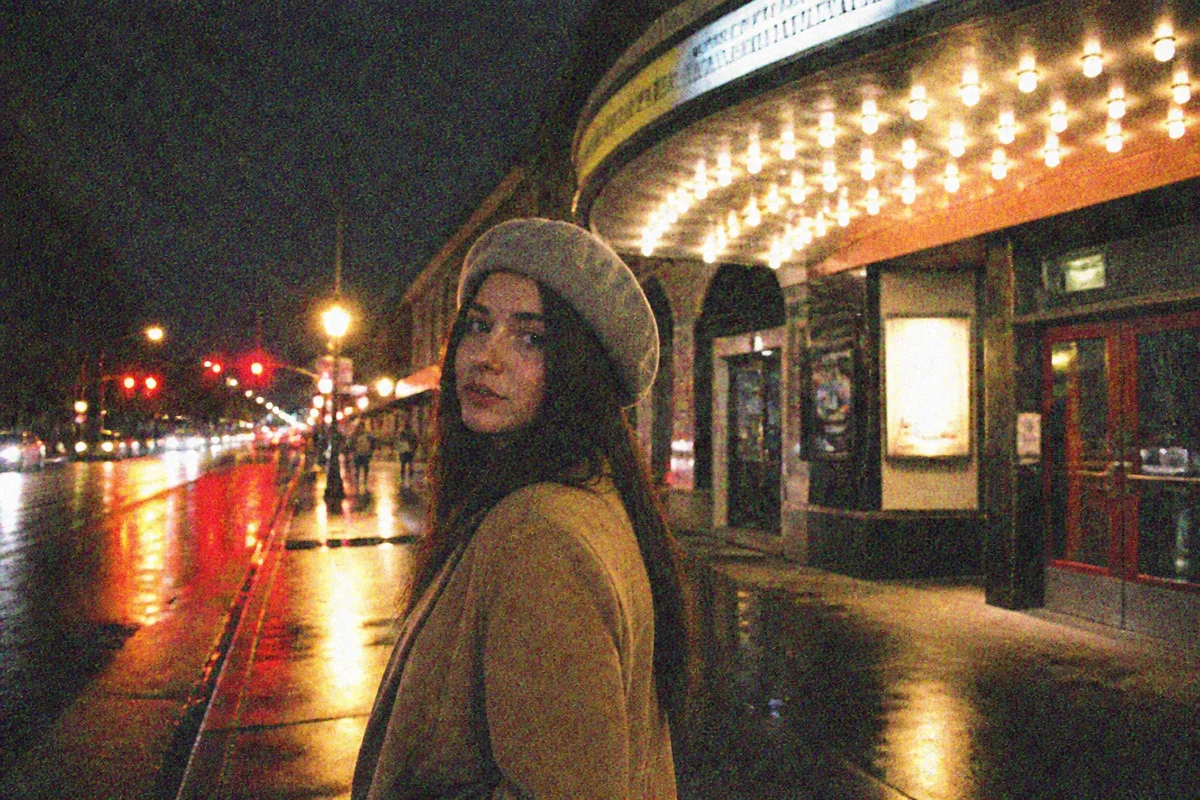
Watch the rescue unfold — pull the slider across.
Night is where phone cameras go to struggle. The sensor cranks itself to its limit, and the price appears as grain — colored static sprayed across the skyline, the bonfire circle, the streetlit walk home. The scene was beautiful; the file looks like it was transmitted from space in 1965.
Denoising is the heart of the night rescue, and AI does it with judgment older tools lacked: the static clears while the skyline's real texture stays. Brightening lifts what the darkness swallowed, sharpening restores the edges noise reduction used to smear, and the night photo finally shows the night you remember.
City trips, camping skies, evening walks — the frames are worth keeping. They just need the static removed. Seconds each.
The problems this solves
- High-ISO grain sprays colored static across every dark area.
- Shadows crush to black, hiding what the scene actually held.
- Built-in noise reduction smears detail into watercolor mush.
- Streetlights and neon send the color balance in three directions at once.
A workflow that works
Clear the noise
The static comes off first — everything else about a night photo improves once the grain is gone.
AI DenoiseLift the darkness
Brightening opens the crushed shadows and recovers the scene the sensor barely caught.
AI Low Light BrightenerRestore the smeared edges
Sharpening rebuilds the definition that both darkness and noise reduction took away.
AI Image SharpenerSettle the mixed light
Streetlight orange and neon blue pull against each other — balancing finds the scene between them.
AI White BalanceFrequently asked questions
Denoise or brighten first?
The workflow here runs denoise first, then brighten — lifting exposure amplifies whatever grain remains, so clearing it early gives cleaner results. Each pass takes seconds, so comparing orders is easy.
Can you rescue star and sky photos?
Night-sky shots respond well to the denoise-brighten chain. Stars are point details, so review the result to confirm real stars stayed and noise speckles left — keep the original for comparison.
Will the photo still look like night?
That's the aim — brightening recovers detail without turning midnight into noon. If a result feels overlifted, re-run with a lighter touch.
What's the cost to fix a night out's worth of photos?
Seconds each; signup includes 4 free credits to rescue the best frames first.
Related use cases