
Use case
Rescue Your Blurry Concert Photos
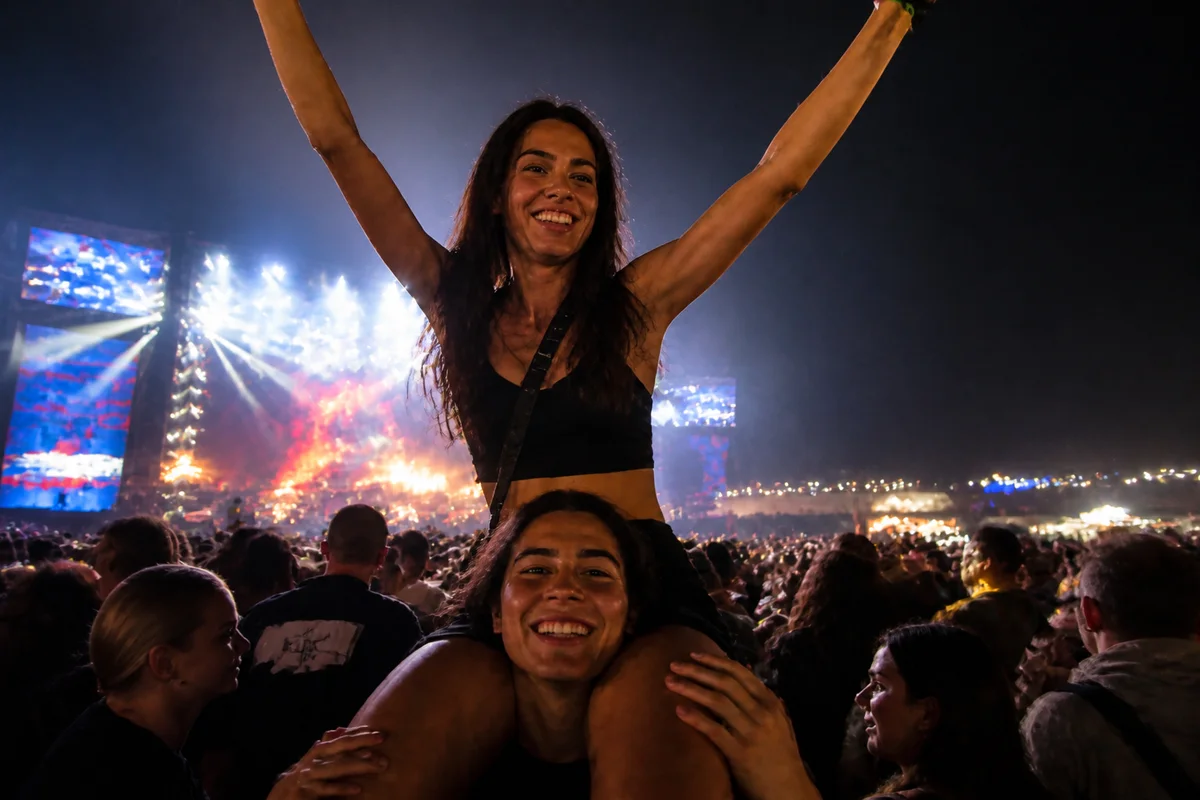
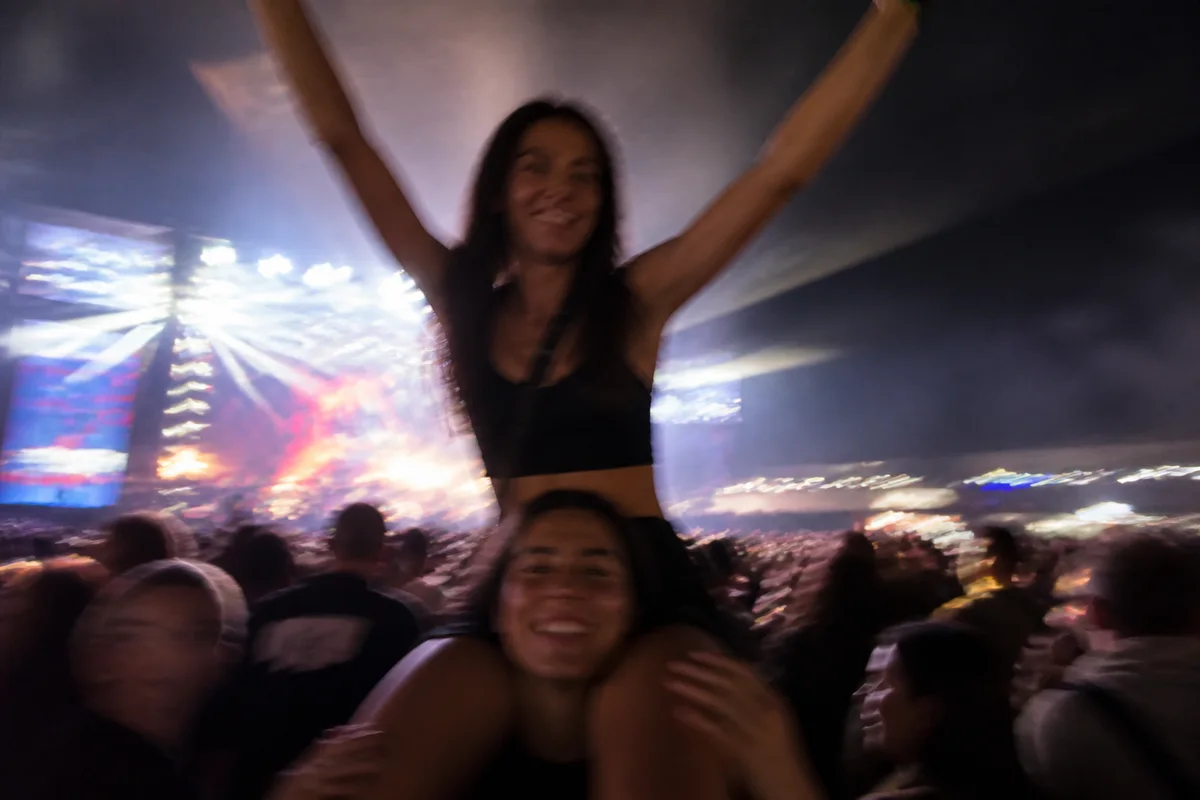
Watch the rescue unfold — pull the slider across.
Concert photos fail for stacked reasons: the stage strobes between blinding and black, the artist moves, your hands are in the air, and the phone picks the wrong moment for all of it. You come home with thirty frames of luminous smear and one almost-good shot of the night you'll talk about for years.
AI rescue works the stack in reverse: deblur the motion smear, lift the crowd-level darkness, denoise what the sensor did in the dark, and settle the stage lighting's color chaos into something that looks like the show. The almost-good shot becomes good; several of the smears become keepers.
Tour photos are one-night-only archives — the show doesn't restage itself for a better camera. Rescue what you caught.
The problems this solves
- Artist and crowd motion smears through every frame.
- Stage strobes push frames to blown-white or crushed-black extremes.
- High-ISO crowd shots are a blizzard of noise.
- Saturated stage lighting turns every face magenta or cobalt.
A workflow that works
Sharpen the motion blur
Deblurring recovers the artist mid-jump and the stage detail your excited hands smeared.
AI Unblur ImageBalance the stage-light extremes
Recovering the blown highlights and crushed shadows finds the show between the strobe's extremes.
AI Exposure FixerClear the high-ISO noise
Crowd-level darkness forced the sensor high — cleanup returns the scene without the static.
AI DenoiseTame the color wash
Pull faces back from full magenta while keeping enough stage color that it still feels like the show.
AI Color CorrectionFrequently asked questions
Can a genuinely smeared shot of the stage be saved?
Deblurring recovers a lot of motion smear, though extreme streaking has limits — expect a strong improvement rather than a tripod shot. Fine detail is reconstructed, so faces at distance are best judged by eye.
Should I keep the stage lighting's color or correct it?
Taste call — correct fully for natural faces, or partially so the photo keeps the show's palette. Re-running with different instructions takes seconds each way.
My video screenshots from the show are even worse. Same treatment?
Yes — screenshot the best frame, then upscale, denoise, and sharpen. Video frames start softer than photos, so expect a bigger transformation.
How fast can I post a rescued shot?
Seconds per treatment — rescue on the ride home. Signup includes 4 free credits.
Related use cases