
Enhance quality
AI Low Light Brightener
Reveal the photo hiding inside the dark
Starter credits come with your account — and there's no card to enter.
- 1Upload the dark photo and choose Gentle, Balanced, or Strong
- 2The AI lifts shadows, recovers detail, and holds noise down
- 3Check the revealed detail and download the brightened photo
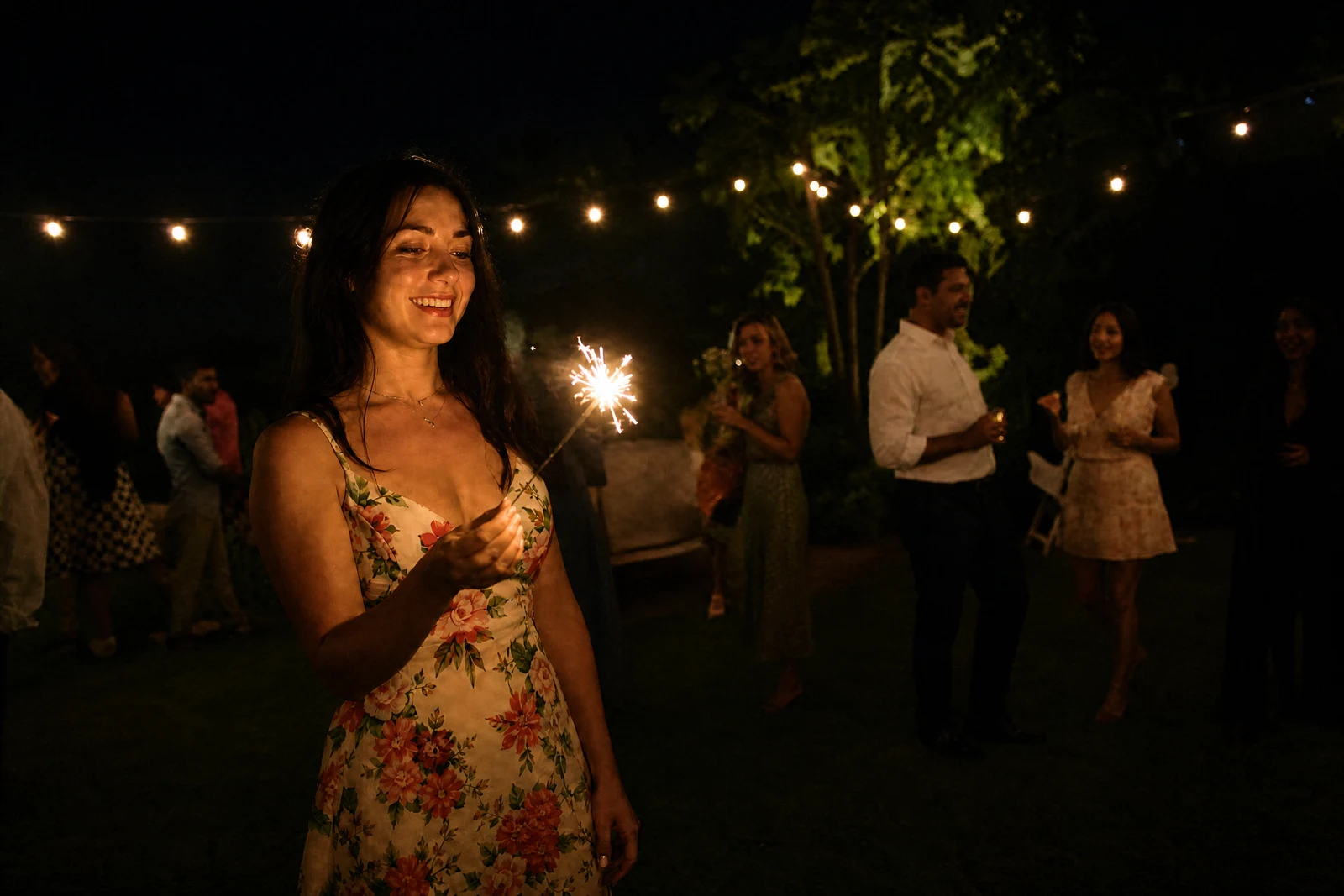
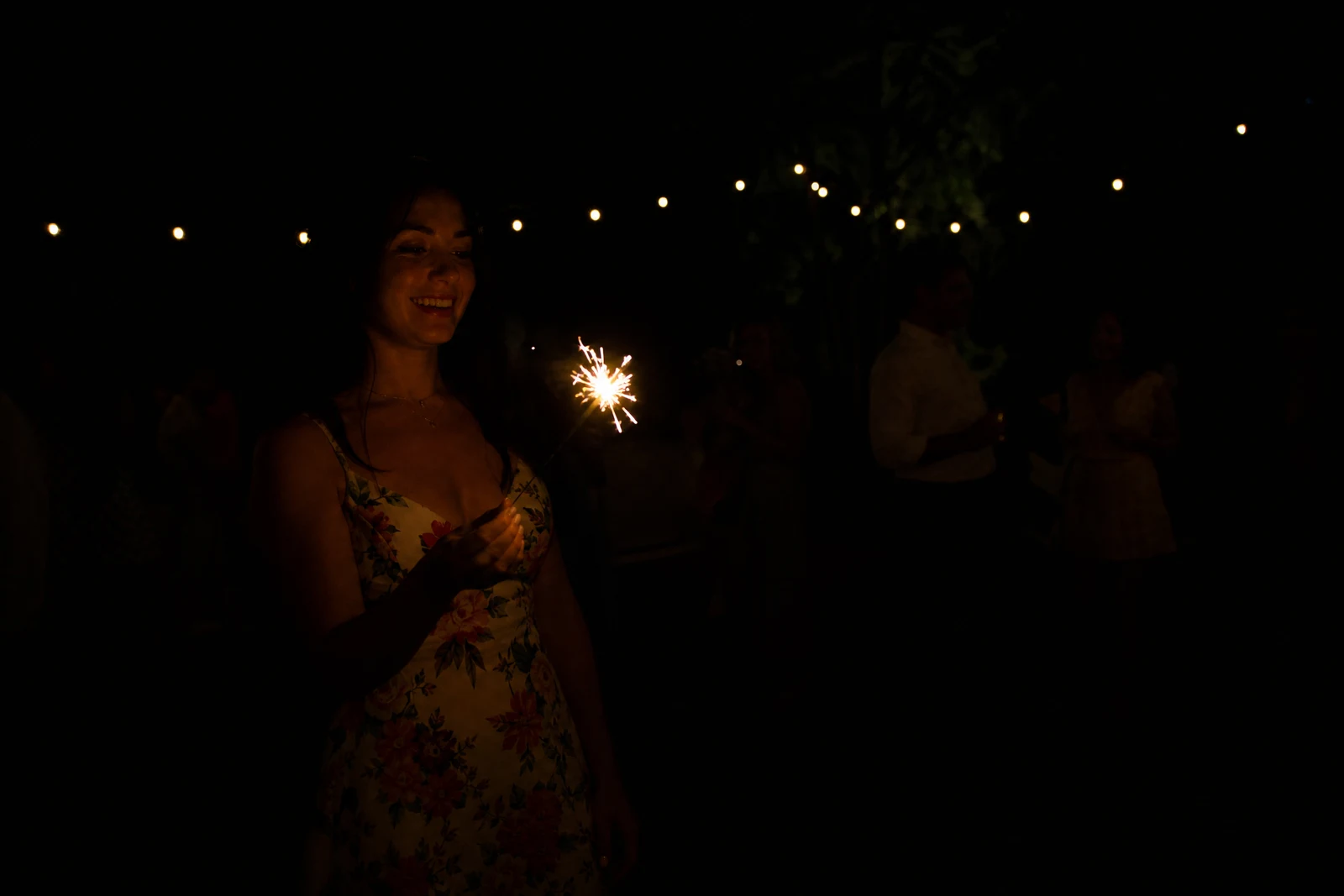
Straight out of the editor, unretouched — slide the handle to see the change.
So many of the moments that matter happen in bad light: blowing out candles, the first dance, a campfire conversation, a sleeping newborn at 3 a.m. The camera caught them anyway — barely — and the resulting files sit in the archive looking like murky near-losses. Simply dragging up a brightness slider turns them gray and grainy, which is why most of them were never fixed.
This tool brightens the way a skilled editor would. The AI lifts the shadows, recovers detail buried in the dark areas, suppresses the noise that amplification usually drags along, and rebalances the frame so it reads as a photo taken in decent light rather than a salvage job. Balanced is the everyday setting; Gentle brightens while keeping the evening mood that made the moment; Strong is the deep rescue for frames that are almost black.
Run it early in a chain — brightening reveals what else the photo needs. A newly lit photo often shows its color cast (White Balance), its grain (Denoise), or its softness (Sharpen), and each follow-up is a few seconds away in the same editor.
Why this tool
- Send what you finish here straight into every other tool
- Standard, Pro and Max quality tiers
- Results land in your creations library
- Enlarge for printing, or set the still photo in motion as video
Frequently asked questions
Will brightening make the photo grainy?
Noise suppression is built into the pass precisely because amplifying a dark photo normally amplifies its grain. If a Strong rescue still shows speckle, a follow-up Denoise run finishes the job.
Can it keep the cozy evening feel?
That is what Gentle is for — it opens the shadows and reveals faces while letting the scene stay recognizably an evening. Balanced and Strong move progressively closer to a fully lit look.
How dark is too dark?
If shapes are visible, there is usually something to recover; Strong mode is built for nearly-black frames. Pure black areas contain nothing to lift, so recovered detail there is generated and worth reviewing closely.
Can I try it on one photo free?
Yes — you get 4 free credits at signup, enough for one Standard-quality brightening run.
Can I try AI Low Light Brightener for free?
Yes — every new account starts with 4 free credits, enough to run this tool once at Standard quality. No credit card required.
Related tools