
Use case
Turn Negative Scans into Finished Photos
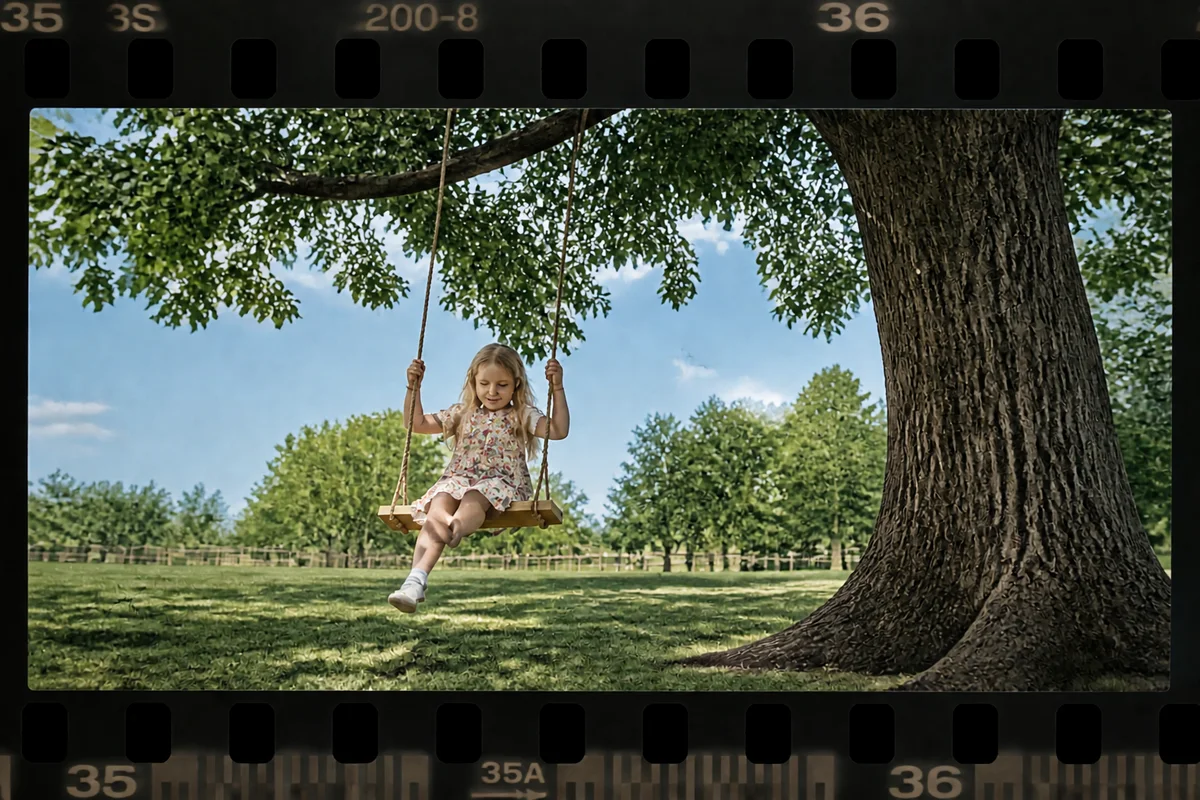
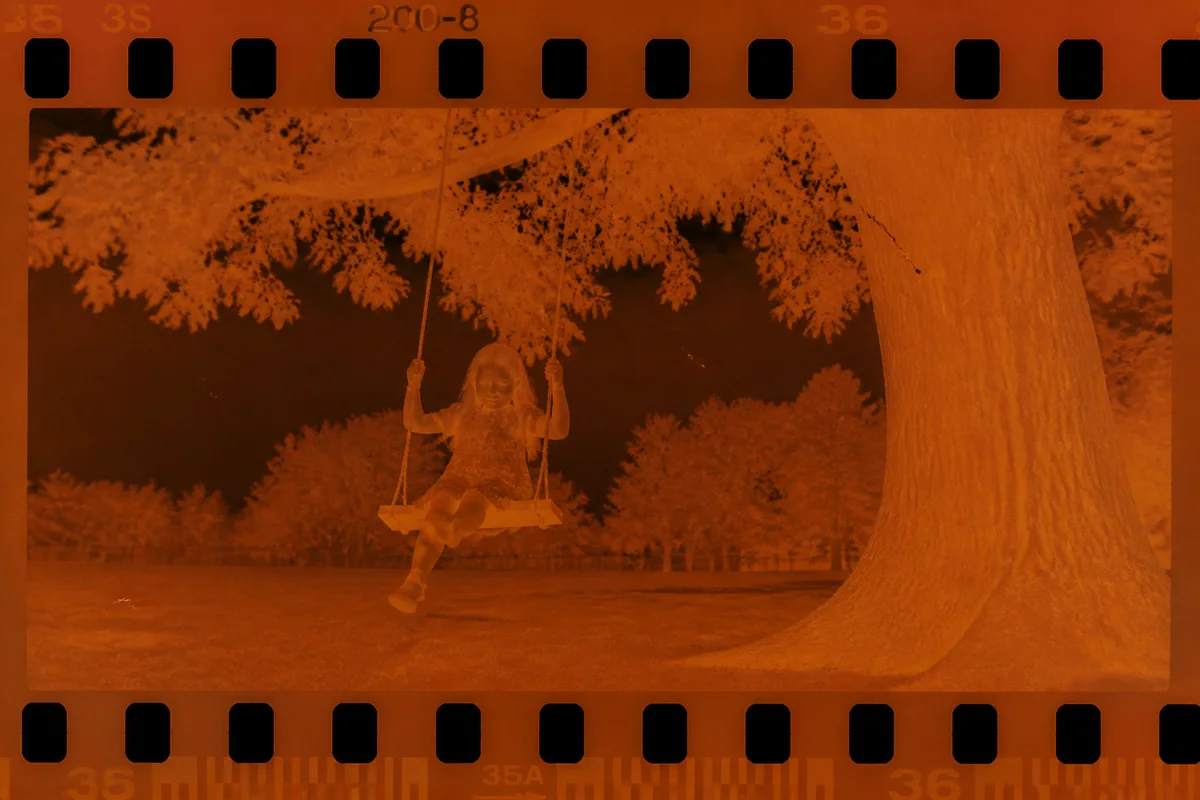
Watch the rescue unfold — pull the slider across.
Negatives are the family archive's deepest layer — every print in the shoebox came from a strip that's still in the envelope behind it, along with frames that were never printed at all. Scanning them opens the vault, but the raw results are rough: orange-masked color, dust that shows white against the inverted image, and a flatness that needs the finishing a photo lab used to provide.
That finishing is what AI does here. Upload the inverted scan and it becomes a completed photograph — color balanced, dust cleared, contrast set, detail sharpened. The never-printed frames are the treasure: shots the family literally has not seen since the shutter clicked in 1987.
Seconds per frame means an envelope of negatives is an afternoon, and a banker's box of envelopes is a winter project with a real payoff.
The problems this solves
- Color negative scans carry the orange mask's stubborn cast.
- Dust and scratches on negatives print as marks across every frame.
- Raw scans look flat and lifeless compared to lab prints of the same frame.
- Half the frames were never printed, so nobody knows what's on them.
A workflow that works
Balance the color
Residual orange-mask cast is the signature flaw of home negative scans; balancing it makes the frame look like a photograph.
AI White BalanceClear the dust and scratches
Negative-strip debris scales up with the scan — repair removes what a lab's dust-off systems used to handle.
AI Scratch RepairSet contrast and exposure
The finishing pass a photo lab applied — lifting the scan from flat capture to finished print.
AI Auto EnhanceUpscale keepers
A 35mm frame holds more detail than most casual scans extract; upscaling presents it at modern sizes.
AI Image UpscalerFrequently asked questions
My scanner outputs the negative un-inverted. Can you work with that?
Invert it first — most scanner software and free tools do this in one click — then upload the positive image for finishing here.
Why do my negative scans look worse than the old prints?
The lab applied correction, contrast, and dust control at print time; a raw scan skips all of it. The AI restores that finishing layer, often ending up cleaner than the vintage print.
Are unprinted frames worth scanning?
They're the best part — the outtakes, the second angles, the shots someone decided against in 1987. Families routinely find never-seen photos of relatives this way.
What does a big negative project cost to start?
Signup is free with 4 free credits. Finish a few frames, judge the results, and scale up from there.
Related use cases