
Enhance quality
AI Lighting Changer
Relight a photo as if you had owned the studio
Starter credits come with your account — and there's no card to enter.
- 1Upload the photo and pick one of the fourteen lighting styles
- 2The AI re-renders shadows, highlights, and reflections to match
- 3Compare the mood against the original and download the relit photo
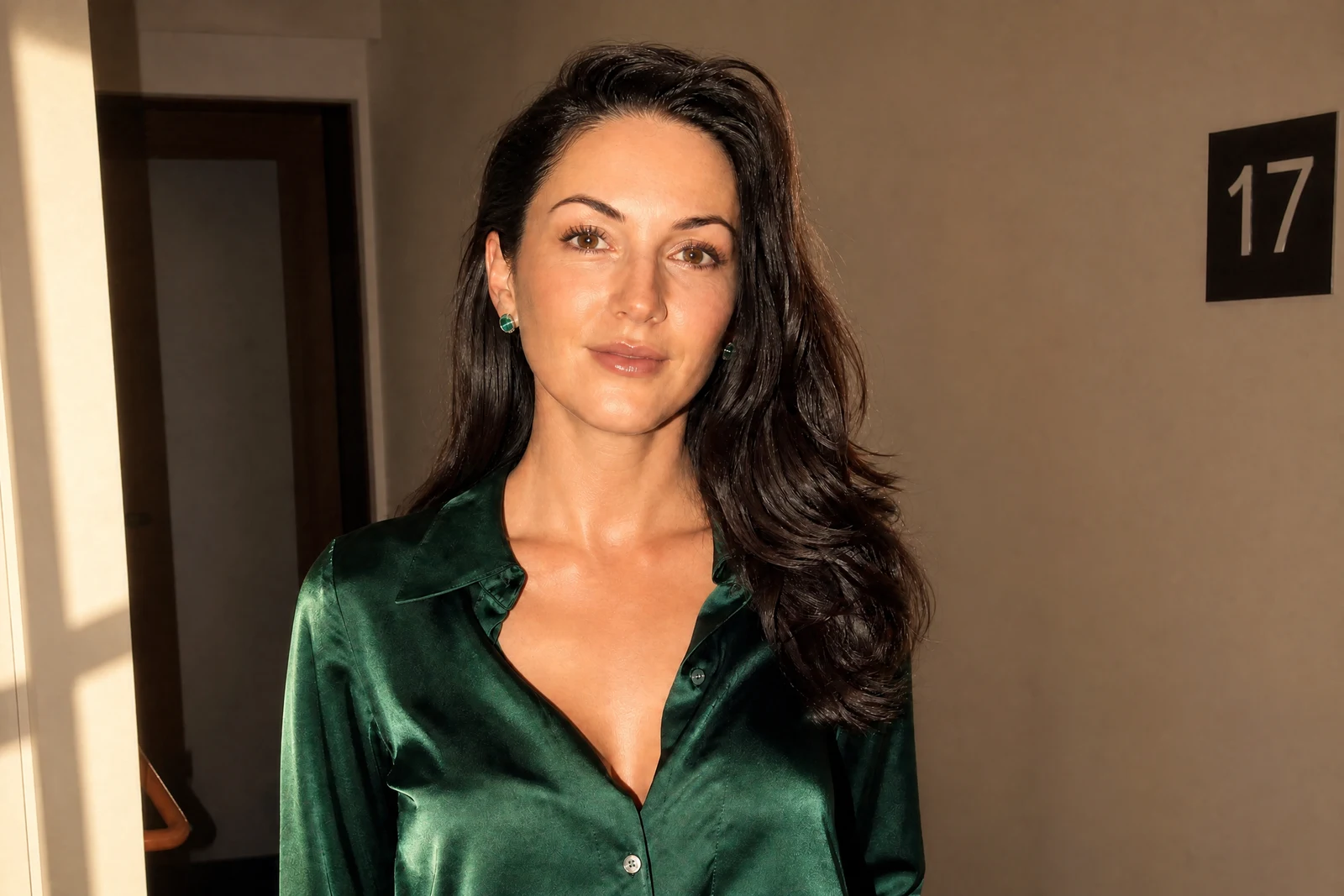
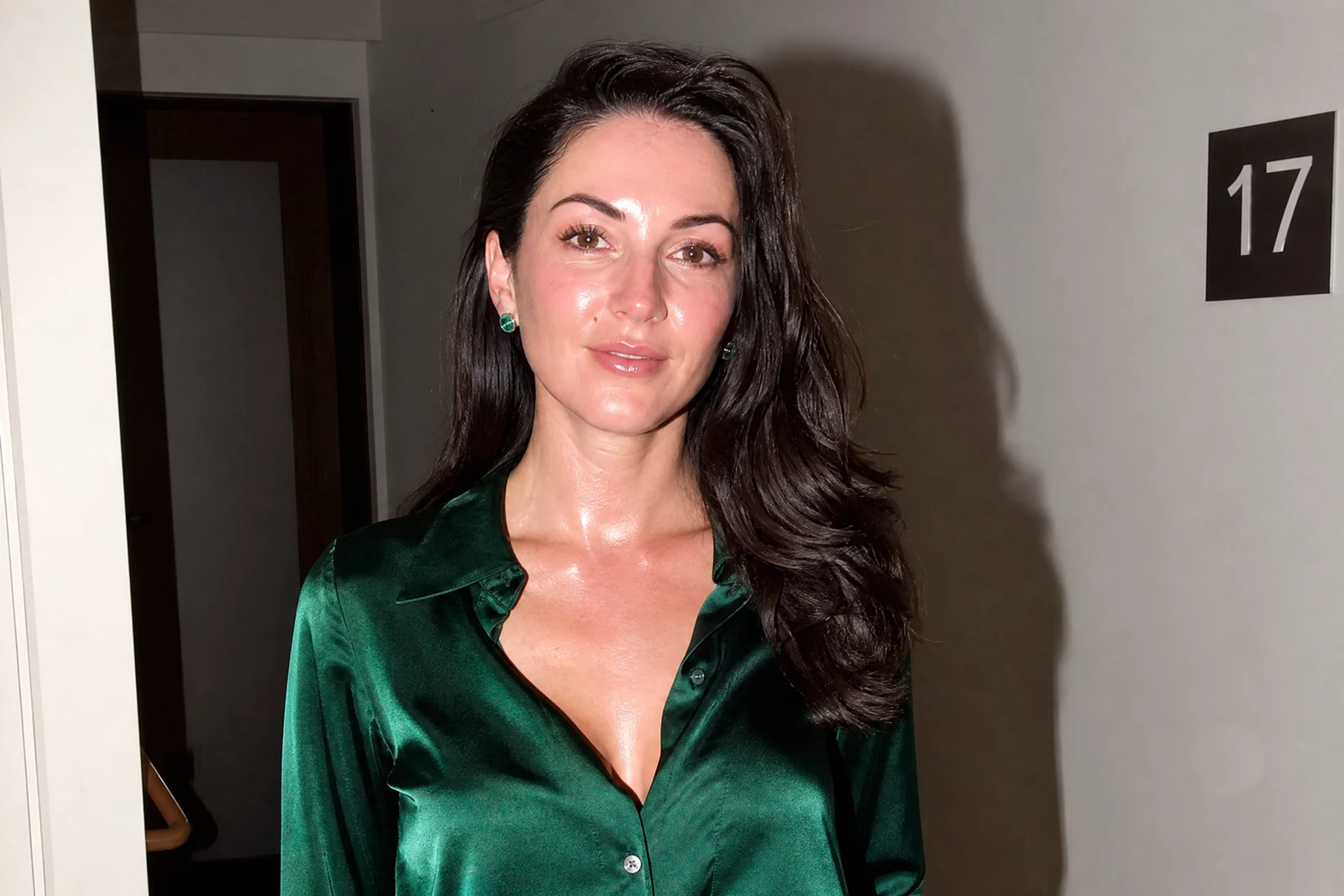
Straight out of the editor, unretouched — slide the handle to see the change.
Light is the one thing you cannot fix by cropping. A portrait taken under a ceiling bulb carries that bulb forever — flat face, hard nose shadow, dull eyes — while the same person by a window would have looked like a painting. Studio photographers spend careers learning to place light; this tool lets you apply their setups to photos that were already taken.
Choose from fourteen lighting treatments and the AI re-renders the illumination of the scene: the softbox evenness of Studio Soft, the sculpted triangle of Rembrandt, the glamour symmetry of Butterfly, edge-carving Rim light, honeyed Candlelight, the hard shadows of Film Noir, or the saturated glow of Neon Cyberpunk. Shadows, highlights, and reflections are rebuilt to follow the new light source so the result reads as photographed that way, not filtered.
Use it to lift a flat selfie into a considered portrait, to unify photos shot in different rooms into one look, or to take a memory somewhere theatrical. It pairs naturally with Professional Headshot for work-profile photos and with Time of Day when the whole scene's hour needs to move, and each relight renders in seconds.
Why this tool
- Send what you finish here straight into every other tool
- Standard, Pro and Max quality tiers
- Results land in your creations library
- Enlarge for printing, or set the still photo in motion as video
Frequently asked questions
Which styles flatter portraits most?
Studio Soft and Natural Window are the safe, flattering defaults. Rembrandt and Butterfly add classical shaping, and Rim light separates the subject dramatically from a dark background.
Does relighting change the background too?
Yes — a light source only reads as real if the whole scene obeys it, so the background's shadows and tones are re-rendered along with the subject. Silhouette and Spotlight deliberately push the background dark.
What is Vintage Flash for?
It recreates the direct on-camera flash look of 90s and 2000s snapshots — bright subject, falloff into darkness — which has become a deliberate editorial style as well as a nostalgia cue.
Can I try AI Lighting Changer for free?
Yes — every new account starts with 4 free credits, enough to run this tool once at Standard quality. No credit card required.
Related tools