
Portraits
AI Professional Headshot
A studio headshot from a photo you already have
Starter credits come with your account — and there's no card to enter.
- 1Upload a clear photo of yourself facing the camera
- 2Choose attire and backdrop options
- 3Generate the studio headshot and download it for your profiles
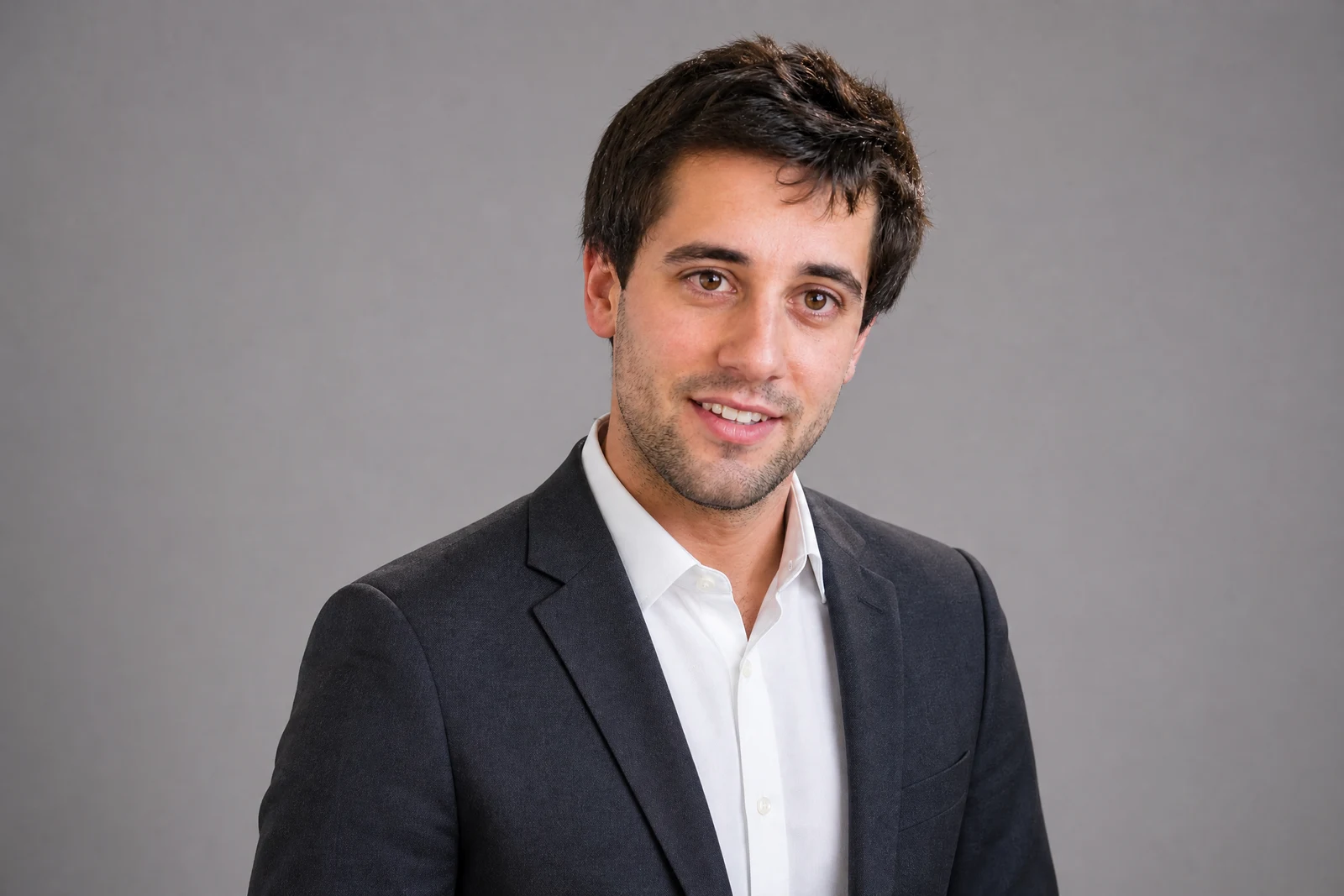
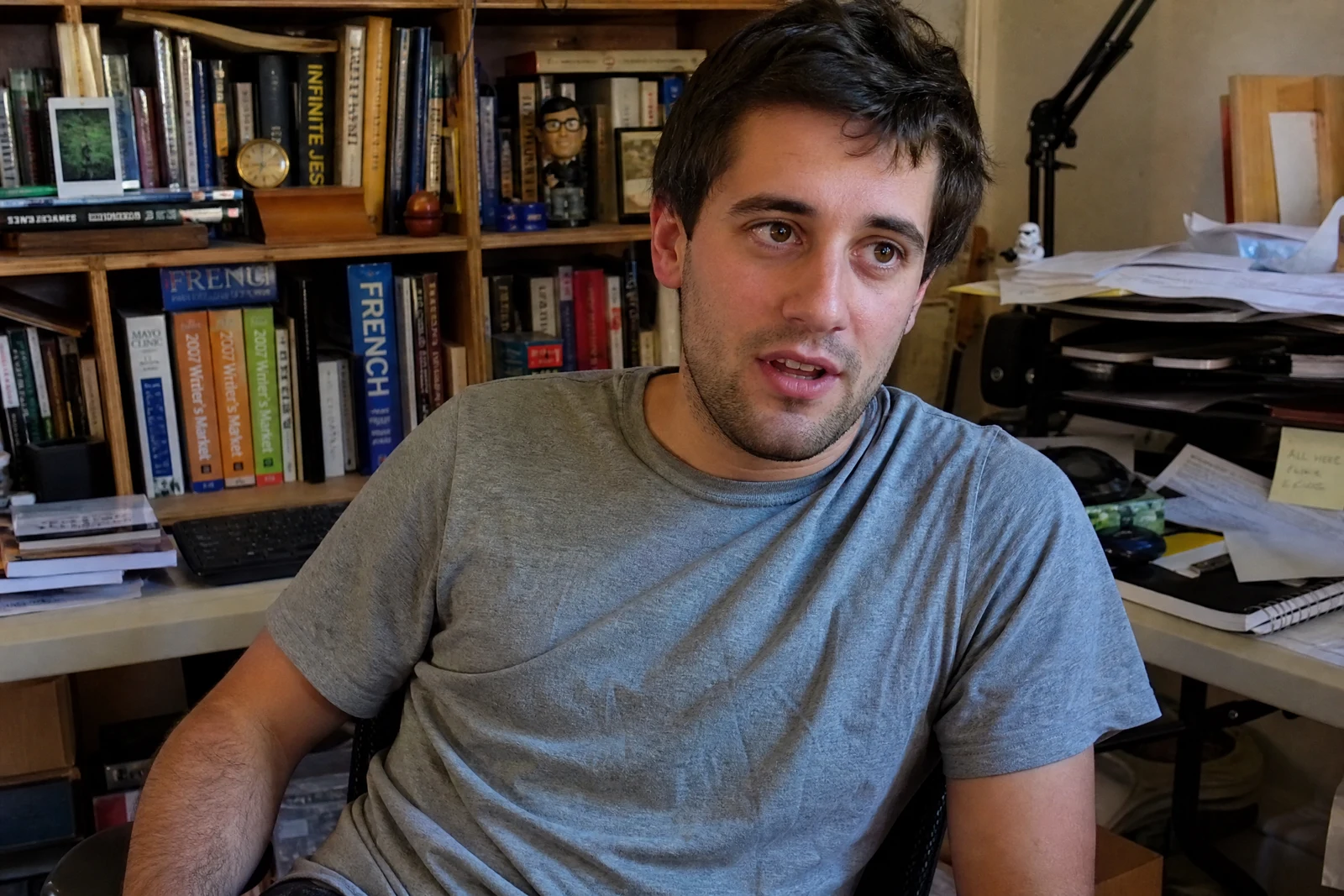
Straight out of the editor, unretouched — slide the handle to see the change.
The professional headshot is a strange economy: everyone needs one, few people have one, and the photo doing the job on most profiles is a wedding-guest crop or a car selfie with decent light. Studio sessions cost real money and expire as you change — which is why the average headshot online is years out of date.
This tool produces the studio result from a photo you already like. Upload a clear shot of yourself, pick the wardrobe — auto business attire, navy blazer, charcoal suit, or business casual — and a backdrop of studio gray, studio white, or a softly blurred office. The AI dresses the shot, sets the backdrop, and renders clean, flattering studio-style lighting around your actual face.
It covers profiles, company pages, conference bios, and press blurbs, and refreshing it costs seconds instead of a session fee. For the fully finished version, chain a pass of Face Retouch or Expression Changer — a composed Subtle Smile against studio gray is the classic result that reads as a booked sitting.
Why this tool
- Send what you finish here straight into every other tool
- Standard, Pro and Max quality tiers
- Results land in your creations library
- Enlarge for printing, or set the still photo in motion as video
Frequently asked questions
What source photo should I use?
A sharp, front-facing photo in decent light where your face is unobstructed — no sunglasses, no heavy shadows. It does not need to be formal; the attire and backdrop are the tool's job.
Does it change my face?
The transformation is aimed at wardrobe, backdrop, and lighting — your face is the part that should carry over. If you also want skin cleanup or a more composed expression, Face Retouch and Expression Changer are one chain away.
Which backdrop should I pick?
Studio gray is the most versatile and the corporate default. Studio white reads modern and clean, and Office blur suggests an environmental portrait — a good fit for consulting and sales profiles.
Can I make one for free?
Yes: 4 free credits at signup cover one Standard-quality headshot render.
Can I try AI Professional Headshot for free?
Yes — every new account starts with 4 free credits, enough to run this tool once at Standard quality. No credit card required.
Related tools