
Background & cleanup
AI Time of Day
Reschedule the light — noon to golden hour in seconds
Starter credits come with your account — and there's no card to enter.
- 1Upload the outdoor photo and choose the new hour
- 2The AI re-renders sky, shadows, and color for that time
- 3Compare the mood shift and download the rescheduled photo
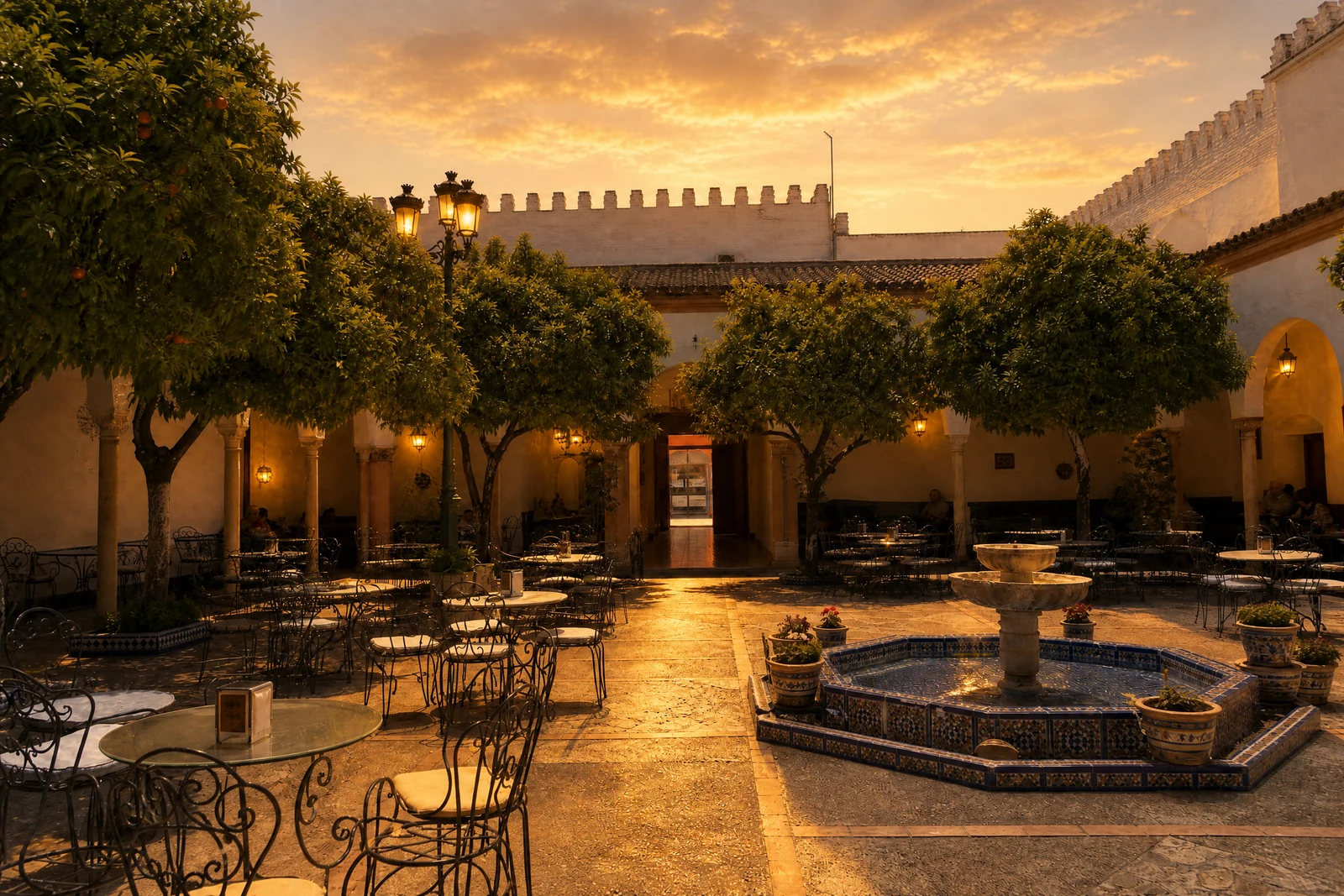

Straight out of the editor, unretouched — slide the handle to see the change.
Photographers organize their lives around two short windows a day when sunlight turns flattering — and everyone else takes their photos at whatever hour the moment happened. Vacations run on itineraries, not light; family gatherings peak at harsh mid-afternoon; the house looks its best at an hour when everyone is asleep.
This tool moves the clock afterward. Choose from fourteen times — the golden and blue hours at both ends of the day, plain morning and midday, twilight, moonlight, starlight, city night — and the AI re-renders the scene's entire lighting story: the sky, the color temperature, the length and direction of shadows, windows lighting up as evening falls. Everything a different hour would actually change, changed together.
Midday vacation photos become golden-hour keepsakes; a daytime exterior becomes the twilight shot real estate agents pay for; a backyard becomes a moonlit scene. It differs from Sky Replacement in scope — that tool changes the ceiling, this one changes the hour — and from Weather Effects, which changes the meteorology while the clock stands still.
Why this tool
- Send what you finish here straight into every other tool
- Standard, Pro and Max quality tiers
- Results land in your creations library
- Enlarge for printing, or set the still photo in motion as video
Frequently asked questions
What actually changes besides the sky?
The full lighting circumstance: shadow direction and length, color temperature, ambient brightness, and time-appropriate details like lit windows and streetlights at night. That coherence is what makes the new hour believable.
Which setting makes vacation photos look best?
Golden Hour — Sunset is the crowd favorite: warm, low, flattering light that midday tourism never provides. Blue Hour — Dusk is the moodier, more cinematic alternative.
Can it turn day into convincing night?
Yes — Night, Moonlit, Starry, and City Lights all perform the full conversion, darkening the world and adding the light sources night actually has. Large conversions merit a closer review, as more of the scene is re-rendered.
Can I try AI Time of Day for free?
Yes — every new account starts with 4 free credits, enough to run this tool once at Standard quality. No credit card required.
Related tools