
Background & cleanup
AI Add Object
Place a described object into the scene, believably
Starter credits come with your account — and there's no card to enter.
- 1Upload the photo, describe the object and its location
- 2The AI renders it in place with matching light and shadow
- 3Check scale and shadows, then download the staged photo
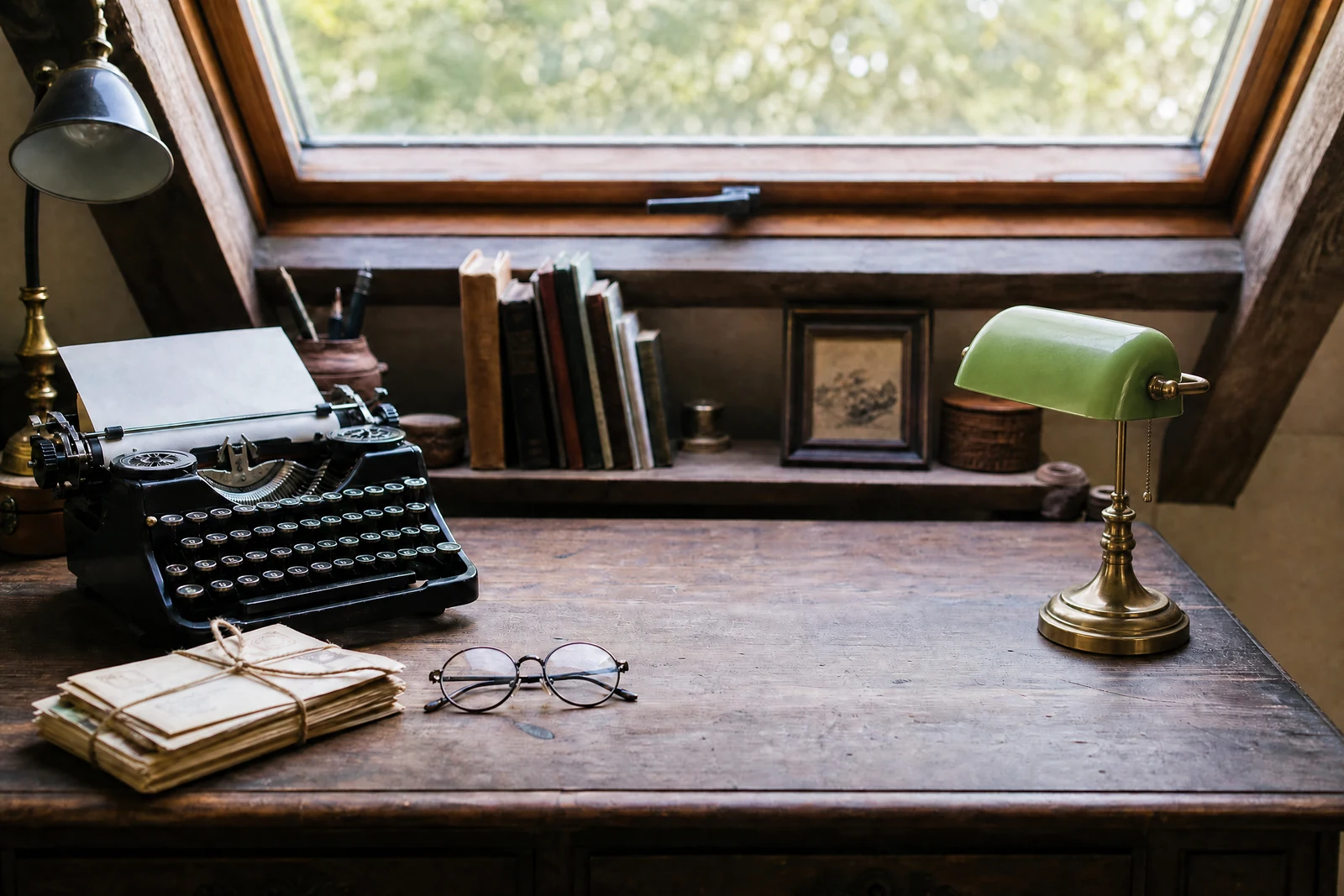
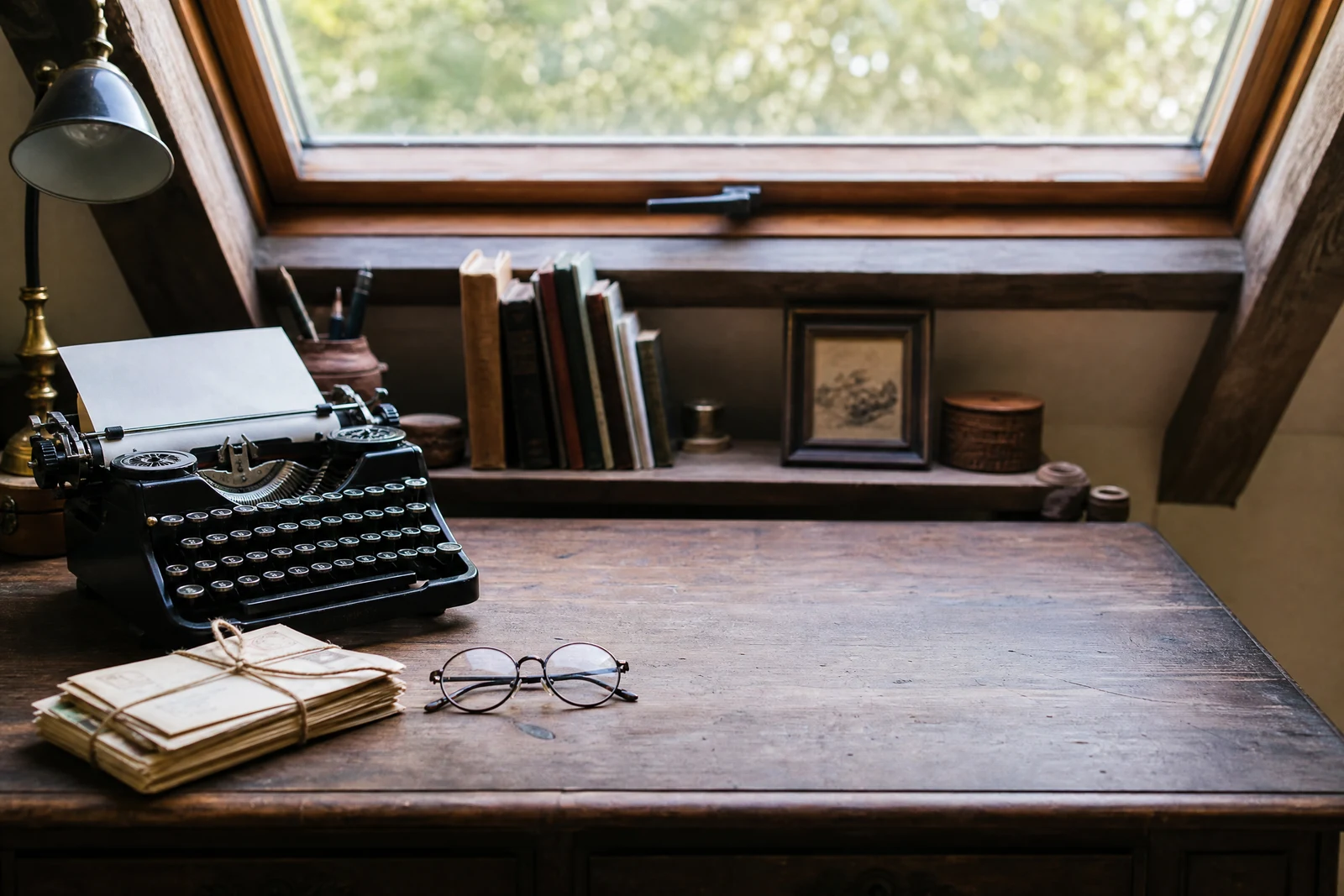
Straight out of the editor, unretouched — slide the handle to see the change.
Sometimes a photo is missing exactly one thing. The cozy reading-nook shot wants a cup of tea; the empty porch wants string lights; the product flat-lay wants a sprig of eucalyptus that the stylist forgot. Adding it credibly by collage means finding a source image with identical lighting and perspective — a search that usually ends in compromise.
Here the object is generated for the scene. Describe what to add and where — 'a steaming mug on the windowsill', 'a red bicycle leaning against the wall' — and the AI renders it at the right scale for its position, lit by the photo's actual light, casting a shadow that agrees with every other shadow in frame. Because it is created in place rather than pasted, it inherits the photo's grain and color instead of floating on top.
It serves staging (furnishings and decor into interiors), styling (props into product shots), and play (the dinosaur on the lawn the kids will frame). Descriptive detail steers quality: material, size, and state — 'a worn leather armchair', 'a small terracotta pot' — give the renderer something specific to build.
Why this tool
- Send what you finish here straight into every other tool
- Standard, Pro and Max quality tiers
- Results land in your creations library
- Enlarge for printing, or set the still photo in motion as video
Frequently asked questions
How precise can the placement be?
As precise as your phrase: 'on the left end of the shelf', 'leaning against the fence near the gate'. Landmarks in the photo make the best anchors, and a re-run with an adjusted phrase costs seconds.
Will the object match the photo's lighting?
Lighting, scale, perspective, and shadow are rendered from the scene itself — that contextual generation is what separates this from pasting clip-art. Judge the result by its shadow; that is where believability lives.
Can I add several objects?
One per pass works best, chaining passes for a full staging. Each addition then gets the scene as-modified, so lighting stays coherent as the set fills up.
Can I try AI Add Object for free?
Yes — every new account starts with 4 free credits, enough to run this tool once at Standard quality. No credit card required.
Related tools