
Enhance quality
AI Photo Editor
Describe the fix in plain words, get it done
Starter credits come with your account — and there's no card to enter.
- 1Upload the photo and describe the change in a plain sentence
- 2The AI interprets the request and performs the edit
- 3Refine the wording and re-run if needed, then download
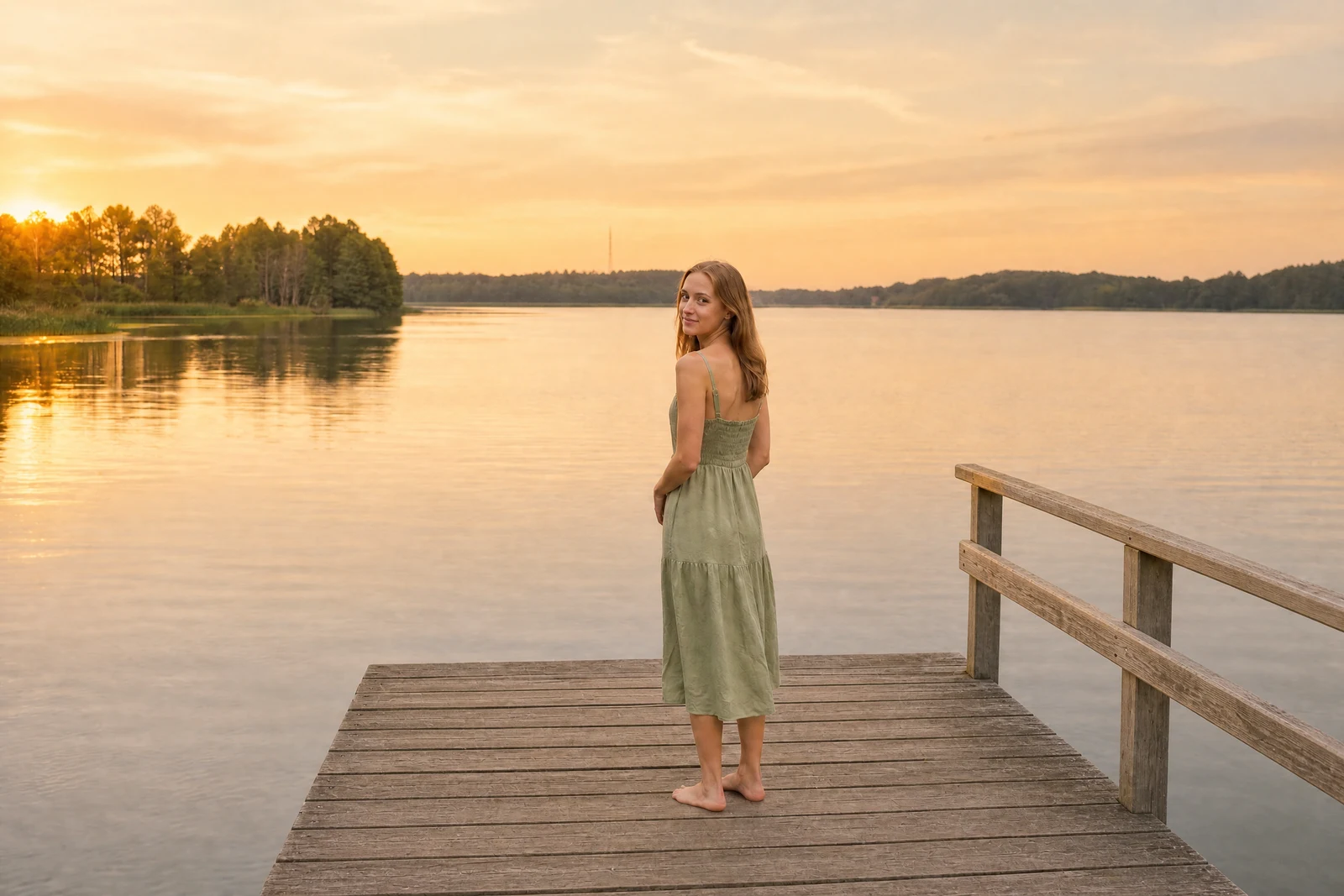
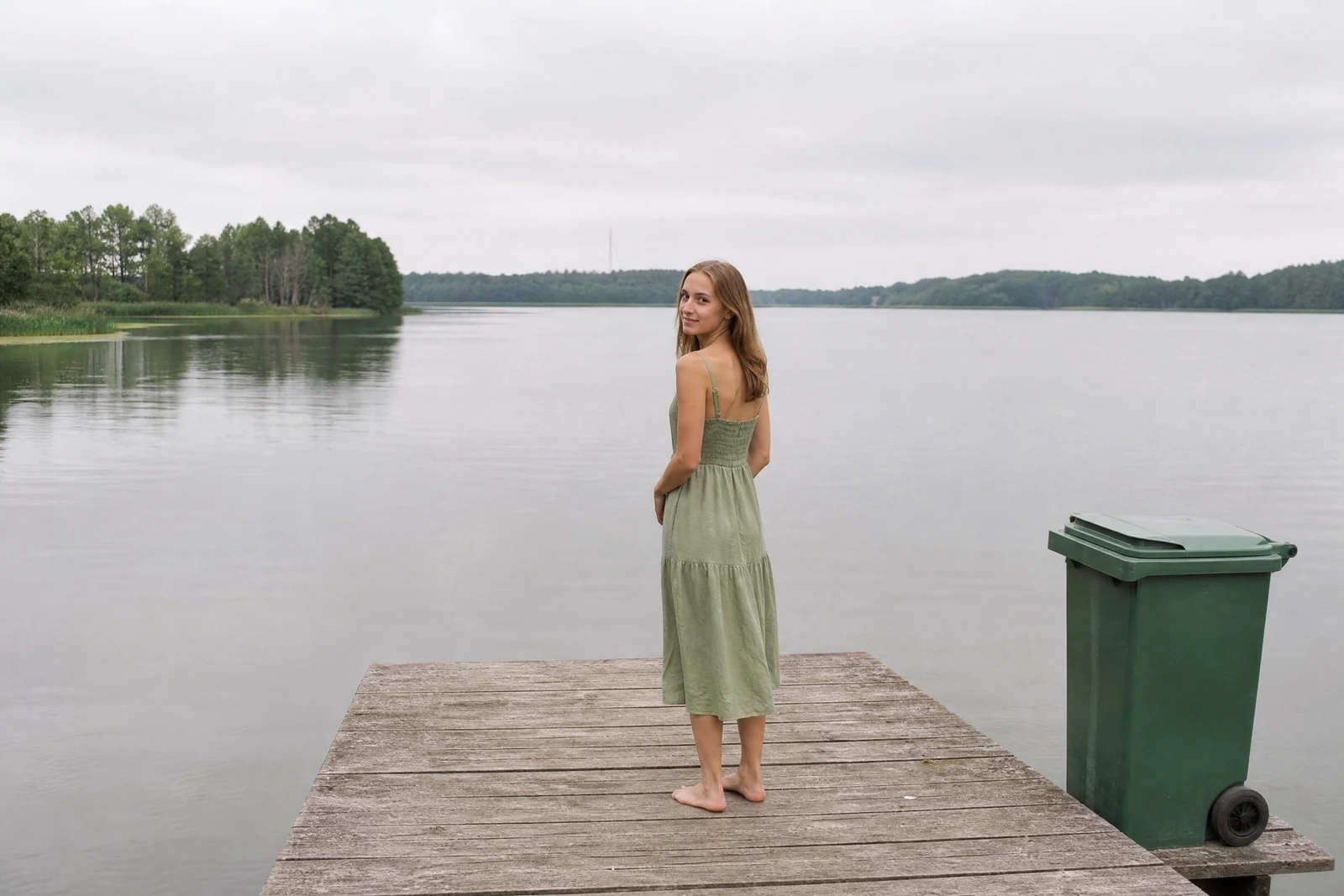
Straight out of the editor, unretouched — slide the handle to see the change.
Sometimes you know exactly what a photo needs and no menu has a button for it. 'Brighten Grandma's face but leave the candles moody.' 'Remove the parked van and make the grass greener.' 'Make this feel like the afternoon it actually was.' The vocabulary people naturally use about photos is richer than any tool list, and this editor accepts it directly.
Type the change as you would say it to a person. The AI parses the request — which may bundle several edits at once — locates the relevant parts of the image, and performs the work: tone and color moves, removals, cleanups, mood shifts, or combinations of all of them in a single pass. Position words like 'on the left' and 'behind us' help it aim, and specific beats vague: 'warm golden light' outperforms 'make it better'.
It is the Swiss Army knife of the catalog and the natural home for edits that cross categories. When a request turns out to be a well-worn path — background swaps, portrait retouching, upscaling — the dedicated tools give tighter control, and results from this editor can be chained straight into any of them.
Why this tool
- Send what you finish here straight into every other tool
- Standard, Pro and Max quality tiers
- Results land in your creations library
- Enlarge for printing, or set the still photo in motion as video
Frequently asked questions
How specific should my description be?
As specific as you can comfortably be. Name the subject, the location in frame, and the direction of the change — 'lift the shadows on the two people at the left, keep the sunset behind them rich' gives the AI far more to aim at than 'fix the lighting'.
Can one prompt make several changes?
Yes — compound requests like 'remove the trash can, brighten the porch, and warm up the colors' are handled in a single pass. If one of the changes matters most, run it alone first so you can judge it cleanly.
What if the result is not what I meant?
Re-run with adjusted wording; your original photo is untouched, so iterations cost nothing but a credit and a few seconds. Adding what should stay the same ('keep everything else as it is') often steadies a result.
Can I try it free?
Yes — signup grants 4 free credits, enough for one Standard-quality edit from a plain-language prompt.
Can I try AI Photo Editor for free?
Yes — every new account starts with 4 free credits, enough to run this tool once at Standard quality. No credit card required.
Related tools