
Use case
Give Every Ancestor a Portrait Worth Their Profile
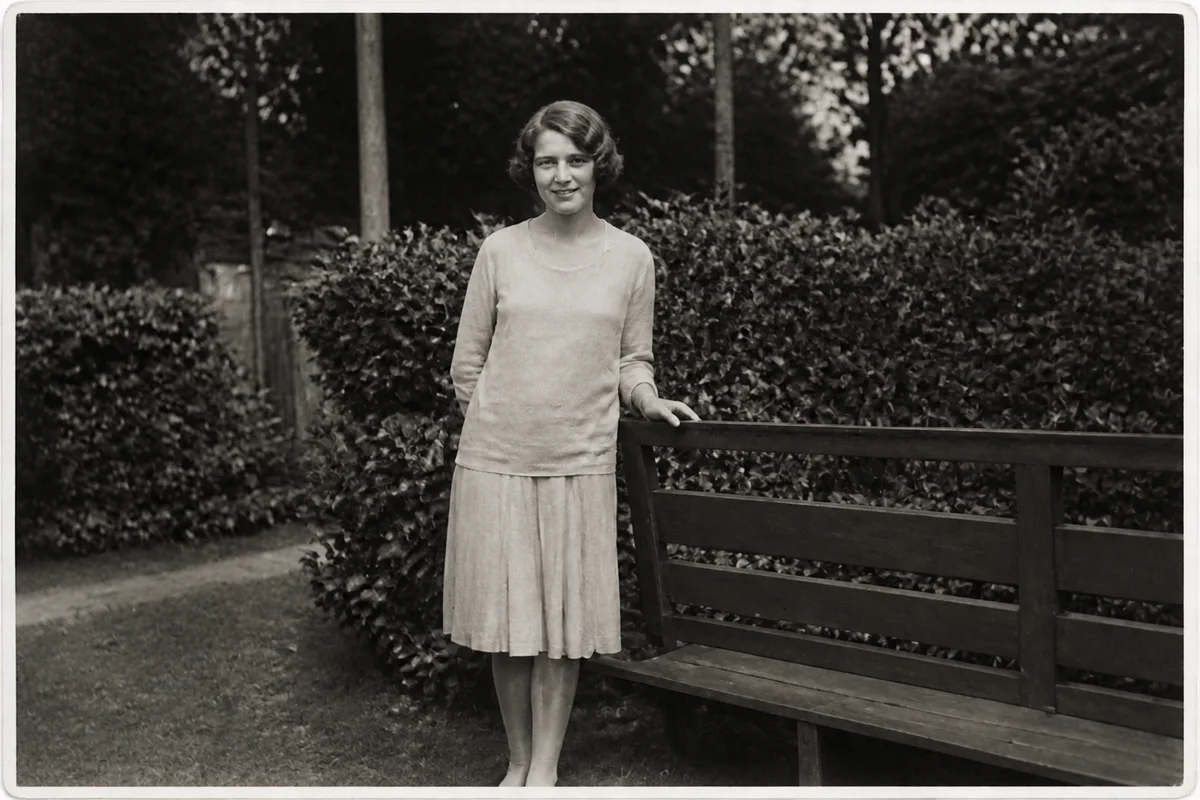
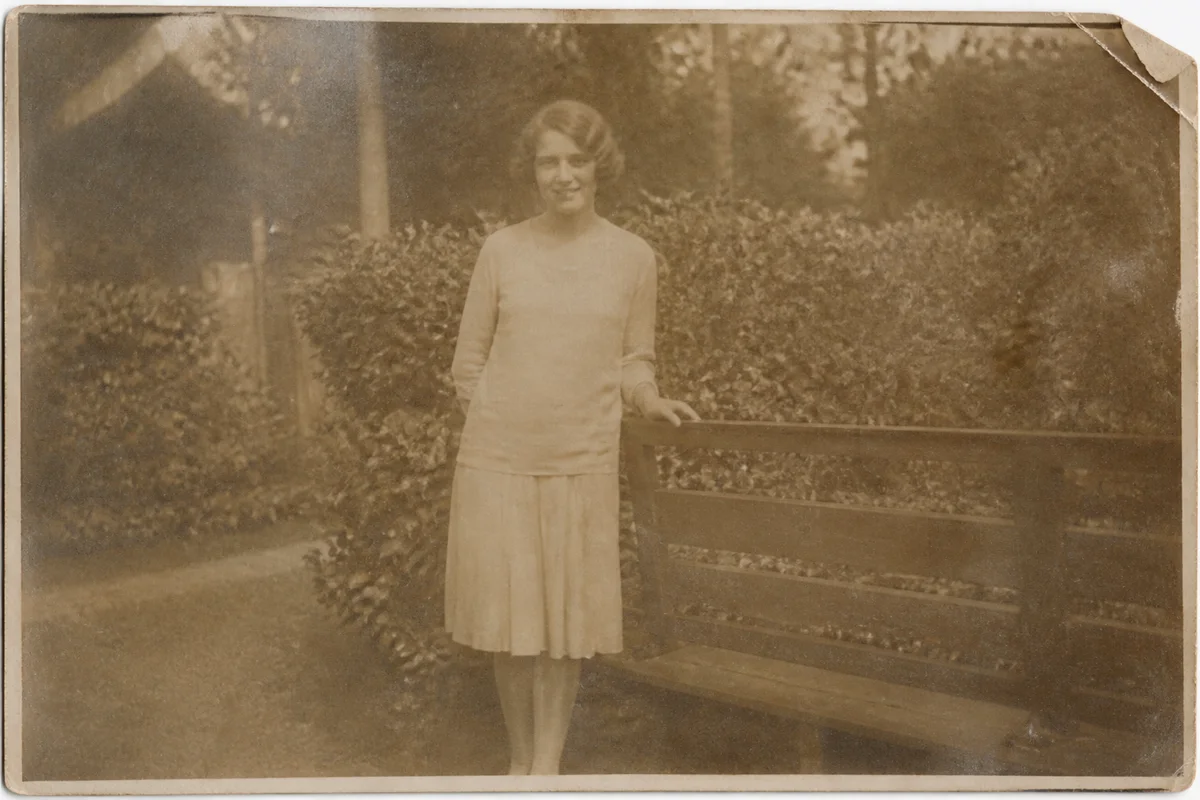
Watch the rescue unfold — pull the slider across.
Family-tree software has a way of making photo quality painfully visible: a grid of profile circles where some ancestors have crisp portraits and others are represented by a gray smudge cropped from a damaged group shot. The smudges aren't less important people — they just drew worse photographic luck.
AI enhancement upgrades the smudges. Crop the ancestor from whatever image survives, restore the damage, sharpen the face, and upscale — and the profile circle now shows a person instead of an artifact. Colorization is a popular final touch for the tree's display layer, with the original scan attached as the source record.
Each portrait takes seconds, so bringing an entire tree's photo layer up to standard is a satisfying evening, not a research season.
The problems this solves
- Profile thumbnails expose how rough the cropped source images are.
- Some ancestors' only image is one small face in a large group photo.
- Tree platforms compress uploads, punishing already-weak scans.
- Mixed black-and-white and color portraits make the tree feel disjointed.
A workflow that works
Restore the source image
Whatever damage the source carries — fade, spots, creases — comes off before cropping the portrait.
AI Photo RestorationSharpen the cropped face
A face cropped from a group shot needs rebuilding to hold up in a profile circle. Keep the original crop archived — the enhanced version is display-layer, not evidence.
AI Face EnhancementUpscale the small crop
Platform compression is kinder to larger uploads; upscale the portrait before it goes into the tree.
AI Image UpscalerOptionally colorize for display
A consistently colorized tree reads warmly; note colorized versions as interpretations in each profile's records.
AI Photo ColorizerFrequently asked questions
What's the best crop for a tree profile photo?
Head and shoulders, face centered, a little breathing room above the head — profile circles crop aggressively, so keep the face central and upscale so the platform has resolution to spare.
Should the enhanced portrait replace the original scan in my records?
Attach both: the enhanced portrait for display, the untouched scan as the source. Enhancement reconstructs detail, so the original remains the document of record.
Can I fix all my tree's photos in one session?
Seconds per portrait makes a full tree pass realistic in an evening. Signup's 4 free credits let you upgrade the four ancestors who need it most and judge from there.
Does a clearer photo help with record matching?
A clear face helps you compare candidate photos and spot family resemblance — treat that as one clue among your dates, places, and documents.
Related use cases