
Products & places
AI Product Retouch
Catalog-grade product photos from phone shots
Starter credits come with your account — and there's no card to enter.
- 1Upload the product photo and choose its type
- 2The AI cleans, sharpens, and color-settles to listing standard
- 3Compare against the item in hand, then download

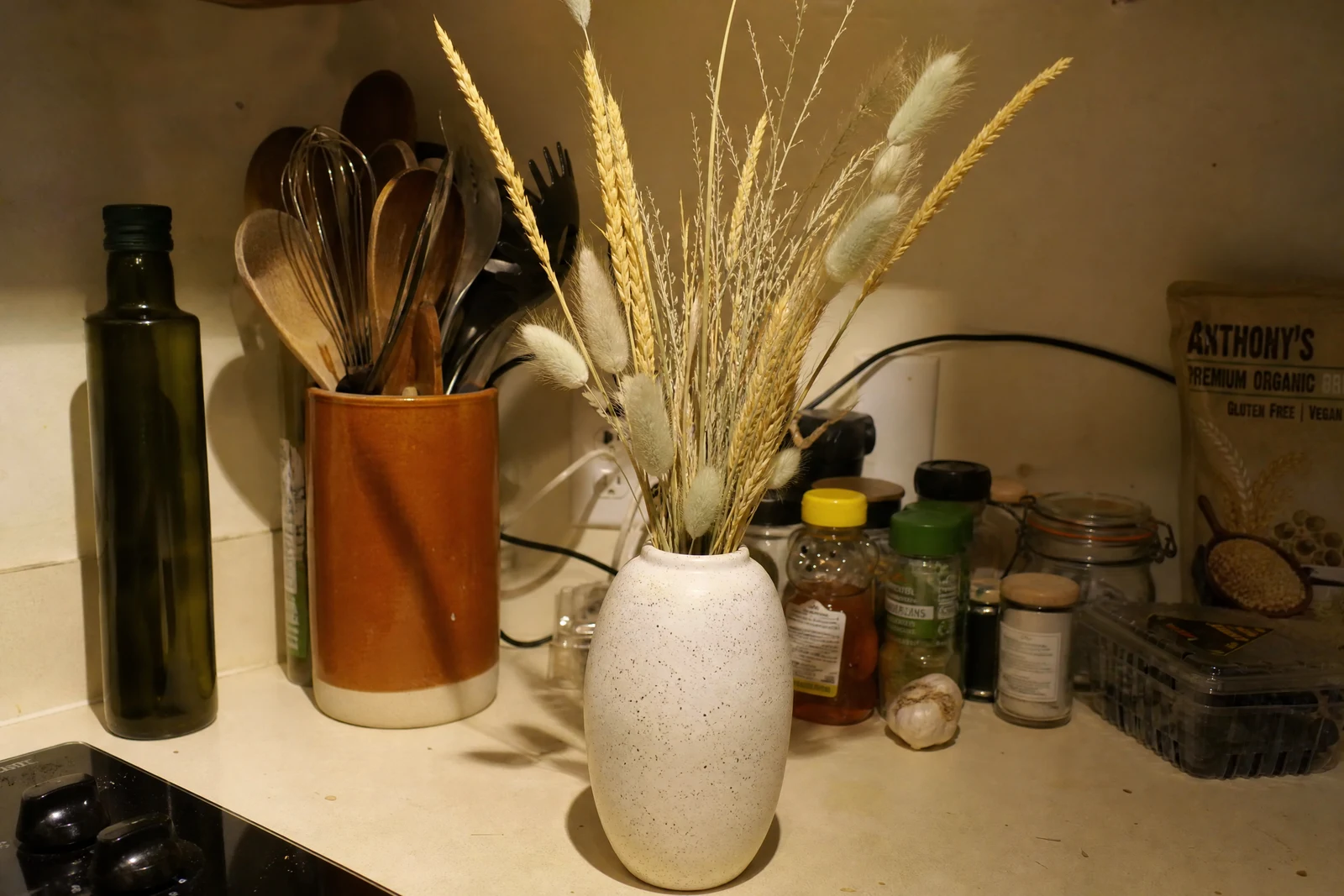
Straight out of the editor, unretouched — slide the handle to see the change.
Buyers judge the object by the photo, and small flaws in the photo become suspicions about the product: dust reads as neglect, a color cast reads as inaccuracy, soft edges read as cheapness. Studios solve this with controlled light and hours of retouching per item; most sellers have a window, a phone, and a queue of listings.
The modes carry the specialist knowledge. Auto delivers a general commerce-grade cleanup. Glossy & reflective manages the hardest subjects — items that mirror the room and the photographer back at the camera. Fabric & apparel emphasizes weave, drape, and true garment color; Jewelry attends to metal tone and stone sparkle at the small scale where phones struggle; Food & drink pushes freshness and appetite. In every mode, dust and smudges go, edges tighten, and color settles toward what the object looks like in person.
It slots into a fast listing pipeline: retouch here, then Background Remover or Change Background for the clean backdrop, and the Image Upscaler if the marketplace wants larger files. Ten listings' worth is an evening's coffee break, not a studio invoice.
Why this tool
- Send what you finish here straight into every other tool
- Standard, Pro and Max quality tiers
- Results land in your creations library
- Enlarge for printing, or set the still photo in motion as video
Frequently asked questions
Which mode should I pick?
Match the mode to the product's photographic problem: Glossy for anything that reflects, Fabric for apparel and textiles, Jewelry for metal and stones, Food for edibles. Auto covers everything else well.
Will the product's color stay true to life?
The pass settles color toward neutral, correcting the casts phone cameras add. Since buyers compare photos to what arrives, review the result against the physical item before listing — that check is the seller's best quality control.
Does it work with photos taken at home?
That is the target user: window light, a table, a phone. The retouch supplies the polish that a light tent would have; a Change Background pass supplies the seamless backdrop.
Can I try it free?
Yes — signup includes 4 free credits, covering one Standard-quality product retouch.
Can I try AI Product Retouch for free?
Yes — every new account starts with 4 free credits, enough to run this tool once at Standard quality. No credit card required.
Related tools