
Enhance quality
AI Photo Retouch
A focused cleanup pass for any kind of photo
Starter credits come with your account — and there's no card to enter.
- 1Upload the photo and choose the focus mode that fits the subject
- 2The AI applies a subject-aware retouching pass
- 3Review the cleanup and download the finished photo
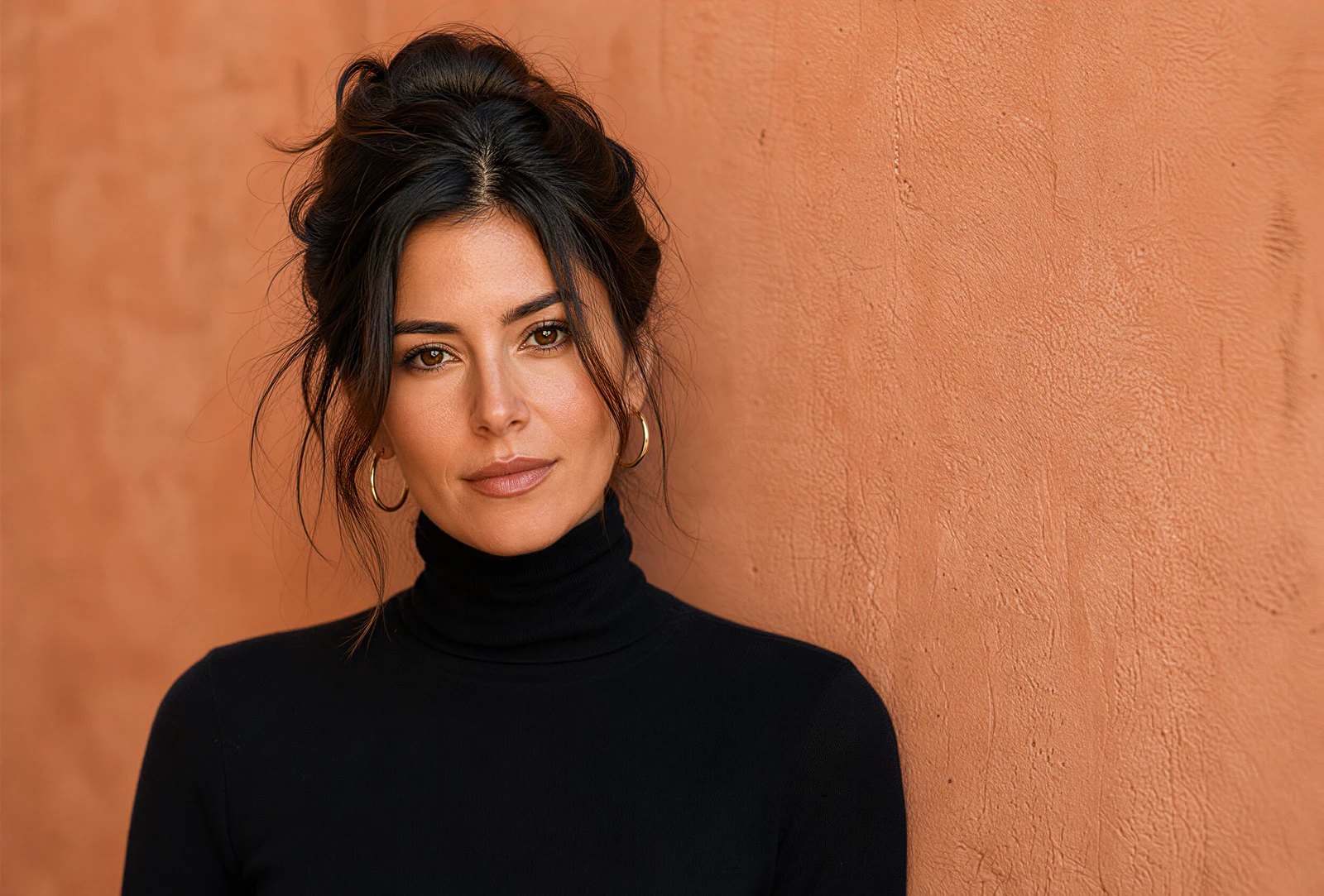
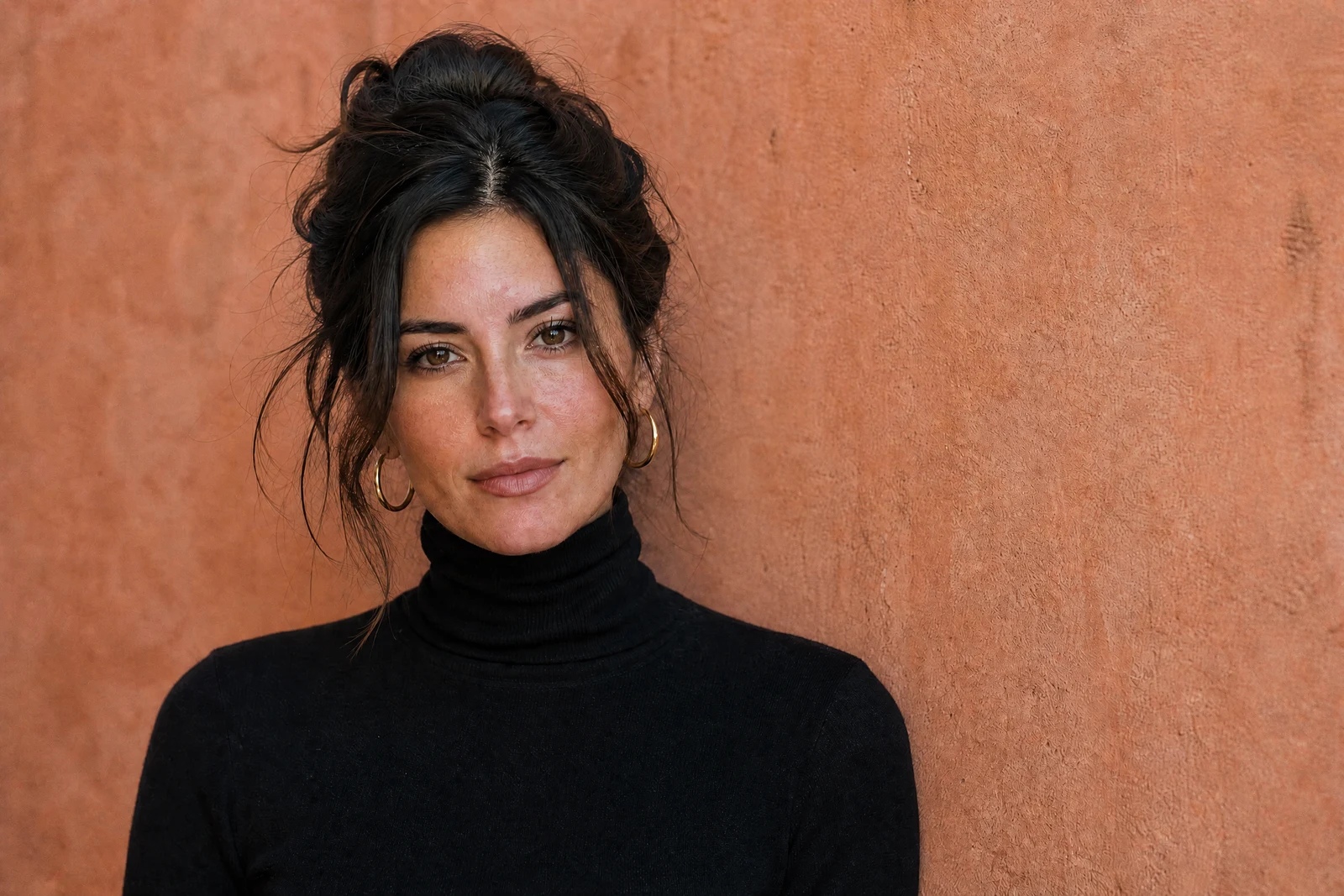
Straight out of the editor, unretouched — slide the handle to see the change.
Retouching is the craft of a hundred small decisions — what to clean, what to leave, what the photo is for. A portrait retoucher works skin and eyes; a product retoucher chases dust and reflections; a food stylist's edit is about freshness and appetite. The right pass depends on the subject, and this tool ships those sensibilities as selectable modes.
Auto examines the photo and applies a general cleanup: distracting flaws reduced, tones and color settled, detail refreshed. Portrait focus brings the skin-aware judgment of a people retoucher. Product focus tightens edges, cleans the surface, and treats reflections for catalog-ready items. Real estate focus brightens rooms and straightens the feel of a listing shot; Food focus pushes freshness and texture; Landscape focus deepens skies and foliage.
It is the tool for photos that need thoughtful cleanup rather than a single named fix — the almost-good shots that make up most of an archive. For deeper single-purpose work, the specialists go further: Face Retouch for close portraits, Product Retouch for commerce sets, Real Estate Photo Editor for full listing treatments.
Why this tool
- Send what you finish here straight into every other tool
- Standard, Pro and Max quality tiers
- Results land in your creations library
- Enlarge for printing, or set the still photo in motion as video
Frequently asked questions
How do the focus modes differ from Auto?
Auto applies a balanced general cleanup. The focus modes weight the pass for a subject type — skin handling in Portrait, surface and reflection work in Product, room brightness in Real estate — the way a specialist retoucher would prioritize.
When should I use Face Retouch instead of Portrait focus?
Portrait focus here is a whole-photo pass that is careful around people. Face Retouch is the dedicated close-up skin tool — blemishes, shine, under-eye work — and is the better choice when the face is the entire subject.
Is one run usually enough?
For most photos, yes — the pass is designed as a complete cleanup. Stubborn individual flaws afterward are jobs for the targeted tools: Object Removal for distractions, Glare Removal for reflections, Denoise for grain.
Can I try AI Photo Retouch for free?
Yes — every new account starts with 4 free credits, enough to run this tool once at Standard quality. No credit card required.
Related tools