
Products & places
AI Hold / Wear Product
Your product, in someone's hands, in a real scene
Starter credits come with your account — and there's no card to enter.
- 1Upload the product photo, plus a model photo or description
- 2Describe the scene and let the AI compose the lifestyle shot
- 3Review the product's look in hand, then download

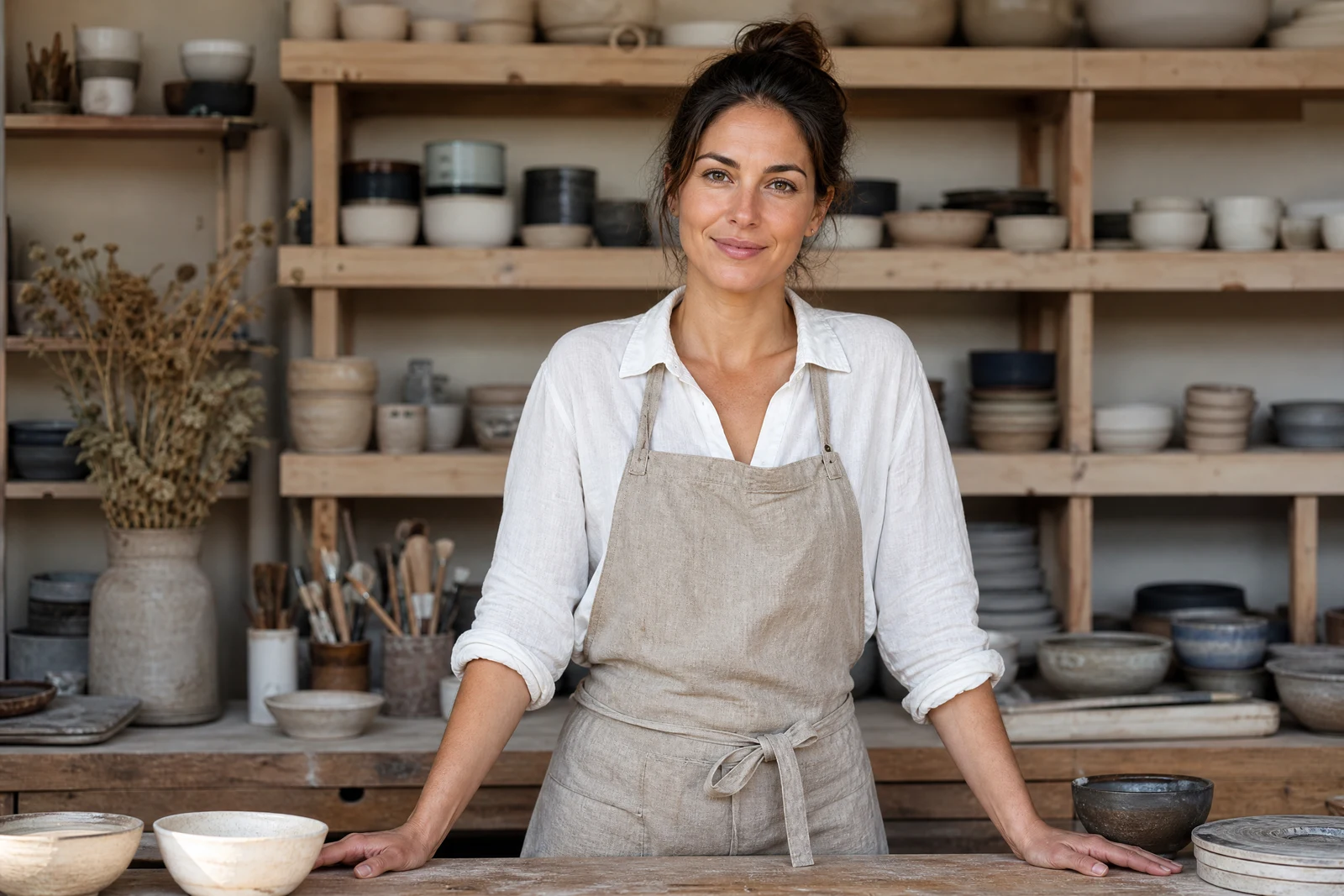
Straight out of the editor, unretouched — slide the handle to see the change.
A product on a white background answers 'what is it'; a product in someone's hands answers 'what is it like to own'. Lifestyle imagery is what converts on marketplaces and social feeds, and it traditionally costs a model, a location, and a shoot day per campaign — the exact budget small brands do not have.
This tool builds the shot from the product photo alone. Upload the product, then either supply a model photo or describe one — 'a woman in her 30s, casual style' — and optionally set the scene: 'holding the mug on a balcony at sunrise', 'wearing the tote on a city street'. The AI composes the shot with the product in the model's hands or on their person, rendered at true scale under the scene's light, with your product's actual design and labeling carried over from the photo.
A product line becomes a campaign in an afternoon: same item across five scenes and five audiences, tested before any real shoot is booked. Product Retouch first gives the AI the cleanest possible product to stage; Virtual Try-On remains the specialist when the product is clothing being worn as clothing.
Why this tool
- Send what you finish here straight into every other tool
- Standard, Pro and Max quality tiers
- Results land in your creations library
- Enlarge for printing, or set the still photo in motion as video
Frequently asked questions
Will my actual product appear, or a lookalike?
The composition carries your product's design, shape, and labeling from the uploaded photo into the scene. Inspect the label and details in the result as you would a proof from a photographer.
Do I need a model photo?
No — a described model works: age range, style, setting. Supplying a photo is for when a specific person (you, your brand's model) should appear.
What scenes convert well?
Scenes where the product is being used naturally: kitchenware in kitchens, activewear mid-activity, accessories on the way somewhere. Matching the scene to your customer's life is the craft; iterating costs seconds per try.
Can I try it free?
Yes — 4 free credits at signup cover one Standard-quality lifestyle shot.
Can I try AI Hold / Wear Product for free?
Yes — every new account starts with 4 free credits, enough to run this tool once at Standard quality. No credit card required.
Related tools