
Use case
Rescue Photos from Newspaper Clippings
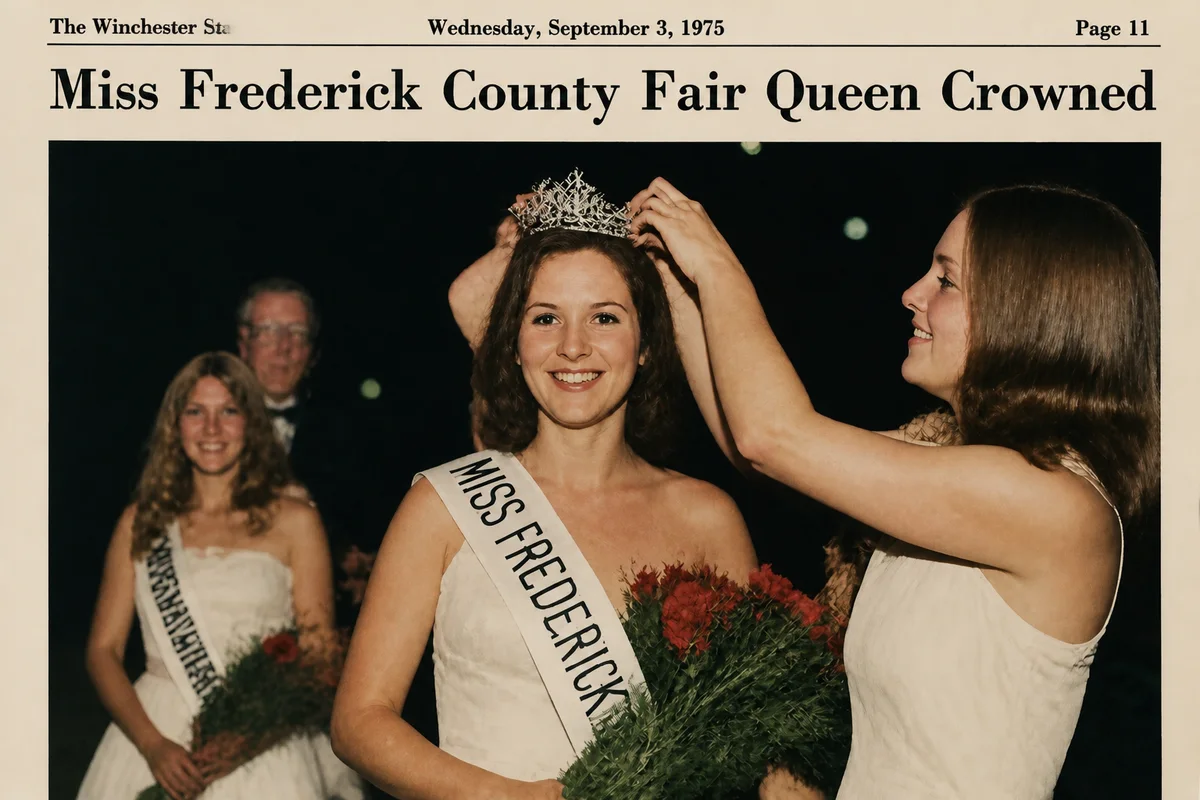
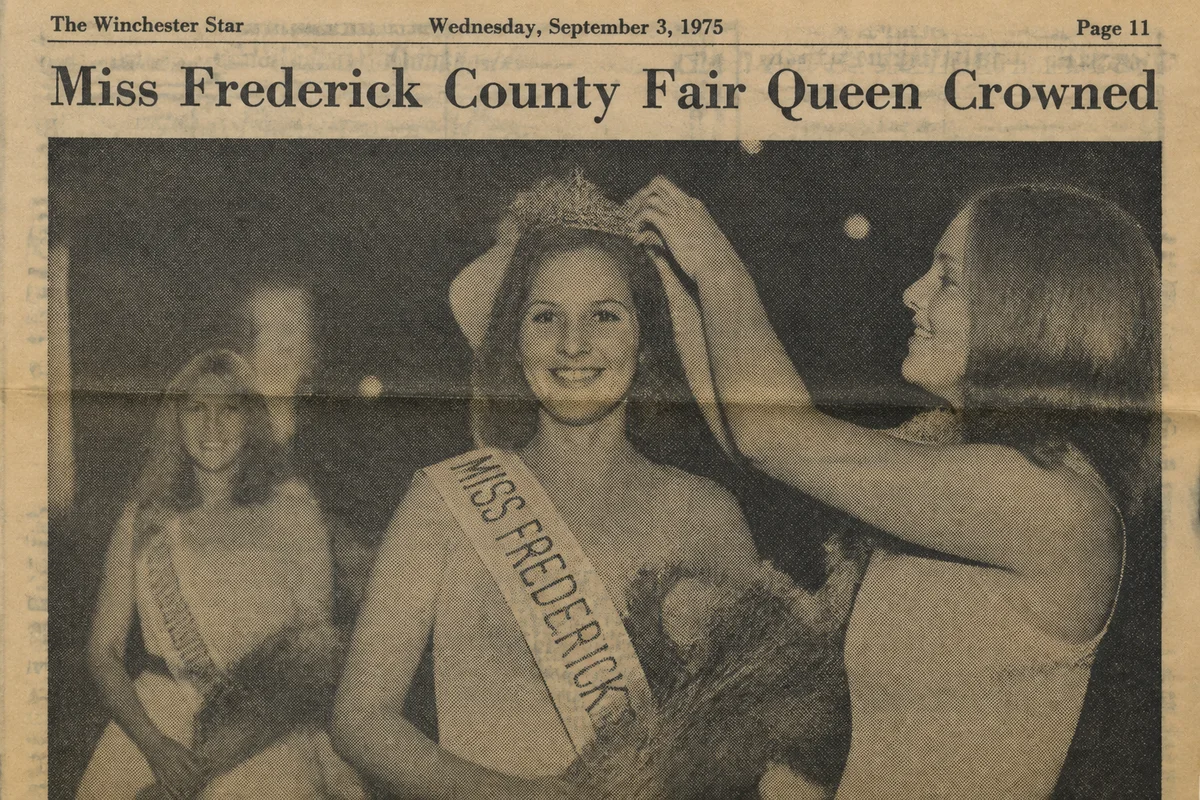
Watch the rescue unfold — pull the slider across.
Plenty of family history survives only as newsprint: the engagement announcement, the championship team, the store opening, the obituary portrait. Someone clipped it, folded it into a Bible, and sixty years later the clipping is yellow, brittle, and printed in dots you can see from arm's length.
Newsprint is a genuinely hard restoration case — the halftone dot pattern, the paper's deep yellowing, the fold lines — and it's a case AI handles surprisingly well. The dots smooth back into continuous tones, the yellow lifts to neutral, folds and tears repair, and the face inside the clipping comes forward like a photograph again.
Scan the clipping gently, upload, and seconds later the family has the photo the newspaper was printed from — or the closest thing to it that exists anymore.
The problems this solves
- Halftone dots break every face into a visible screen pattern.
- Newsprint yellows fast and goes brittle at every fold.
- The clipping is often the only surviving version of the photograph.
- Text from the reverse side ghosts through the thin paper.
A workflow that works
Restore the clipping scan
One pass addresses yellowing, fold lines, and the halftone screen — the trio that makes newsprint hard.
AI Photo RestorationSmooth residual dot pattern
Any halftone texture that survives restoration reads as noise, and denoising finishes the job.
AI DenoiseRecover the face
Newspaper reproduction was low-detail to begin with; enhancement rebuilds the portrait inside it. Treat rebuilt features as reconstruction and compare with other photos of the person when possible.
AI Face EnhancementUpscale the result
Clippings are small; upscaling delivers a framable print from a column-width photo.
AI Image UpscalerFrequently asked questions
How do I scan a brittle clipping without damaging it?
Handle it once: support it on clean paper, don't unfold sharp creases against resistance, and scan or photograph it flat under glass if it curls. All the repair happens digitally afterward.
Text from the other side shows through. Can that be removed?
Yes — bleed-through is treated as damage and lifted out. Scan the reverse side too if the text itself matters to the family record.
Can you restore the headline and caption as well?
The restoration works on the whole clipping, and captions usually sharpen nicely. Many families keep two versions: the full clipping and a cropped, restored photo.
Is one clipping enough to justify signing up?
Signup is free and includes 4 free credits — a single clipping restoration fits comfortably inside that.
Related use cases