
Restore & revive
AI Open Closed Eyes
Save the group photo where someone blinked
Starter credits come with your account — and there's no card to enter.
- 1Upload the photo where someone's eyes are closed or half-closed
- 2The AI renders matching open eyes in the person's natural style
- 3Review the face closely and download the saved shot
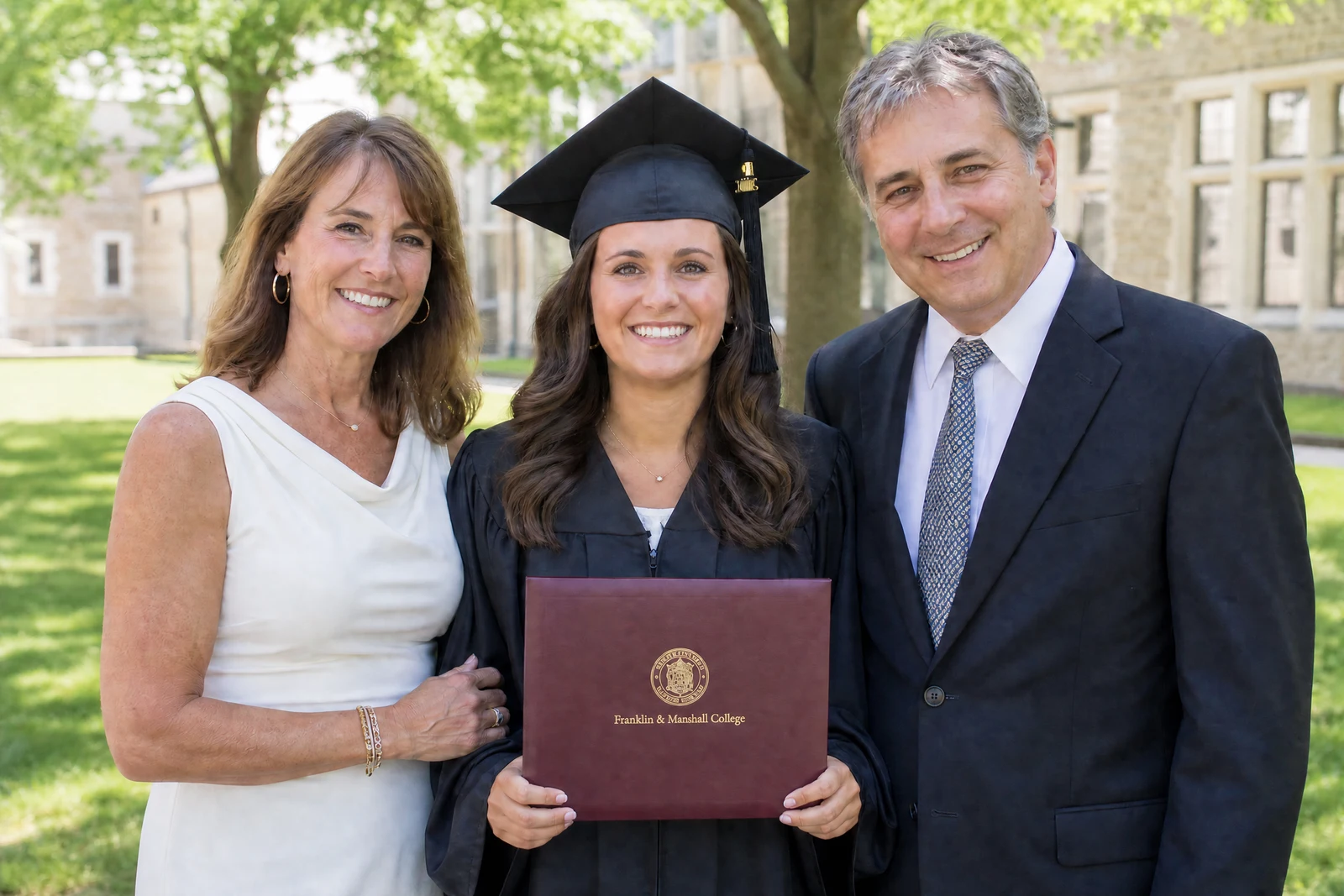
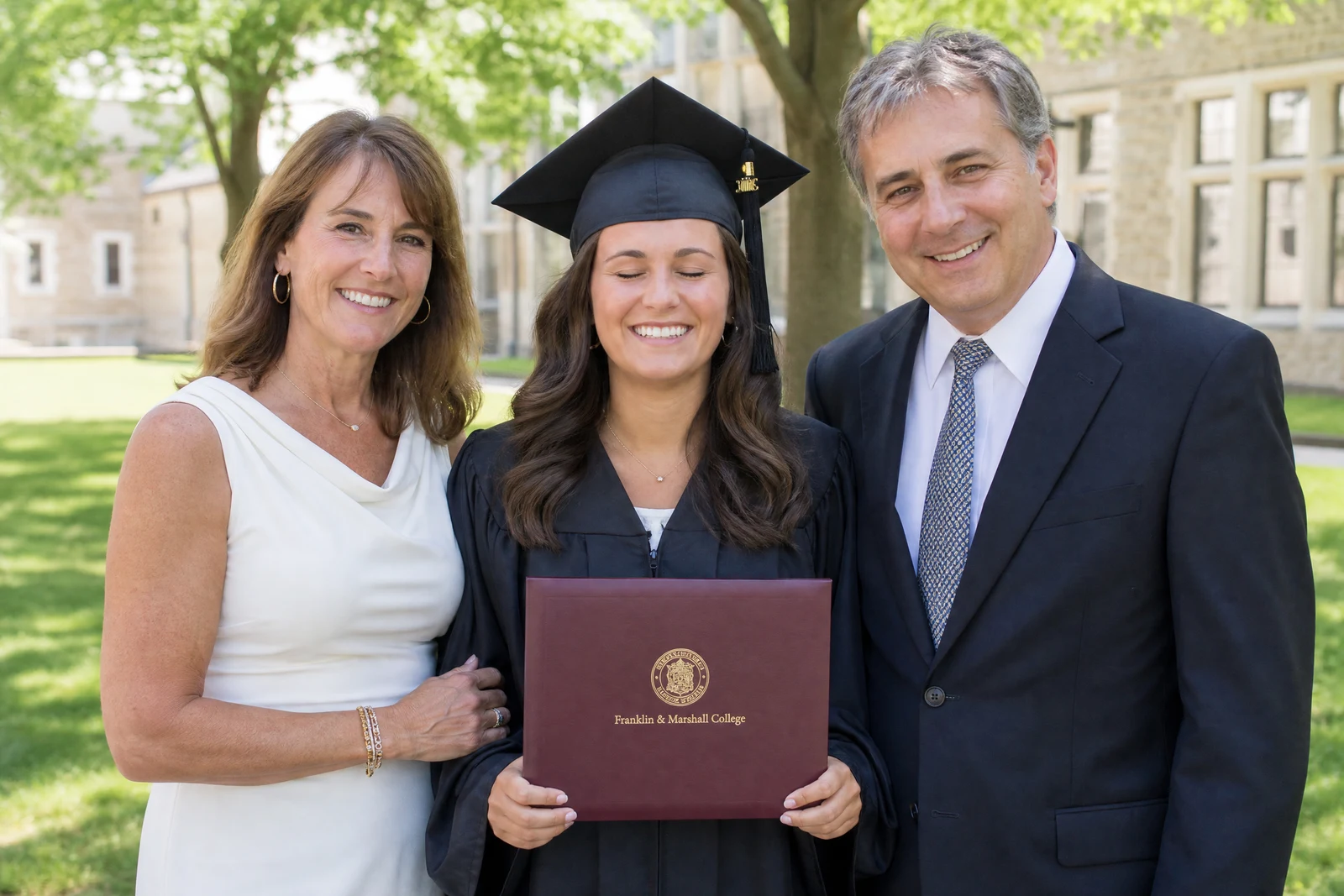
Straight out of the editor, unretouched — slide the handle to see the change.
Every family has one: the reunion photo where all fifteen people finally look good — except Uncle Joe, mid-blink. Group photos multiply the odds against you, and the frame where everyone's eyes are open is often the one where someone's smile has died. Photographers solve this by shooting bursts and compositing heads; most family archives never got that treatment.
This tool works from the single frame you actually have. Upload the photo and the AI renders open eyes for the blinking subject, drawing on the person's visible features, the direction of the light, and the geometry of their face so the result sits naturally in the photo. Eye color, catchlights, and lid detail are generated to match the rest of the portrait rather than pasted from a template.
It earns its keep on the shots that cannot be retaken — weddings, graduations, photos of relatives no longer with us. Because it takes seconds, it is worth running on every near-miss in the album; pair it with Perfect Smile or Face Retouch when a rescued frame deserves a full polish.
Why this tool
- Send what you finish here straight into every other tool
- Standard, Pro and Max quality tiers
- Results land in your creations library
- Enlarge for printing, or set the still photo in motion as video
Frequently asked questions
How does it know what the person's eyes look like?
It infers eye shape, color, and catchlights from the person's visible features and the lighting of the photo. If you have another photo of the same person with eyes open, comparing the result against it is a good sanity check.
Does it work on half-closed or squinting eyes?
Yes — mid-blink, heavy-lidded, and squinting eyes are the most common cases and typically the most convincing fixes, since more of the true eye is visible to work from.
Can it fix several people in one photo?
Yes, blinking subjects across the frame are treated in the same pass. For a very large group where one specific face matters most, results are easiest to judge if you review each fixed face up close.
Can I try it free first?
Yes — signup includes 4 free credits, enough for one Standard-quality run on the group shot you most want to save.
Can I try AI Open Closed Eyes for free?
Yes — every new account starts with 4 free credits, enough to run this tool once at Standard quality. No credit card required.
Related tools