
Enhance quality
Generative Expand
Grow the photo beyond its original edges
Starter credits come with your account — and there's no card to enter.
- 1Upload the photo and choose the shape to expand into
- 2The AI continues the scene outward, matching light and texture
- 3Inspect the new edges and download the expanded photo
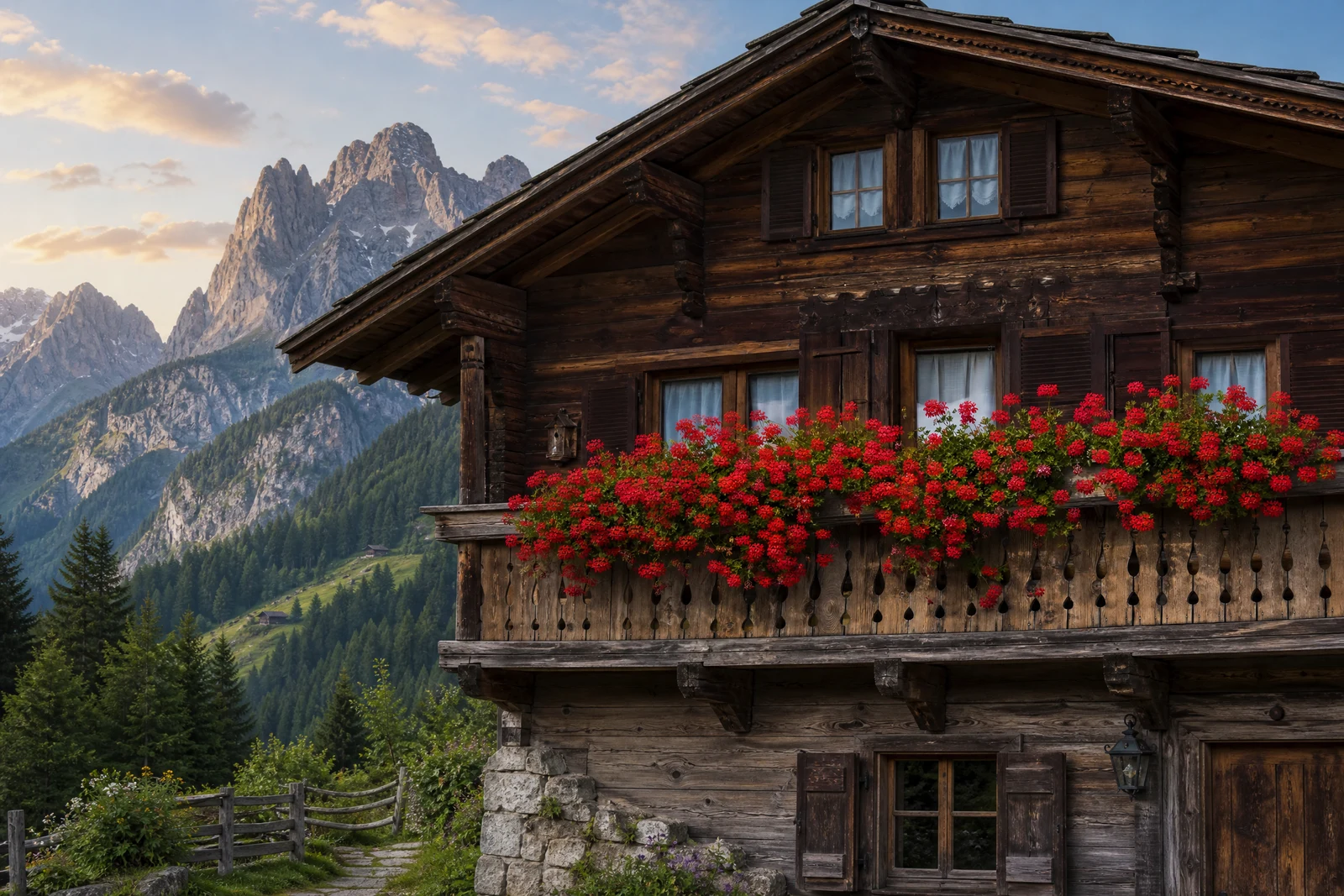
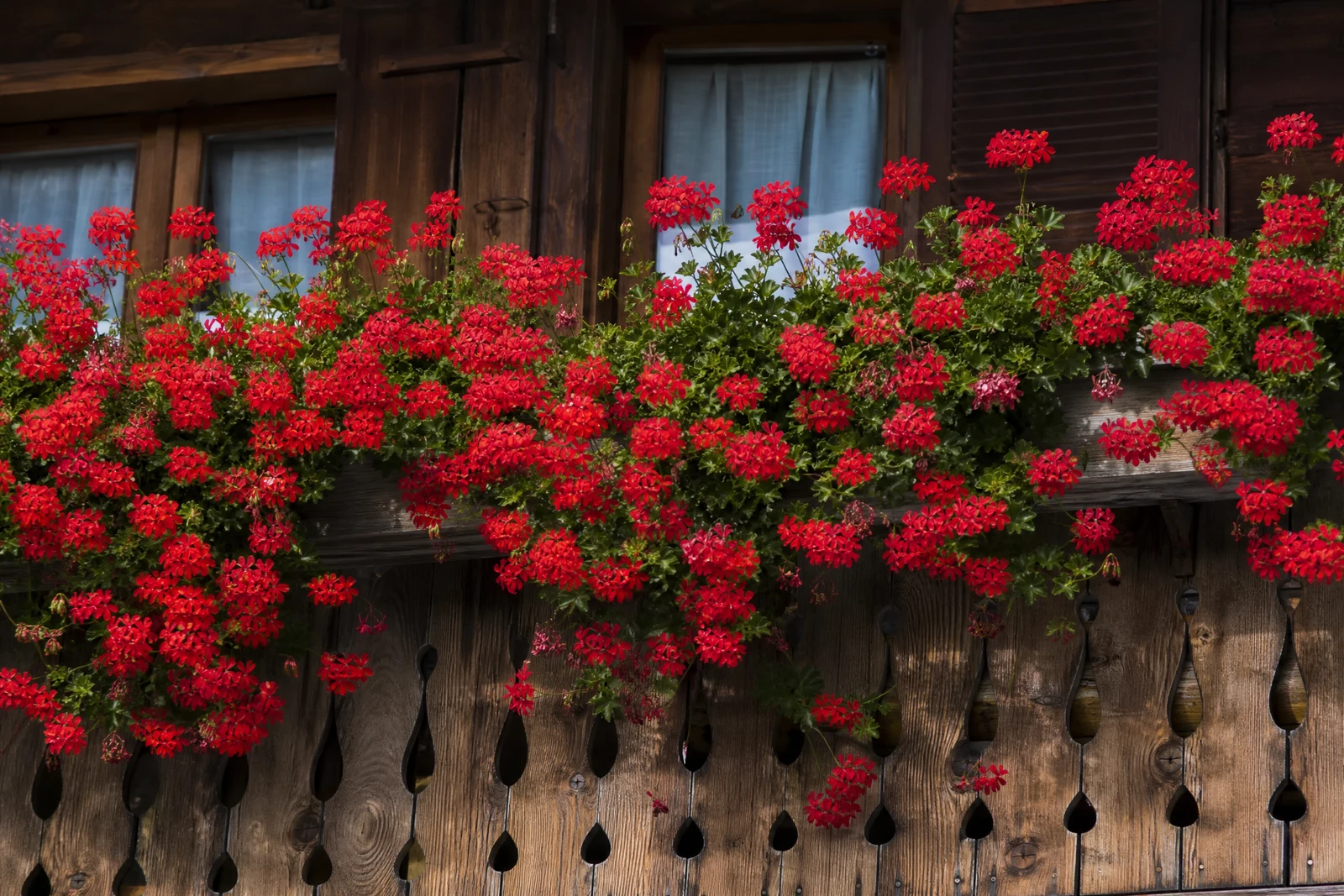
Straight out of the editor, unretouched — slide the handle to see the change.
Some photos were framed too tight the day they were taken: the scanned print that cropped Grandpa's hat, the phone shot that cut the church steeple, the group photo with no margin to print and frame. The missing scene was real — the camera just did not record it — and until generative fill, no editor could give it back.
Expand continues your photo outward. Pick the target shape and the AI extends sky, floor, walls, foliage, and crowd past the original borders, matching light, perspective, grain, and color so the seam between recorded and generated is not where the eye goes. The original image is kept as the core; everything new is built around it.
It turns a cramped vertical into a wide header, gives a tight portrait the negative space a print mat wants, and completes scenes that old prints cropped away. The extension is invented context, so review it as such — and for tasks where the composition itself should change rather than grow, Reframe is the companion tool.
Why this tool
- Send what you finish here straight into every other tool
- Standard, Pro and Max quality tiers
- Results land in your creations library
- Enlarge for printing, or set the still photo in motion as video
Frequently asked questions
What does the AI put in the new areas?
A continuation of what is already there — more of the same sky, wall, ground, or greenery, matched for lighting, perspective, and grain. It extends the scene rather than importing new subjects into it.
Is the original part of the photo altered?
The recorded image remains the core of the result while the growth happens around it. As always with generated content, look over the transition zones before printing or sharing.
What is a good use for old family prints?
Prints were often cropped hard at the lab. Expanding a tight scan gives it margins for modern frame ratios — and following with the Image Upscaler prepares the enlarged canvas for a wall-size print.
Can I try it without paying?
Yes — 4 free credits at signup cover one Standard-quality expansion.
Can I try Generative Expand for free?
Yes — every new account starts with 4 free credits, enough to run this tool once at Standard quality. No credit card required.
Related tools